
How to Code Interviews in NVivo Step by Step (2026)
You have twelve transcripts, a licence your university paid for, and a program that opens onto an empty project with no obvious first move. NVivo does not analyse your data — it organises the analysis you perform, and the gap between those two things is where most first projects stall. This guide takes you from an empty project to a defensible set of themes, in the order the work actually happens.
Step 1: Decide your method before you open the software
NVivo is method-agnostic. It will support reflexive thematic analysis, framework analysis, grounded theory or content analysis equally well, and it will let you do all four badly at once. The single biggest predictor of a smooth project is having answered three questions in writing first.
Which approach are you using, and whose version of it? “Thematic analysis” alone is not an answer — our guide to doing thematic analysis step by step and the comparison of content analysis and thematic analysis cover the distinctions that determine how you code.
Is your coding inductive, deductive or both? Deductive coding starts from a framework, so you build the code structure before you read. Inductive coding builds codes from the data, so you must resist creating structure early.
What counts as a codeable unit? A line, a sentence, a complete turn of speech, or a whole passage on a topic. Decide, write it down, and apply it consistently — this is the decision reviewers ask about and the one nobody remembers making.
A note on terminology that trips people up: NVivo historically called codes “nodes”, and both words appear in older documentation and in the interface’s own history. They are the same thing. Note too that NVivo is now a Lumivero product — any guide still attributing it to QSR International predates the change, which is a reasonable signal of how current the rest of that guide is.
Step 2: Set up the project so it can answer questions later
Import your transcripts as files, then do the two things most students skip.
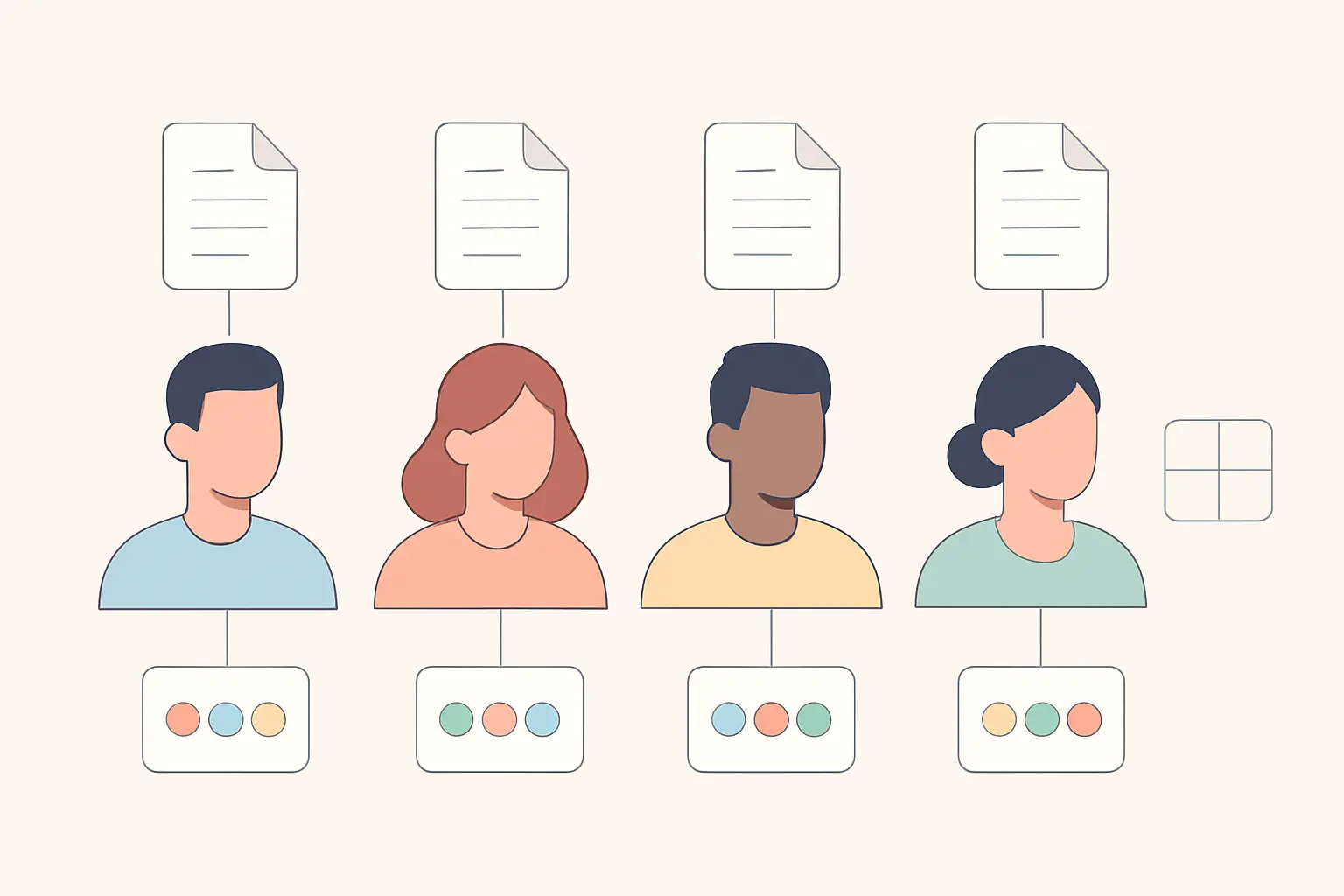
Create a case for each participant and link it to their transcript. A case represents the unit you are studying — a person, an organisation, a site — as distinct from the document that happens to contain their words.
Give each case its attributes: the classification variables you might later want to compare on, such as role, years of experience, department or site. Enter them now, while you have the recruitment spreadsheet open.
The reason this matters is that attributes are what make comparison possible. With cases classified, you can later ask NVivo whether early-career and senior participants talked about a theme differently, and get an answer in one query. Without them, that question requires re-reading everything by hand. Five minutes of setup buys an analysis you would otherwise not attempt.
Two housekeeping habits: keep the raw audio and the transcript files outside the project as your source of truth, and back up the project file regularly — an NVivo project is a single database file and a corruption takes everything with it. Transcription itself sits upstream of all of this; our comparison of interview transcription tools covers that stage.
Step 3: Code the first transcript slowly
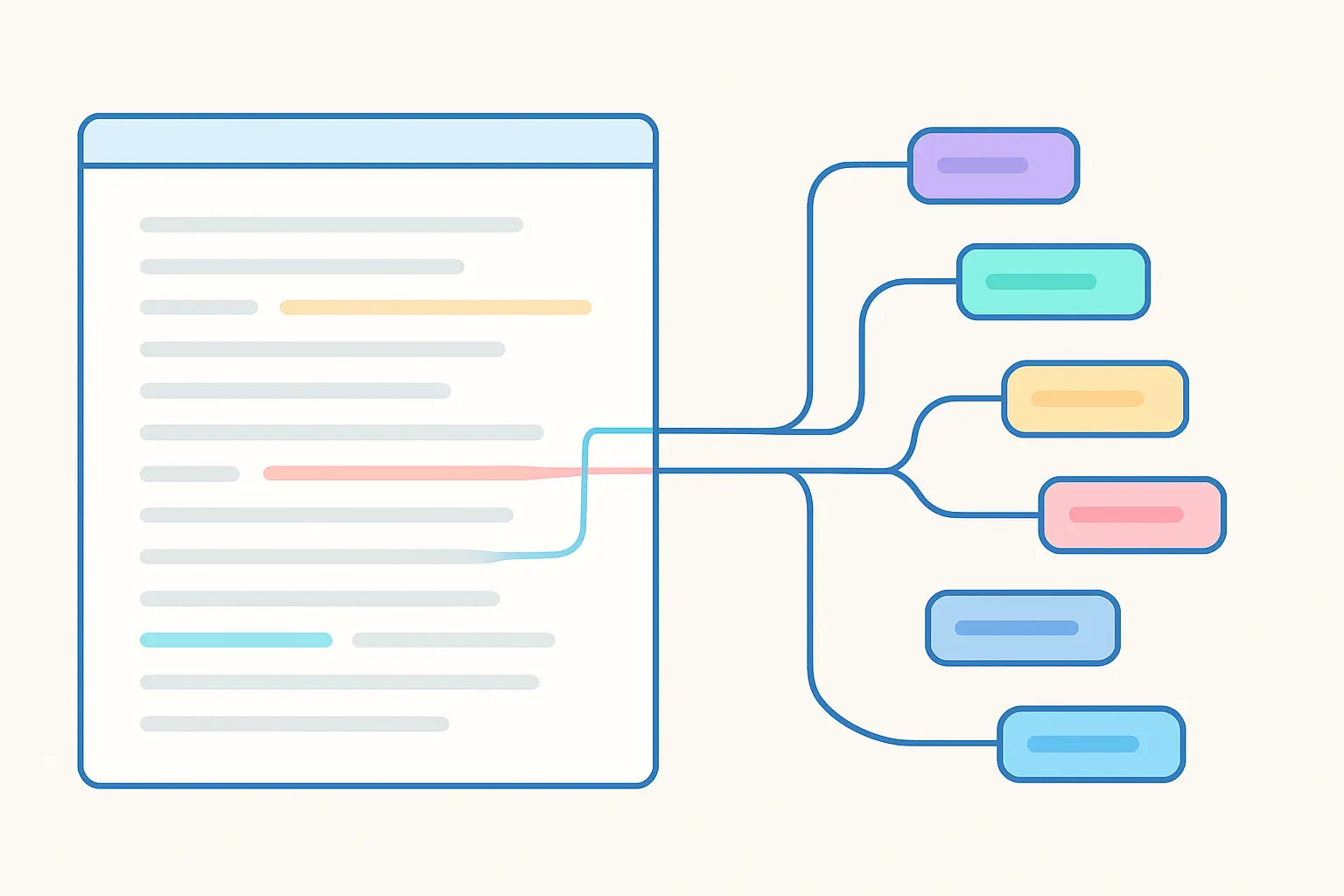
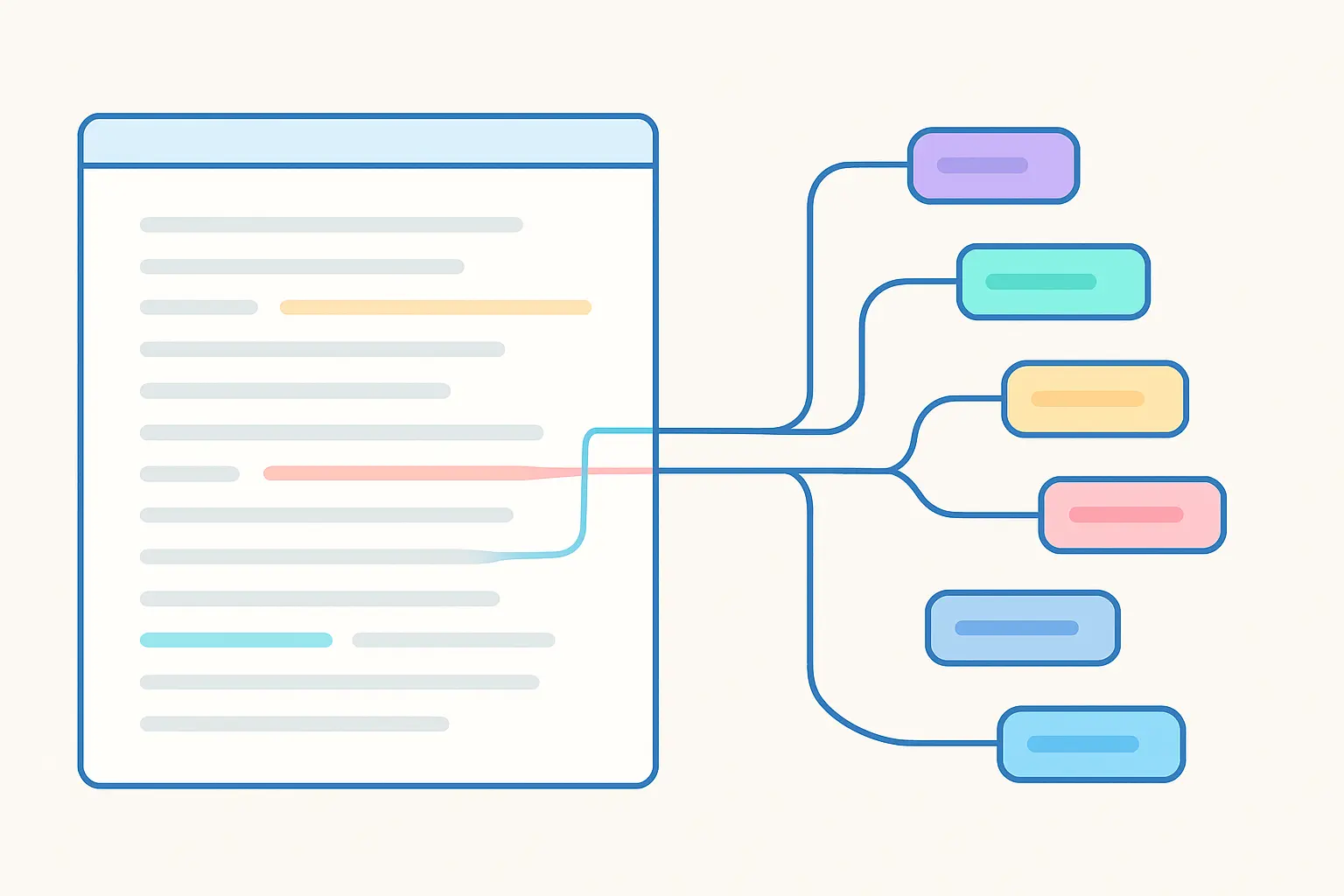
Open a transcript, select a meaningful passage, and code it — either to a new code you name on the spot, or to an existing one. Work through the whole transcript this way.
Three principles make the difference between a usable first pass and a mess.
Do not build a hierarchy yet. Let codes accumulate in a flat list. Structure imposed in the first hour reflects your expectations, not the data, and it is much harder to dismantle than to build.
Code generously and allow overlap. A passage can and often should carry several codes. Under-coding loses material you cannot recover without re-reading; over-coding is trimmed later in minutes.
Write a memo the moment you have an idea. NVivo memos are permanent, linkable and searchable, and they become the raw material of your analysis chapter. The reasoning behind a code — why you created it, what you meant, what made you hesitate — is worth more later than the code itself, and it is also your reflexivity audit trail. Note that in an inductive approach the first transcript typically generates a large number of codes and later ones generate very few new ones; that deceleration is the mechanism behind data saturation.
Step 4: Organise the codes into a structure
After three or four transcripts you will have a long, redundant, overlapping list. This is the expected state, not a failure. Now build structure.
Read your code list as a list, ignoring the data for a moment. Merge duplicates — you will have created “workload” and “too much work” separately. Group related codes under parent codes, creating the hierarchy you deliberately avoided earlier. Split codes that are doing two jobs: a code applied fifty times across every transcript is usually a topic rather than a finding, and its content needs separating. Delete codes used once that carry no analytic weight.
Then re-code the earliest transcripts against the revised structure. This step is unavoidable and everyone resents it: your first transcript was coded by a version of you who had not yet read the others. Skipping it means your first cases are coded to a different scheme than your last, which is a genuine consistency problem an examiner can detect.
Step 5: Use queries to interrogate, not just to retrieve
Coding gets your data organised. Queries are where NVivo earns its licence fee, and they are the part most dissertations never touch.
Coding query — retrieve everything coded at a code, optionally filtered by case attributes. This is how you answer “what did the senior clinicians say about handover?” in one step.
Matrix coding query — cross a set of codes against a set of attributes to produce a grid of counts and content. This is the workhorse for comparison, and clicking any cell opens the underlying extracts.
Text search query — find every occurrence of a word or phrase across all sources, with the option to save the results as a code. Useful as a completeness check: search a key term and see whether every hit was already coded where you expected.
Word frequency query — the most misused feature in the program. It is a legitimate orientation tool for a first look at unfamiliar data. It is not a finding. A word cloud in a results chapter tells the reader which words were frequent, which is not an analysis of meaning, and markers read it as a substitute for one.
Coding comparison query — compares two coders’ work and reports agreement, including Cohen’s kappa. If your design involves a second coder, this is how you generate the figure, though what the number does and does not license is a separate question covered in our guide to inter-rater reliability and Cohen’s kappa.
Step 6: Move from codes to themes
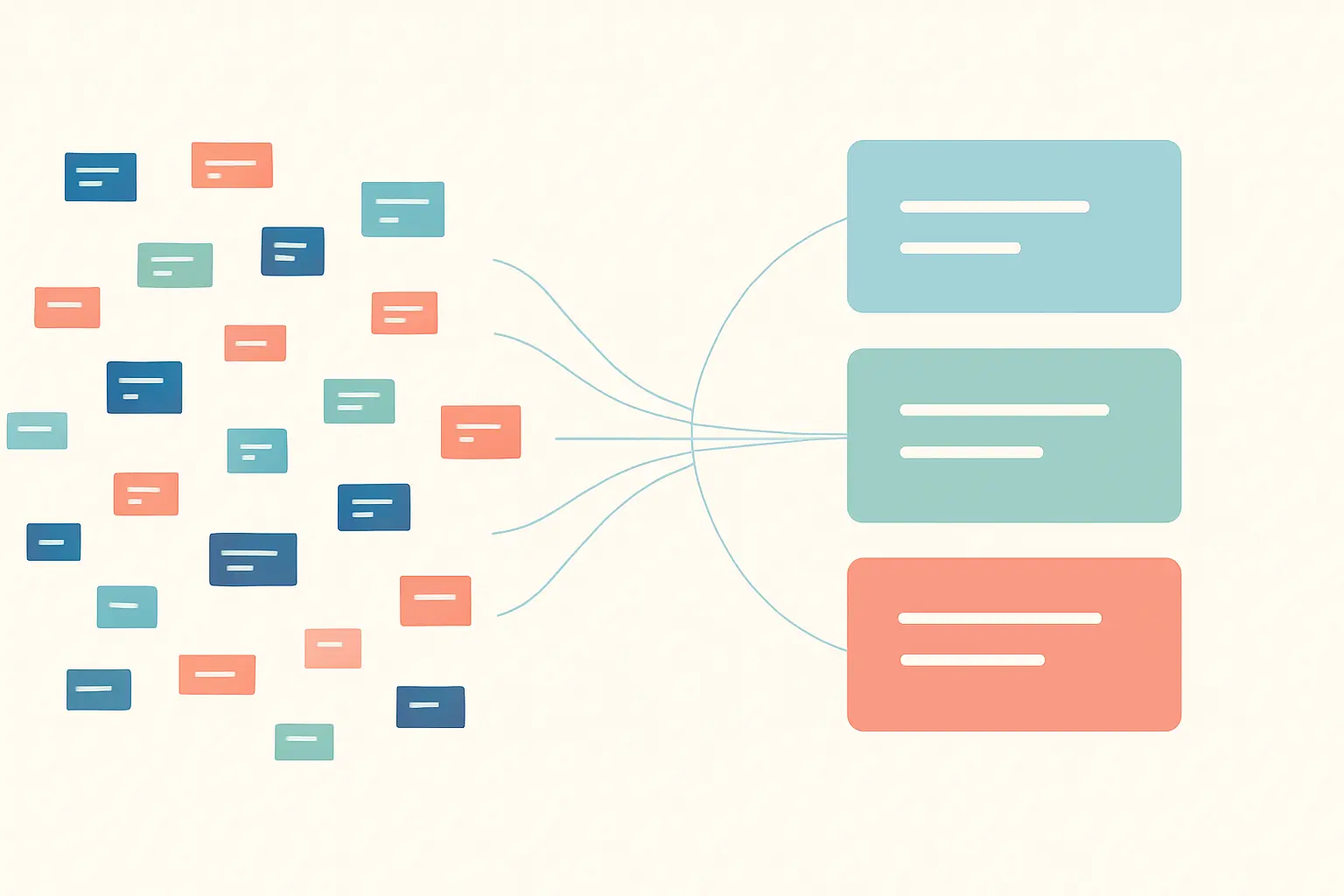
This is the step NVivo cannot do for you, and the one that determines your mark. A code is not a theme. A code is a label for content about a topic; a theme is an analytic claim about what that content means in relation to your research question.
“Workload” is a code. “Workload is experienced as a moral problem rather than a time problem, because participants describe rationing attention rather than tasks” is a theme. The first is retrieval; the second is interpretation, and only one of them answers a research question.
The practical move is to work in memos, not in the code tree. Read everything coded at a candidate theme’s codes in one view, and write what it collectively says — including where it does not hold. Then check the theme against the whole dataset: does it appear across cases or in two unusually articulate participants? Are there extracts that contradict it? A theme with acknowledged negative cases is stronger than one without, because it shows you looked.
Resist counting as an argument. “Eight of twelve participants mentioned X” describes prevalence in a non-probability sample and proves nothing about a population; the frequency belongs in your description of the dataset, not in the claim.
Step 7: Write the methods paragraph the software makes possible
Your methodology chapter should state that NVivo was used and, crucially, what for. The sentence that reads badly is “the data were analysed using NVivo”, because it implies the software did the analysis. The sentence that reads well names the method, cites it, and positions the software as data management: for example, that transcripts were analysed using reflexive thematic analysis, with NVivo (Lumivero) used to manage coding, memos and retrieval.
Then report the things NVivo lets you evidence: how many codes the first pass generated and how many remained after refinement; whether coding was inductive, deductive or hybrid; whether a second coder was involved and what the comparison showed; and how memos supported reflexivity. If your approach is grounded theory, the same infrastructure supports theoretical sampling and constant comparison — see our grounded theory methodology guide for what additionally needs reporting.
One last decision worth making early: if you have not committed to NVivo yet, the choice of package has real consequences for collaboration and platform, which our comparison of NVivo, MAXQDA, Atlas.ti and Dedoose sets out. Switching mid-project is expensive and rarely worth it.
Frequently asked questions
What is the difference between a node and a code in NVivo?
They are the same thing. “Node” is the older term still found in earlier documentation and training material; current usage is “code”. Both refer to a container holding the extracts you have assigned to a concept.
Should I build my code structure before I start coding?
Only for deductive coding from an existing framework. For inductive work, code flat for the first few transcripts and build the hierarchy afterwards — early structure encodes your expectations rather than the data.
Does NVivo do the analysis for me?
No. It manages, retrieves and cross-tabulates coded material. Deciding what to code, what the codes mean, and which themes answer your research question is interpretive work that stays with you — and examiners specifically probe whether the student understands this.
Can I put a word cloud in my results chapter?
Better not. Word frequency is an orientation tool, not a finding, and a word cloud presented as a result reads as a substitute for analysis. Use it privately in early exploration if it helps.
How many codes should I end up with?
There is no target. A first inductive pass on a dozen interviews commonly produces dozens of codes that reduce substantially after merging and splitting. What matters is that each remaining code is distinct and analytically useful, and that you report both figures.
Do I have to re-code earlier transcripts after revising my structure?
Yes. Otherwise your first and last transcripts are coded to different schemes, which is an internal consistency problem in your analysis and a fair question at viva.
Do I need a second coder?
It depends on your methodology. Positivist-leaning content analysis often expects intercoder agreement; reflexive thematic analysis explicitly does not treat a reliability coefficient as a quality criterion. Follow your named approach rather than adding a kappa because it looks rigorous.
How do I cite NVivo in my thesis?
Cite it as software, naming the product, the version you used and the current publisher, Lumivero. Record the version number while you have the program open — it is difficult to recover afterwards.
Write the methodology while the coding decisions are fresh
The strongest qualitative methodology chapters are assembled from decisions recorded as they were made: why a code was split, what the second coder disagreed about, when new codes stopped appearing. Tesify helps you turn that running record into the chapter itself, so the audit trail your examiner asks for already exists — 100% written by you.
Write your thesis with AI
Structure, draft, cite, and format your thesis faster with Tesify’s AI writing tools, automatic bibliography, and plagiarism checker. Free to start, no credit card required.






Leave a Reply