
Quick answer: An APA format paper in the 7th edition uses one-inch margins, a legible font such as 12-point Times New Roman or 11-point Calibri, double spacing throughout, a page number in the top-right corner, and a fixed order of parts: title page, abstract if required, main text, references, then tables, figures and appendices if they are placed at the end.
Student papers and professional papers differ in a few details. A student APA format paper has a title page with the course, instructor and due date, no running head, and usually no abstract unless your instructor asks for one. A professional paper, written for journal submission, adds a running head and an author note. Most course essays, lab reports and literature reviews follow the student version, and so do many theses, with adjustments from the university’s own template.
This guide sets up an APA format paper section by section, explains the rules behind each choice with links to the official APA Style pages, and finishes with a checklist you can run before you submit.
The parts of an APA format paper, in order
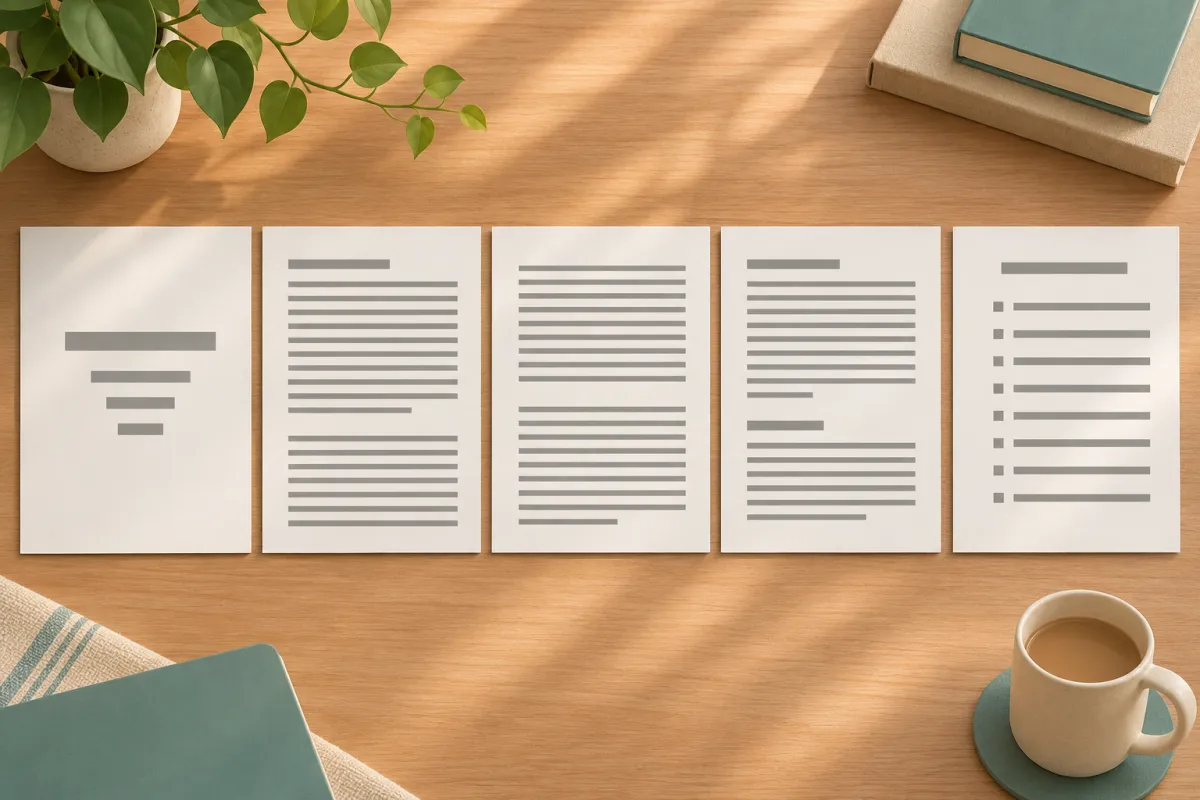
APA specifies the order of pages so that every reader knows where to find each element. Start each of these sections on a new page:
| Order | Section | Student paper | Professional paper |
|---|---|---|---|
| 1 | Title page | Required | Required, with author note |
| 2 | Abstract | Only if requested | Required |
| 3 | Text | Required | Required |
| 4 | References | Required | Required |
| 5 | Footnotes | Optional | Optional |
| 6 | Tables | Optional, at end or in text | Optional, at end or in text |
| 7 | Figures | Optional, at end or in text | Optional, at end or in text |
| 8 | Appendices | Optional | Optional |
Most student papers have only the title page, text and references. Add the other sections when the assignment calls for them.
Page setup for an APA format paper
Margins
Set one-inch margins on all sides. Some thesis templates require a wider left margin for binding; if yours does, the template takes priority.
Font
APA 7 accepts any widely available, legible font used consistently. The APA’s own font guidance lists examples including 11-point Calibri, 11-point Arial, 10-point Lucida Sans Unicode, 12-point Times New Roman, 11-point Georgia and 10-point Computer Modern. Choose one and keep it everywhere, including headings and the reference list. Within figures, a sans serif font between 8 and 14 points is acceptable.
Line spacing
Double-space the entire paper, including the title page, abstract, text, block quotations and references, as set out in APA’s line spacing rules. Do not add extra space before or after paragraphs. Tables and figures can use single, one-and-a-half or double spacing depending on what makes them readable.
Alignment and indentation
Align text to the left with a ragged right edge; do not justify. Indent the first line of every paragraph by half an inch, using the tab key or your paragraph settings rather than spaces.
Page numbers
Put the page number in the top-right corner of every page, starting with 1 on the title page. Student papers do not need a running head unless your instructor requires one.
The title page
A student title page contains, centered and double-spaced: the paper title in bold, three or four lines down from the top; a blank line; your name; your department and university; the course number and name; the instructor’s name; and the due date. Our full guide to the APA cover page shows each line with examples and covers the professional version.
Keep the title focused and informative. APA recommends that a title summarize the main idea of the paper, avoid unnecessary words such as “A Study of”, and be bold in title case. Two-part titles with a colon work well for research papers.
The abstract
If your instructor asks for an abstract, put it on page 2 under the bold, centered label Abstract. Write a single non-indented paragraph, usually no more than 250 words, summarizing the problem, method, main findings and conclusion. Keywords, if required, go on the line below, indented, with the label Keywords: in italics followed by the words in lowercase separated by commas.
The main text
Start the text on a new page. Repeat the paper title at the top in bold, centered, title case, then begin the introduction. Do not label the introduction with a heading; the repeated title does that job.
Use APA’s heading levels to organize longer papers. Most student papers need only levels 1 and 2: level 1 is centered, bold, title case; level 2 is flush left, bold, title case. A typical empirical paper uses Method, Results and Discussion as level 1 headings. Within Method, subsections such as Participants, Materials and Procedure use level 2.
Keep paragraphs focused on one point, introduce quotations with your own words, and cite every idea that is not your own. Our guide to in-text citations in APA 7 covers the citation rules you will use on almost every page.
Writing style inside an APA format paper
APA format is not only layout. The manual also sets expectations for how the text reads, and instructors grading an APA paper often comment on these points:
- Verb tense. Use the past tense or present perfect for the literature review and for describing your method and results (“Smith (2021) found”, “researchers have shown”), and the present tense for discussing implications.
- Numbers. Use numerals for 10 and above and for all measurements, statistics, percentages and ages; use words for numbers below 10 in most other cases and at the start of a sentence.
- Bias-free language. Describe people at the level of specificity your study needs, use the terms groups use for themselves, and prefer they as a singular pronoun when gender is unknown or irrelevant.
- Abbreviations. Define an abbreviation at first use and use it consistently afterwards; avoid abbreviations used only once or twice.
The reference list
Start the references on a new page with the label References, bold and centered. Double-space every entry, use a hanging indent of half an inch, and order the entries alphabetically by the first author’s surname. Every source cited in the text must appear in the list, and every entry in the list must be cited in the text. The APA reference page guide explains ordering rules for same-author and no-author entries.
If you prefer to watch the setup, this short video walks through the student paper format in a word processor.
Tables and figures in an APA format paper
Each table and figure has a bold number (Table 1, Figure 1), an italic title in title case on the line below, the table or image itself, and a note if needed. You can place tables and figures in the text after the paragraph that first mentions them, or on separate pages after the references; follow your instructor’s preference. Refer to every table and figure in the text by its number, and design them so they can be understood without reading the text.
In theses, tables and figures are usually embedded in the relevant chapter and listed in a list of tables and list of figures in the front matter, which APA itself does not require but most universities do.
Adapting the APA format paper for a thesis or dissertation
APA designed its format for papers and journal manuscripts, so most universities publish a thesis formatting guide that modifies it. Typical changes include:
- A university-specific title page, often with degree name, committee members and submission date.
- Additional front matter: copyright page, approval page, acknowledgments, table of contents, lists of tables and figures.
- Roman numerals for front matter pages and Arabic numerals from Chapter 1.
- Chapter headings that start on new pages.
- Sometimes a wider left margin or different spacing for the abstract.
When the university template and APA disagree on layout, the template wins. APA still governs citations, references, headings within chapters, numbers, statistics and bias-free language unless the guide says otherwise.
Setting up an APA format paper in Word or Google Docs
- Set margins to one inch and choose your font and size.
- Set line spacing to double with zero spacing before and after paragraphs, and a half-inch first-line indent for body paragraphs.
- Insert automatic page numbers in the top-right header.
- Build the title page, then insert a page break.
- Add the abstract page if required, then another page break.
- Type the title at the top of the first text page and begin writing.
- Create heading styles for level 1 and level 2 so headings stay consistent and can feed an automatic table of contents.
- Insert a page break before References and set a hanging indent for the list.
Save the finished file as a template. Starting every new assignment from it removes most formatting errors before they happen.
Student paper versus professional paper at a glance
| Element | Student paper | Professional paper |
|---|---|---|
| Title page details | Course, instructor, due date | Author note instead of course details |
| Running head | Not required | Required, in capitals, flush left |
| Abstract | Only if requested | Required |
| Keywords | Only if requested | Usually required |
| Author note | Not used | Required on the title page |
If you are writing a manuscript to submit to a journal from your thesis, switch to the professional format and then follow the journal’s own author guidelines, which often add further requirements.
Seven APA format mistakes markers notice first
- Extra space between paragraphs. Word and Google Docs often add spacing after paragraphs by default. Set it to zero so the double spacing is uniform.
- Bold or enlarged text for emphasis. APA uses italics sparingly for emphasis and never bold within paragraphs.
- A heading called Introduction. The repeated title replaces it.
- Inconsistent heading levels. A level 2 heading formatted like a level 1 heading in one section but not another confuses readers about structure.
- Justified text. Full justification creates uneven word spacing; APA asks for left alignment.
- References that do not match citations. Spelling and year mismatches are the most common reference error in student papers.
- Old APA 6 habits. “Running head:” on student papers, publisher cities in book references and “Retrieved from” before URLs all belong to the previous edition.
Fixing these seven issues brings most papers close to fully compliant, because they account for the majority of formatting comments instructors leave.
APA format paper checklist
- One-inch margins, one legible font throughout, double spacing everywhere.
- Page numbers top right from the title page onwards; no running head for student papers unless required.
- Bold, centered title on the title page and again at the top of page one of the text.
- No heading labelled Introduction.
- Headings at the correct levels and consistent capitalization.
- Every in-text citation matches a reference, with identical spelling and year.
- References on a new page, alphabetical, hanging indent, DOIs as https://doi.org links.
- Tables and figures numbered, titled and mentioned in the text.
Where Tesify fits
Formatting is easier when the structure underneath it is clear from the start. Start structuring your thesis in Tesify: it helps you structure your thesis chapter by chapter, and 50,000+ students have written 230,000+ chapters with it. Every word stays 100% written by you.
Frequently asked questions (FAQ)
What font is required for an APA format paper?
APA 7 does not require one font. Use a legible font consistently, such as 12-point Times New Roman, 11-point Calibri or 11-point Arial, unless your instructor specifies one.
Does an APA student paper need a running head?
No. Student papers need only a page number in the top-right corner unless the instructor or institution asks for a running head.
Do I need an abstract in an APA student paper?
Only if your instructor asks for one. Professional papers for publication always include an abstract.
Is an APA format paper double-spaced everywhere?
Yes, including the title page, abstract, text, block quotations and references. Tables and figures may use other spacing for readability.
Should I write Introduction as a heading in APA?
No. The paper title repeated at the top of the first text page serves as the introduction’s heading.
Does my thesis have to follow APA paper format exactly?
Your university’s thesis template usually overrides APA on layout, front matter and page numbering, while APA governs citations, references and style.
Write your thesis with AI
Structure, draft, cite, and format your thesis faster with Tesify’s AI writing tools, automatic bibliography, and plagiarism checker. Free to start, no credit card required.






Leave a Reply