
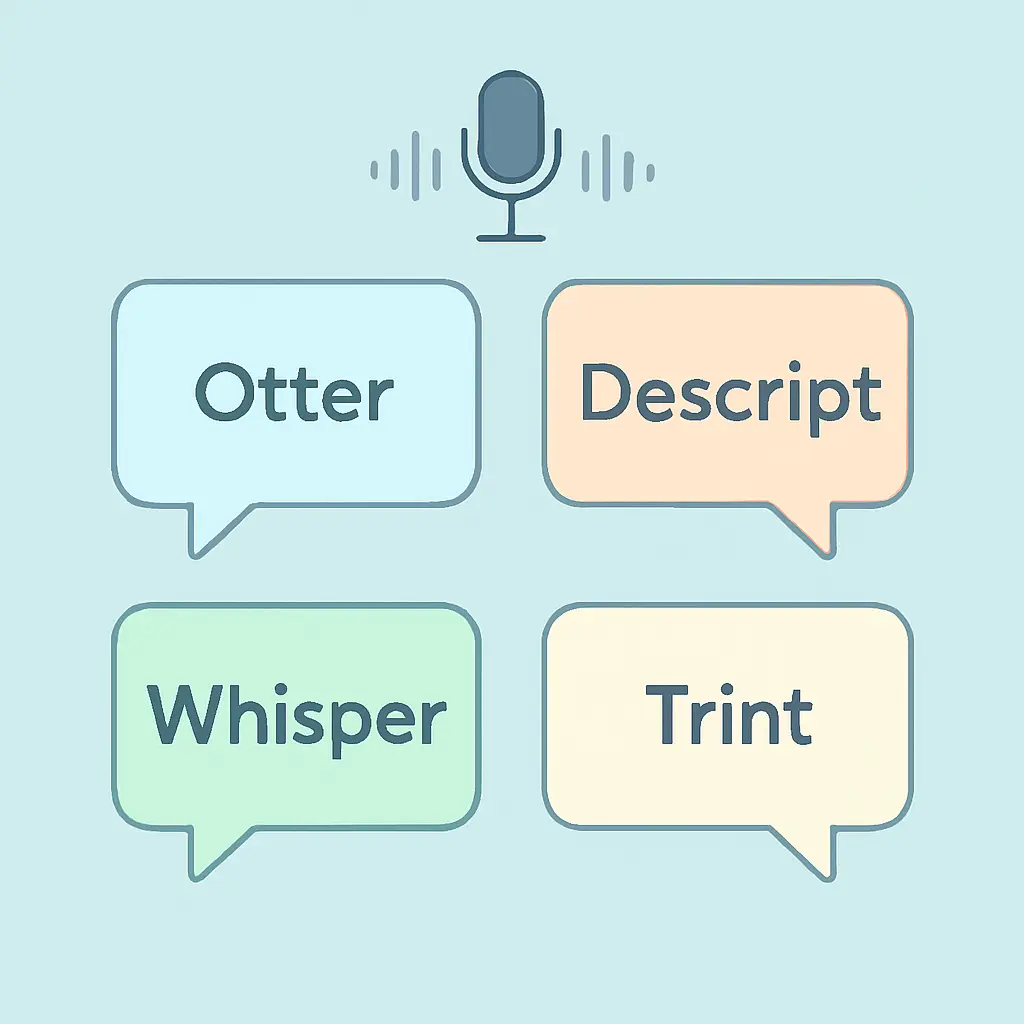
Best Interview Transcription Tools for Researchers 2026: Otter vs Descript vs Whisper vs Trint Compared
Fieldwork ends the moment you stop recording. The harder work — turning hours of audio into data you can actually code — starts immediately afterwards. Choosing the best interview transcription tools for researchers means weighing accuracy on accented speech, automatic speaker diarization, GDPR-safe data storage, and output that imports into NVivo or Word without formatting chaos. Get it wrong and you spend days cleaning transcripts instead of analysing them.
This comparison puts four tools that appear regularly in methods sections and researcher forums through their paces: Otter.ai, Descript, OpenAI Whisper, and Trint. The criteria are set by academic fieldwork, not podcast production — what matters is whether the transcript is accurate enough to code, whether it keeps participant data safe under GDPR, and whether it exports cleanly to your analysis software.
Trint is the strongest choice for most academic researchers — GDPR-compliant with optional EU data residency, structured speaker labels, and DOCX export that imports into NVivo cleanly. OpenAI Whisper (self-hosted) is best for maximum data control at zero cost if you have technical capacity. Otter.ai is the best free entry point for English-language interviews on a student budget.
Quick Comparison: Best Interview Transcription Tools for Researchers
| Tool | Accuracy (clean audio) | Speaker labels | Free tier | Entry paid price | GDPR / EU residency | NVivo / Word export |
|---|---|---|---|---|---|---|
| Otter.ai | ~85% | Yes — auto | 300 min/month | $16.99/month | US servers only; model trains on data | DOCX, TXT, PDF |
| Descript | ~90% | Yes — auto | 1 hr transcription | $15/month | US company; no EU residency | DOCX, TXT |
| Whisper (self-hosted) | ~97% clean; 88–92% real-world | Via WhisperX only | Free (open source) | Free (own hardware / GPU) | Full local control — inherently GDPR-safe | TXT, SRT; convert to DOCX |
| Trint | 85–90% | Yes — auto, renameable | 7-day trial only | ~$80/seat/month | GDPR-compliant; EU data residency available | DOCX, SRT, JSON |
Otter.ai: Fast and Accessible, With Privacy Caveats
Otter.ai built its reputation on live meeting transcription — real-time captions appear as speakers talk, names attach automatically once you label them, and a shareable transcript link arrives within minutes of upload. For English-language interviews recorded in decent acoustic conditions, Otter’s accuracy sits around 85% on clean audio. That figure is sufficient for a first-pass transcript you then edit manually, but it widens considerably on regional accents, overlapping speech, or non-native English.
The problems for researchers are structural rather than technical. Otter processes audio on US-based servers and, under its standard terms, uses recordings to improve its models on lower-tier plans. There is no EU data residency option. For projects involving vulnerable populations, sensitive disclosures, or identifiable participants — which most qualitative interviews involve — institutional ethics boards in the UK, EU, and Australia routinely flag Otter as non-compliant with GDPR data transfer requirements without additional contractual safeguards.
Accent performance degrades noticeably with strong regional variation: Scottish Gaelic-inflected English, Mandarin-accented speakers, or thick regional dialects all push error rates higher than the headline figure. For multilingual fieldwork or interviews conducted in participants’ second language, budget substantially more editing time per transcript.
The free tier (300 minutes per month) covers roughly four to five hour-long interviews, which is genuinely useful for a pilot study or small sample. Pro at $16.99/month and Business at $30/user/month add upload capacity and team features, but neither addresses the EU GDPR data-residency issue. For low-sensitivity English interviews where participants have explicitly consented to cloud processing, Otter remains the most accessible free-to-entry option.
Descript: Powerful for Video Research, Less Optimised for Pure Audio Fieldwork
Descript’s core idea is text-based audio and video editing: cut the transcript and the waveform follows. That paradigm is transformative for UX researchers who need to clip video to quotations, documentary makers assembling source material, or researchers producing multimedia outputs alongside written theses. For social scientists transcribing audio-only semi-structured interviews, it is a well-engineered tool designed for an adjacent purpose.
Accuracy benchmarks from comparative reviews place Descript around 90% on multi-speaker recordings, slightly ahead of Otter, driven partly by a stronger speaker-diarization pipeline that handles overlapping turn-taking better than average. Speaker labels auto-assign and can be renamed. DOCX export preserves speaker attribution in a format that NVivo imports without major cleanup.
Pricing starts with a free tier including one hour of transcription, Creator at $15/month for moderate individual usage, and Pro at $30/month for expanded AI features. Descript is a US company and its audio processing runs on US cloud infrastructure. There is no GDPR-specific data processing agreement or EU residency option in 2026, placing it in the same compliance category as Otter for EU-regulated research.
Descript is the right choice for researchers who need transcription as part of a broader media workflow — presentations, thesis by publication outputs, or visual ethnography — rather than as a standalone academic tool. If your output is a written qualitative analysis chapter, Descript’s video-editing strengths are unlikely to justify the cost over Whisper or Trint.
OpenAI Whisper: Highest Accuracy, Maximum Privacy, Highest Setup Barrier
Whisper is OpenAI’s open-source speech recognition model, released under the MIT licence and available at github.com/openai/whisper. The Large-v3 variant achieves around 2.7% word error rate on clean audio in benchmark testing — the strongest performance of the four tools compared here — though real-world conditions with background noise, strong accents, and overlapping speech push error rates to the 8–12% range.
For privacy-conscious researchers, Whisper self-hosted is the clearest option. Audio never leaves your machine or your institution’s server. There are no terms of service requiring data contribution, no US data transfer, and no third-party processing. This approach satisfies GDPR data minimisation and transfer restriction requirements in a way that commercial cloud tools cannot match by design.
The trade-off is workflow friction. Whisper runs via command line and produces plain text or SRT output without speaker separation. Diarization — separating who said what — requires WhisperX, a community wrapper that integrates Pyannote Audio for speaker identification. Both run locally and are free, but they require a Python environment, a GPU for practical speed, and some technical confidence. Researchers without IT support should explore GUI wrappers like Whisper.cpp or institutional transcription services built on the Whisper model rather than running it raw.
On accents, Whisper outperforms commercial alternatives because its training dataset is linguistically diverse across 96 languages and many regional dialects. For cross-national or multilingual research, this breadth is a meaningful practical advantage.
Trint: The Structured Choice for Qualitative Research Teams
Trint was built with journalism and regulated industries in mind, and its architecture reflects that. Transcripts sit inside a structured editor where every word is time-stamped and editable in place. Speaker labels auto-assign and can be renamed with a single click. The DOCX export preserves speaker attribution, paragraph structure, and timestamps — exactly the formatting NVivo expects for clean import without manual reformatting.
Accuracy on real-world interview audio falls in the 85–90% range based on independent comparative testing, consistent with Otter but below Whisper’s ceiling on clean audio. Where Trint distinguishes itself is structured output quality and data governance. Trint is GDPR-compliant and offers EU data residency as a configuration option — material for researchers at UK, EU, and Australian institutions where data localisation is a condition of ethics approval. The platform is used by regulated broadcasters and publishes a detailed security architecture document covering encryption, access controls, and data processing agreements.
The principal friction for academic researchers is price. Trint offers no permanent free plan — only a seven-day trial. The Starter plan runs approximately $80 per seat per month on annual billing with a cap of seven files per seat. Advanced lifts the cap at around $100 per seat per month. Visit trint.com to verify current plan pricing before committing. For a single researcher conducting a 20-interview study on a student budget, the cost is hard to justify over Otter or Whisper. For a funded research team with ethics requirements specifying EU data residency, Trint is likely the only compliant managed option among the four.
Best for Each Research Situation
Best overall for academic researchers: Trint — GDPR-compliant EU data residency, structured DOCX export for NVivo, and collaborative editing for supervised projects.
Best free option: Otter.ai — 300 minutes/month free, real-time captions, simple upload interface. Accept the data-residency limitation for low-sensitivity projects with explicit participant consent to cloud processing.
Best for maximum privacy and GDPR control: OpenAI Whisper (self-hosted) — audio stays on your hardware, no third-party processing, highest raw accuracy on clean audio. Requires Python setup or a GUI wrapper.
Best for video-based or visual research: Descript — transcript-linked video editing makes clip extraction for presentations, thesis vivas, and multimedia outputs fast and intuitive.
Best for multilingual or heavily accented fieldwork: Whisper Large-v3 — trained across 96 languages and diverse speaker profiles, more robust to accent variation than any of the three commercial tools.
GDPR and Data Security: What Researchers Must Verify Before Upload
If your interviews involve identifiable participants — which almost all qualitative interviews do — GDPR Article 5 requires that personal data be processed only for specified, explicit purposes, with transfers outside the EEA restricted unless appropriate safeguards are in place. UK GDPR mirrors these requirements post-Brexit. Most ethics committees in the UK, EU, Ireland, and Australia now ask researchers to name their transcription service and confirm data residency in the data management plan.
Otter.ai and Descript process audio on US infrastructure with no EU residency option. Without a valid Standard Contractual Clause (SCC) or other transfer mechanism in place, uploading identifiable interview audio from EU/UK data subjects to these platforms creates a GDPR compliance gap. Trint explicitly supports EU data residency and signs data processing agreements for academic and regulated clients. Whisper self-hosted bypasses the question entirely by keeping audio local. A useful independent overview of these compliance issues is published at brasstranscripts.com.
Regardless of tool, apply pseudonymisation before upload where possible: replace participant names with codes, remove dates and locations from file metadata, and store the key mapping separately from the transcripts. Your ethics submission and data management plan should specify the transcription tool, data residency, retention period, and who holds access. For a step-by-step template covering these requirements, see the guide on how to write a data management plan for your thesis.
Exporting Transcripts to NVivo and Word
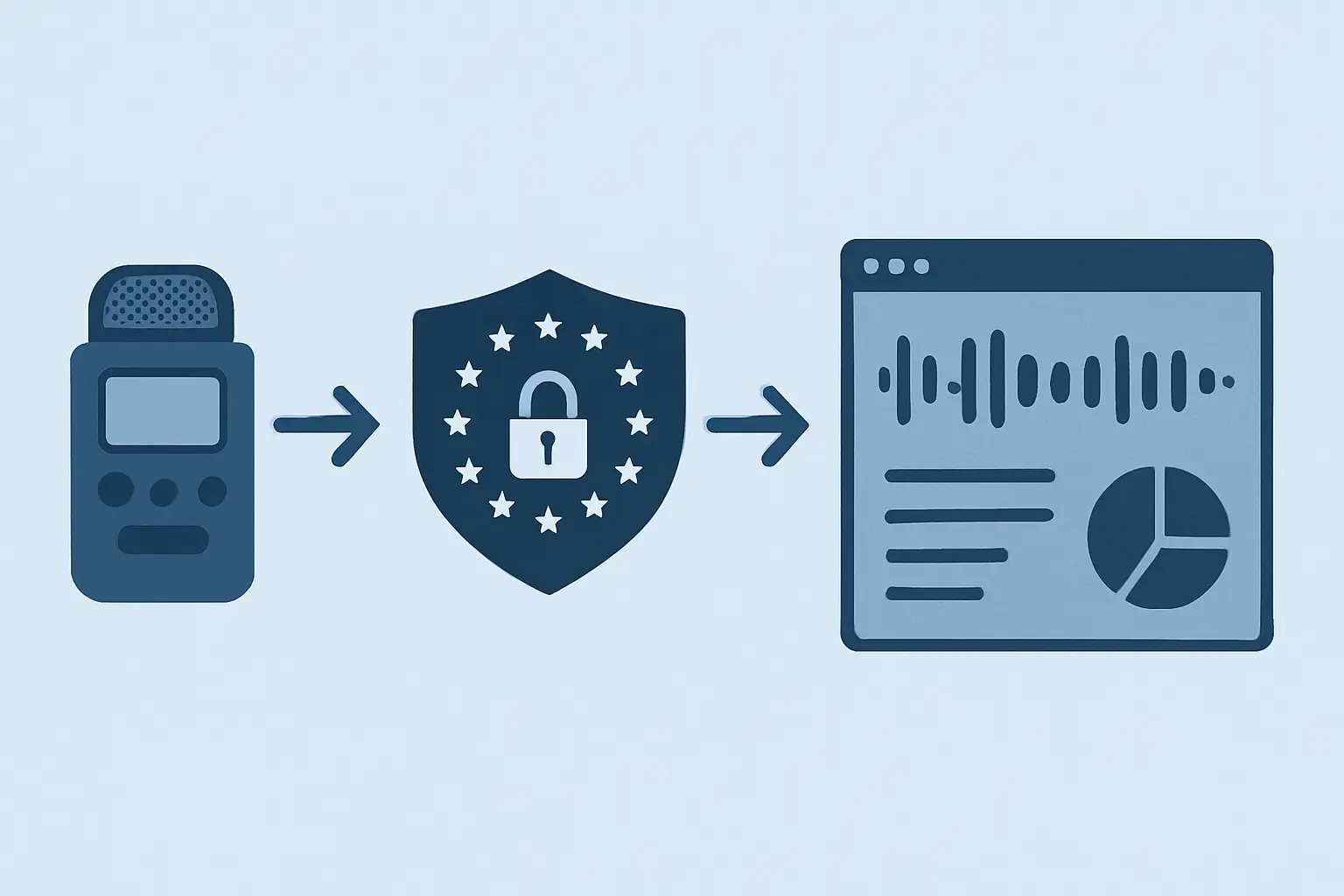
NVivo 14 introduced built-in transcription powered by Azure, which handles audio files under two hours directly inside a project. For audio transcribed externally, NVivo imports DOCX natively. The requirement for clean import is consistent formatting: speaker labels must appear as plain-text paragraph prefixes — for example, “Interviewer:” or “P1:” — at the start of each speaker turn, not as embedded metadata fields or comment boxes. NVivo parses these prefixes as speaker names and enables speaker-level coding during analysis.
Of the four tools, Trint and Descript produce the most reliably formatted DOCX output for NVivo import. Otter’s DOCX export is usable but sometimes needs manual reformatting of speaker-attribution paragraphs before import. Whisper’s default plain-text and SRT outputs require a conversion step — a simple Python script or Word macro that wraps timestamps and detected speaker blocks into labelled paragraphs handles this in a few minutes, and several community scripts are freely available on GitHub.
For researchers working entirely in Microsoft Word before moving to NVivo, all four tools either export DOCX directly or can be copy-pasted into Word without major formatting loss. The bottleneck is always speaker-label consistency, not file format. Allocate time in your transcription workflow to verify speaker labels match before NVivo import — a mislabelled speaker creates spurious coding nodes that are time-consuming to correct retroactively.
Transcription accuracy also intersects with the reflexive position you bring to the data. How you identify and address your own influence on participant responses affects what you prioritise in coding. For more on how to articulate and practise reflexivity in your methodology chapter, see reflexivity in qualitative research: types, importance, and how to practise it.
From Transcript to Chapter: Where Tesify Fits
Transcription gets you raw data. The harder task is writing up. Once you have coded transcripts — whether in NVivo, Atlas.ti, or a colour-coded Word document — you face the challenge of turning themes and quotation clusters into a coherent findings and discussion chapter. That chapter must integrate evidence, interpret meaning, situate the analysis in your theoretical framework, and maintain consistent academic register throughout. It is a different cognitive task from transcription, and it is where most qualitative researchers stall.
Tesify is built for that gap. Its AI editor helps you structure your qualitative findings sections, embed participant quotations with correct attribution, draft your methodology narrative, and maintain the critical distance between data and interpretation that examiners look for. Unlike general-purpose AI chatbots, Tesify keeps your analytical voice in the text and flags unsupported generalisations that need evidencing — so the chapter reads as yours, grounded in your data.
If you are still in the data-collection phase and want a step-by-step workflow for the transcription process itself before you choose a tool, start with how to transcribe research interviews step by step. Researchers comparing qualitative data-collection tools more broadly — including survey platforms and focus group instruments — will find the companion piece on best survey tools for academic research a useful complement to this comparison.
Start writing your analysis chapter with Tesify — free
Frequently Asked Questions
Which transcription tool is most accurate for qualitative interviews?
OpenAI Whisper Large-v3 achieves the highest raw accuracy of the four tools compared here, performing strongly on clean English audio in benchmark testing. In real-world interview conditions — variable acoustics, accented speakers, overlapping turns — accuracy drops across all tools and manual review is always necessary. For a managed service without technical setup, Descript edges ahead of Otter.ai on multi-speaker recordings based on independent comparative testing.
Is Otter.ai GDPR compliant for research interviews?
Otter.ai processes audio on US-based servers and, under standard lower-tier terms, uses recordings to improve its models. It does not offer EU data residency. For identifiable interview audio involving EU, UK, or EEA data subjects, Otter.ai presents GDPR compliance challenges without additional contractual safeguards such as Standard Contractual Clauses. Researchers should confirm compliance with their institutional ethics board before uploading sensitive interview data to Otter.
Does OpenAI Whisper support automatic speaker diarization?
Native Whisper does not separate speakers — it transcribes audio as a single stream. Speaker diarization requires a wrapper such as WhisperX, which integrates Pyannote Audio for speaker identification and runs locally at no cost. WhisperX requires Python and some configuration. Researchers without technical support will find Trint or Descript more practical for out-of-the-box speaker labelling.
Can I import Otter or Trint transcripts directly into NVivo?
Yes. Both export DOCX files that NVivo 14 imports natively. For NVivo to recognise speaker names correctly, speaker labels must appear as plain-text paragraph prefixes (e.g. “Interviewer:”, “P1:”) at the start of each speaker turn — not as embedded metadata. Trint’s DOCX export is generally better structured for NVivo import without editing. Otter’s export often needs minor formatting cleanup of speaker-attribution paragraphs before import.
How accurate is AI transcription for non-native English speakers?
All four tools perform best on clear, native-speaker English. Accuracy drops with strong accents, non-native speaker patterns, regional dialects, and technical terminology. Whisper handles accent variation better than the commercial tools because its training data spans 96 languages and diverse speaker profiles. For heavily accented audio in any tool, plan for manual review of every transcript before analysis — the word error rate in challenging conditions can be substantially higher than headline figures suggest.
Is there a completely free transcription tool suitable for research?
Yes. Otter.ai offers 300 minutes per month on its free plan, covering roughly four to five hour-long interviews. Descript includes one hour of transcription free. OpenAI Whisper is entirely free as open-source software you run locally with no minute caps — but it requires technical setup. None of the free tiers from Otter or Descript include GDPR-compliant EU data residency, which matters for research involving identifiable EU or UK participants.
Write your thesis with AI
Structure, draft, cite, and format your thesis faster with Tesify’s AI writing tools, automatic bibliography, and plagiarism checker. Free to start, no credit card required.




Leave a Reply