
Boolean Search Strings for Academic Databases: 12 Rules and Why the Same String Behaves Differently in Each One (2026)
You built one careful search string, ran it in three databases, and got three result counts that make no sense together. That is not your string being wrong — it is a set of documented behaviours that differ between platforms, all invisible until they bite. Here is what actually varies, verified against the platforms’ own documentation, plus a sixty-second test you can run on any database to find out how yours behaves before you commit a systematic search to it.
1. Operator precedence is not universal — and this is the big one
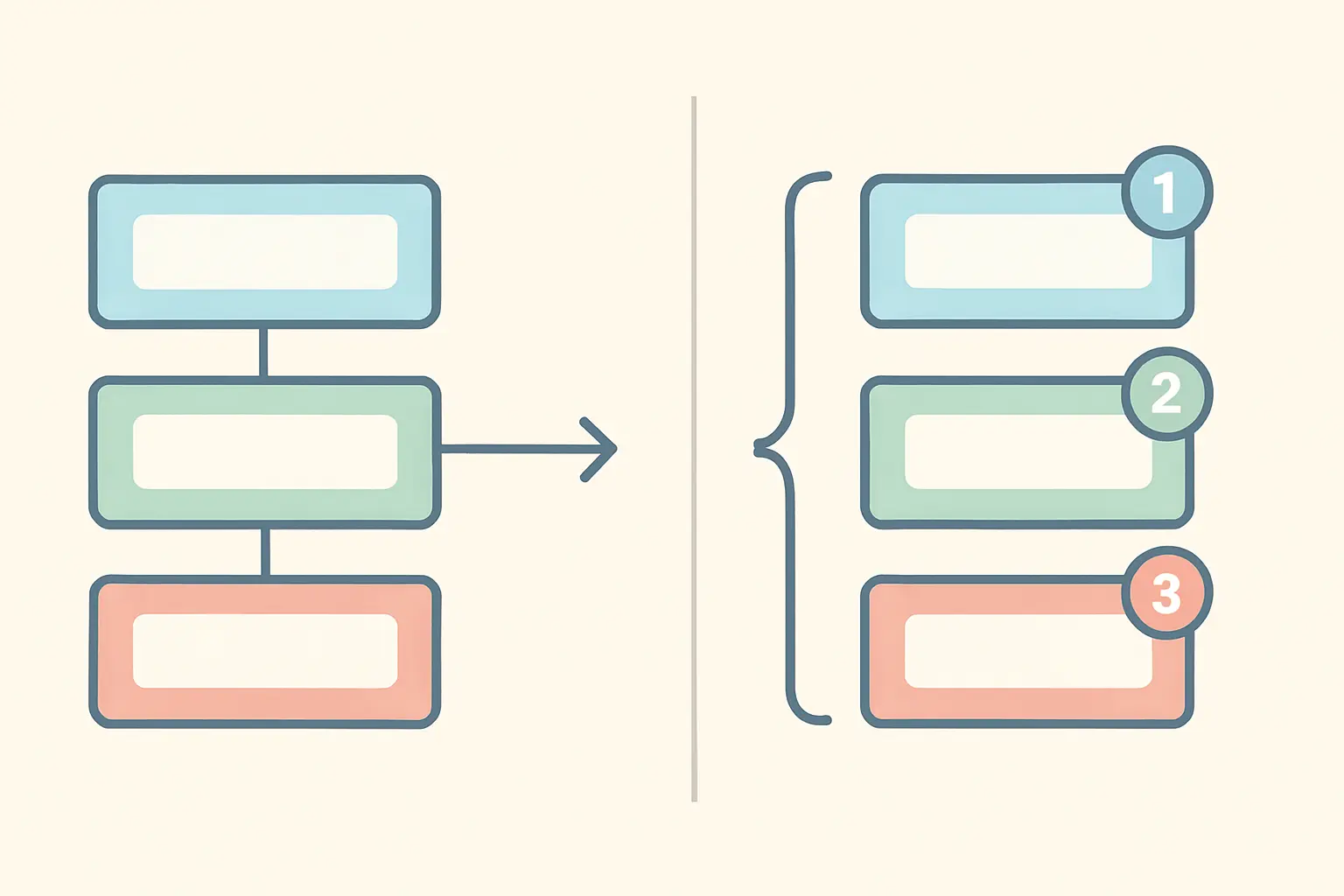
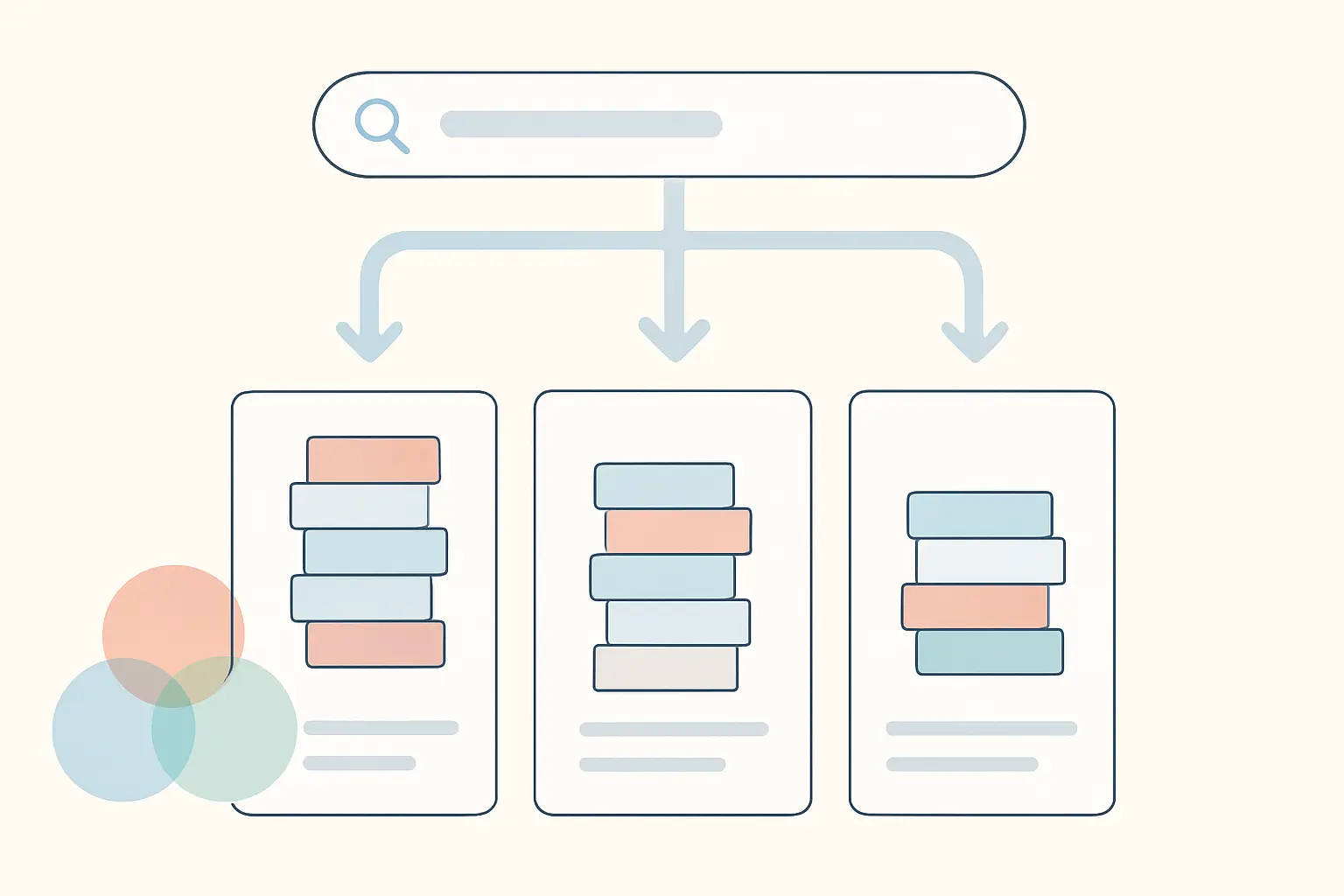
PubMed processes searches left to right. Its own help states this plainly and tells you to use parentheses to nest concepts. So diabetes OR obesity AND children in PubMed is read as (diabetes OR obesity) AND children — the OR is resolved first only because it comes first.
Scopus does the opposite. Elsevier’s documentation states that Scopus “does not run a search from left to right”, but follows an order of precedence: OR, then W/n and PRE/n, then AND, then AND NOT.
These two rules can return different result sets for a character-identical query. Practical tip: parenthesise every concept block explicitly, always, in every database. A fully bracketed string behaves identically everywhere and costs nothing.
2. “NOT” is not always spelled NOT
PubMed uses NOT. Scopus uses AND NOT. A string written for one and pasted into the other either errors or, worse, silently treats the stray operator as a search term.
Practical tip: use exclusion sparingly regardless of syntax. NOT removes any record containing the term, including relevant papers that merely mention it in passing — a common way to lose eligible studies from a systematic review without ever knowing.
3. Boolean operators may need to be uppercase
PubMed requires it: its help specifies entering Boolean operators in uppercase characters. Lowercase and is treated as a search word rather than an operator.
Practical tip: type operators in capitals everywhere. No platform penalises it, and one silently mis-parses without it.
4. Some databases insert AND for you
PubMed applies an AND between concepts automatically — entering two words without an operator is translated into a Boolean AND.
That convenience becomes a hazard when you paste a multi-line strategy in as one block, because implicit ANDs and your explicit operators combine in ways you did not intend.
Practical tip: build long strategies line by line in the search history and combine the numbered lines, rather than pasting one enormous string. Elsevier makes the same recommendation for Scopus with large queries containing multiple proximity operators.
5. Truncation rules differ, and one has a minimum
The asterisk is near-universal but its behaviour is not. PubMed’s wildcard * substitutes for zero or more characters, and terms must begin with at least four characters. So cat* will not expand the way you might expect.
Practical tip: truncate at the last unambiguous stem, and check what it actually captures. nurs* gets nurse, nurses, nursing — and also nursery. Over-truncation is a leading cause of unmanageable result counts.
6. Wildcards inside a phrase may or may not work
In Scopus, wildcards work inside quoted phrases — its documentation gives "criminal* liab*" finding both criminally liable and criminal liability. PubMed supports wildcards in phrases too, its help giving "vaccin* schedul*" matching vaccine schedule, vaccine scheduling and vaccination schedules.
Scopus additionally notes that wildcards cannot stand alone and that a wildcard adjacent to a hyphen, dot or slash is dropped.
7. Quotation marks do not mean the same thing everywhere
This is the subtlest difference on the list. In Scopus, straight double quotes give a loose or approximate phrase search, not a strictly exact one. In PubMed, double quotes serve a different purpose: they bypass Automatic Term Mapping and search the phrase directly — and if the phrase is not in the phrase index, the behaviour changes again.
Practical tip: if you need genuinely exact matching, look up the platform’s dedicated exact-phrase syntax rather than assuming quotes deliver it.
8. Curly quotes will break your query
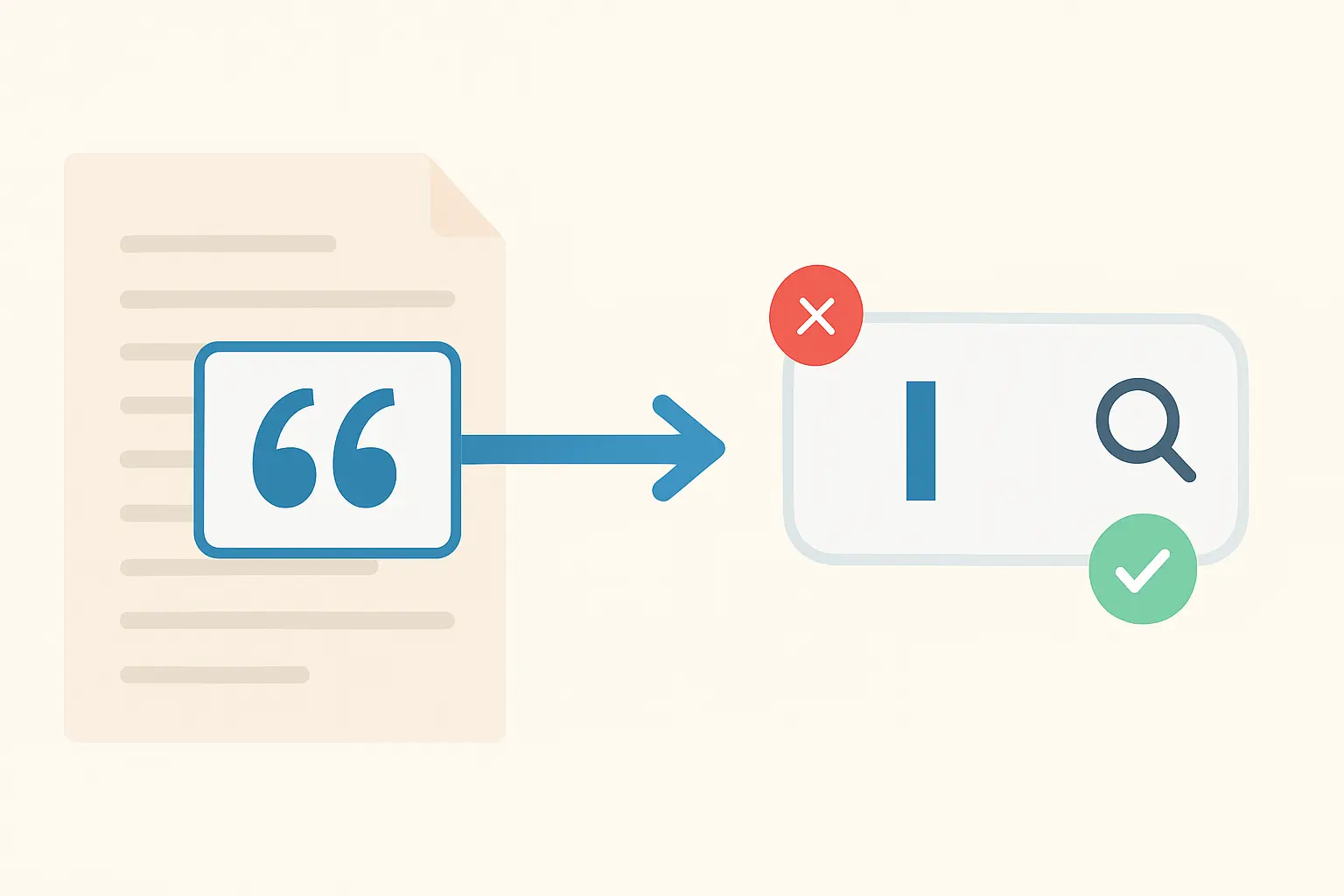
Elsevier’s guidance is explicit: do not use curly or smart quotation marks, which “may cause Scopus to return a query parsing error, especially for complex or large strings”, and it specifically warns to check your quotes when copying a query from Word, Google Docs, reference managers, PDFs or web pages.
This is the single most common cause of “my string worked yesterday and not today”. Word autocorrects straight quotes to curly ones as you type, so a strategy drafted in a document is corrupted before it ever reaches the database.
Practical tip: draft search strings in a plain-text editor, never in a word processor. If you must use one, turn off smart quotes before you start.
9. Punctuation is usually ignored — except where it is not
Scopus ignores punctuation, with hyphens and dots treated as intentional: heart-attack and heart.attack are both searched as the loose phrase heart attack.
Practical tip: for any hyphenated concept, search both forms explicitly — ("decision making" OR decision-making) — rather than trusting the platform to normalise them the way you expect.
10. Automatic plural and variant expansion can be silently doing work
Scopus documents that plurals and spelling variants are included automatically: heart attack includes heart attacks, and anesthesia includes anaesthesia.
This is convenient and it is also a reproducibility problem: your recorded string does not literally contain the variants it matched.
Practical tip: write British and American spellings explicitly into your string anyway. It is redundant where expansion happens and essential where it does not, and it makes your documented strategy self-describing.
11. Proximity operators are platform-specific — and worth learning
Proximity searching sits between a phrase (too narrow) and an AND across a whole record (too broad), and it is the highest-value operator most students never use.
Scopus offers W/n (within n words, either order) and PRE/n (first term precedes the second by up to n words). PubMed uses a different construction entirely: "search terms"[field:~N], where N is the maximum number of words between terms — and it is available only in the Title, Title/Abstract and Affiliation fields ([ti], [tiab], [ad]).
Practical tip: PubMed’s own guidance notes that combining many terms into one proximity search becomes very restrictive, and that plain AND may be more appropriate. Use proximity for two-concept relationships, not as a general substitute for AND.
12. Field codes decide what you are actually searching
Searching everything, including full text and cited references, produces noise; searching titles only produces false confidence. The middle setting — title, abstract and keywords — is the standard for a structured review.
Scopus expresses this as TITLE-ABS-KEY( ); PubMed as the [tiab] tag, alongside its controlled-vocabulary MeSH terms. Practical tip: a strong strategy searches controlled vocabulary and free text and ORs them together, because indexing lags and recent papers may not yet carry the right subject headings.
The sixty-second test for any database
Rather than trusting a syntax table for a platform you have not verified — including any platform not covered above — run these four checks in the database itself before you build a real strategy. Each takes seconds and each isolates one of the behaviours above.
- Precedence. Run
a OR b AND c, then run(a OR b) AND c, thena OR (b AND c). Whichever bracketed version matches the unbracketed count tells you the platform’s rule. - Case sensitivity. Run the same query with
ANDand withand. Different counts mean operators are case-sensitive. - Truncation. Run
nurs*andnurse OR nurses OR nursing. A much larger count for the wildcard tells you how aggressively it expands. - Phrase handling. Run a two-word phrase with quotes and without. If the counts are identical, quotes are doing nothing and you need the platform’s exact-phrase syntax.
Record the answers in your search log. That log is also what makes the strategy reproducible for the PRISMA flow diagram and the methods section of a systematic review, both of which require the full search string per database, with dates and result counts.
What to record, every time
For each database: its name and the platform you accessed it through, the exact string as entered, the fields searched, any limits applied, the date the search was run, and the number of records retrieved. Reviewers and examiners ask for all six, and reconstructing them afterwards is close to impossible once an interface has changed.
Two related resources worth pairing with this: our overview of academic search engines for choosing which databases to search, and our guide to Google Scholar’s advanced search — Scholar deliberately supports far less of this syntax, which is exactly why it complements a structured database search rather than replacing it. For screening what you retrieve, see our comparison of systematic review and screening tools, and for the wider process, how to do a literature review.
Frequently asked questions
Why does the same search string give different results in different databases?
Four documented differences account for most of it: operator precedence (PubMed reads left to right, Scopus uses a precedence order), exclusion syntax (NOT vs AND NOT), truncation and wildcard rules, and what quotation marks mean. Different content coverage then explains the rest.
Do I need parentheses if the database has a precedence order?
Yes. Explicit parentheses make a string behave identically across platforms and remove any dependence on a rule you might have misremembered. There is no downside.
Why did my search string suddenly stop working?
Most often because it passed through a word processor and straight quotes were autocorrected to curly ones. Elsevier explicitly warns that curly quotes can cause a query parsing error in Scopus. Draft strings in a plain-text editor.
What is the difference between W/n and PRE/n in Scopus?
W/n finds the terms within n words of each other in either order; PRE/n requires the first term to precede the second by no more than n words. Use PRE/n when word order carries meaning.
How do I do a proximity search in PubMed?
Use the format "search terms"[field:~N], where N is the maximum number of words between your terms. It works only in the Title, Title/Abstract and Affiliation fields.
Should I use MeSH terms or keywords?
Both, combined with OR. Controlled vocabulary catches papers indexed under a heading regardless of the words the authors used; free-text searching catches recent papers that have not yet been indexed.
How many Boolean operators can one query have?
Elsevier states Scopus has no explicit limit on query length or operator count, but recommends a maximum of around 50 Boolean operators per query for performance, and suggests running large strings line by line instead.
Is it a problem that I cannot reproduce my search count exactly later?
Not if you recorded the date. Databases add records continuously, so counts change legitimately over time — which is precisely why the search date is a required part of the record.
Keep the search log inside the thesis
Search strings, databases, dates and counts are needed twice — once for your methods chapter and once for your PRISMA numbers — and they are almost always reconstructed under deadline from memory. Tesify helps you build the methodology chapter as you run the searches, so the strategy is documented at the moment you execute it — 100% written by you.
Write your thesis with AI
Structure, draft, cite, and format your thesis faster with Tesify’s AI writing tools, automatic bibliography, and plagiarism checker. Free to start, no credit card required.





Leave a Reply