
How to Register with the UK Data Service and Download Data for Your Dissertation (2026)
The UK Data Service is where the UK’s major social surveys, longitudinal studies and census microdata actually live. Directories tell you it exists; almost nothing walks you through the part that stalls dissertations — the registration, the licence you are agreeing to, and what “safeguarded” means for what you can do with the files. This is that walkthrough, based on the UK Data Service’s own access-conditions and registration documentation.
First, understand the three access levels
Every data collection in the UK Data Service repositories carries an access level negotiated with the data owner, and the level decides how much process stands between you and the files:
| Level | What it means | What you must do |
|---|---|---|
| Open | Downloadable without registration, under open licences (Open Government Licence or Creative Commons) | Nothing — download and keep the licence name for your citation |
| Safeguarded | The standard tier for most major survey datasets | Register and accept the End User Licence agreement; some collections carry additional conditions |
| Controlled | Very detailed, sensitive or confidential data | Apply for the UKDS SecureLab (a trusted research environment) after registering — a separate, longer process |
For a typical dissertation you are aiming at the safeguarded tier. If your question genuinely needs controlled data, that is a different journey with training and approval stages — closer to the accreditation world described in our guide to the ONS Secure Research Service — and your timeline needs to know before your methodology chapter does.
Step 1: Log in with your university credentials
If you are at a UK higher or further education institution, you do not create a standalone account. The UK Data Service authenticates through the UK Access Management Federation (UKAMF): on the login page you select your institution and sign in with the username and password your university issued you. If you cannot find your credentials, the Service’s own advice is to contact your library, IT helpdesk or e-resources administrator.
Only two groups need to apply for a separate username (issued with the prefix “ukd”): users whose institution is not a UKAMF member, and personal users unattached to any organisation. International access is available for some datasets, so a non-UK institution is not automatically a dead end — but check the specific collection’s conditions.
Step 2: Register and describe your project
Logging in for the first time prompts you to register. Registration attaches your usage to a project — you provide project details, and your account then tracks your orders and downloads against it. Describe the dissertation honestly and specifically: the licence terms you are about to accept apply to that stated use.
Step 3: Read the End User Licence before you accept it
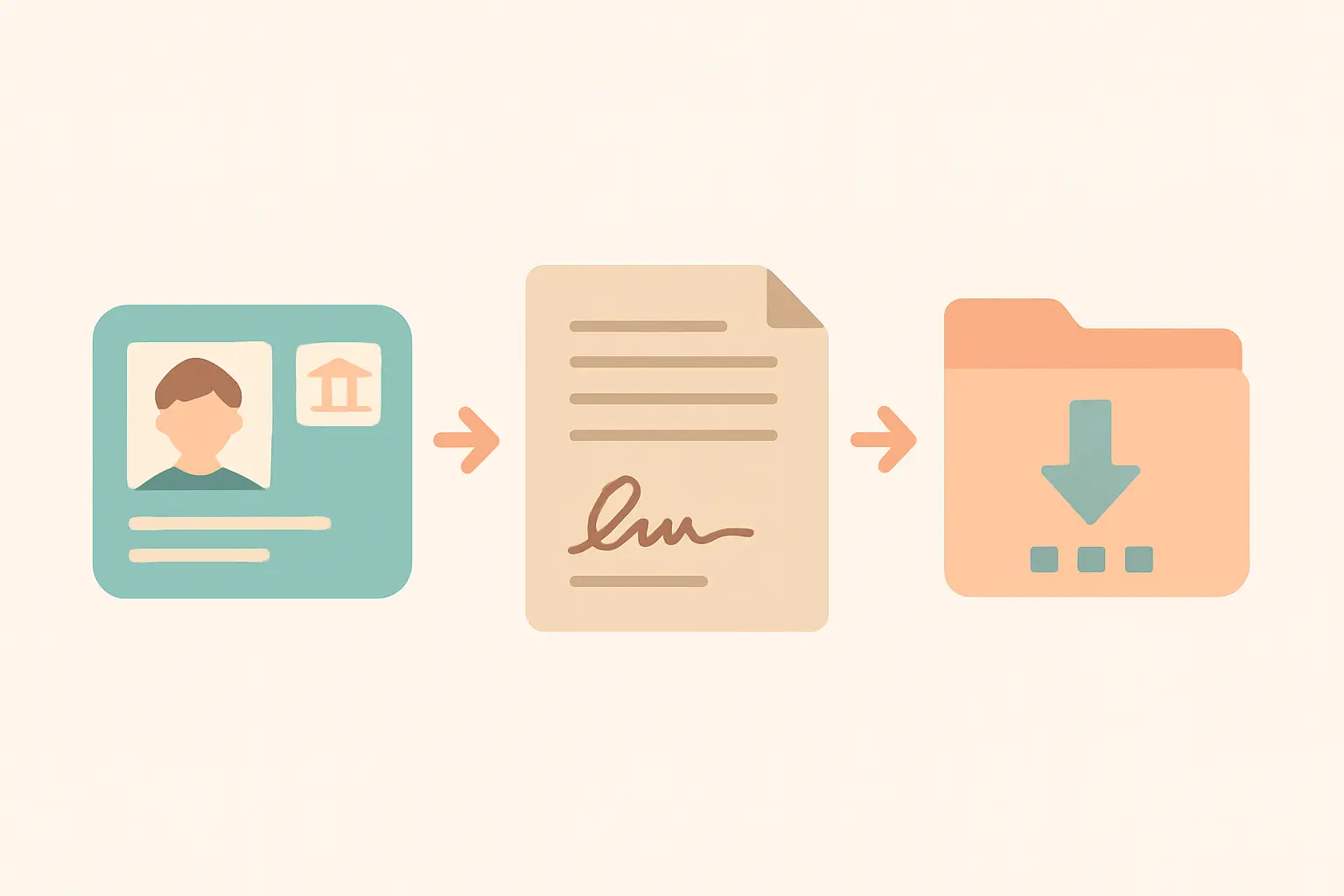
Safeguarded data is released to you under the End User Licence (EUL) — a real agreement under UK GDPR, not a click-through formality. The obligations that most often matter to students:
- Use is limited to your registered purpose. Reusing the files for a different project later means updating your registration, not quietly re-purposing the download.
- No redistribution. You cannot pass the data files to a coursemate or upload them to a repository with your dissertation; each user registers and accepts the licence individually.
- No attempting to identify individuals. The de-identification is a condition of your access, not a technical curiosity.
- Some collections add conditions. Certain safeguarded datasets carry special agreements or additional conditions on top of the EUL — the catalogue record tells you.
Licence-keeping is part of research data management: note the licence, the study number and the download date the day you get the files. If your university requires a data management plan, this is exactly what its data-collection section wants — our guide to writing a data management plan covers the structure.
Step 4: Find your dataset and order it
Search the data catalogue by topic, survey name or study number. Every collection has a persistent Study Number (SN) — the identifier you will cite. When you order a safeguarded collection against your project, the files become available to download in the formats deposited (commonly SPSS, Stata and tab-delimited). Download the documentation bundle too: the questionnaires, user guides and derived-variable specifications are where analysis mistakes go to be prevented.
Step 5: Cite the dataset like a source, because it is one
The UK Data Service convention is to include the Study Number, the title, the year and the persistent URL. Datasets are versioned — record which edition you downloaded, because a reader repeating your analysis on a later edition may get different numbers. The mechanics of dataset citation across referencing styles are covered in our guide to citing datasets, software and code.
If the safeguarded file is not detailed enough
Controlled data lives in the UKDS SecureLab, and the route in is materially longer: after registering, you apply for access, complete the required training, and work only from approved settings — a device at your institution approved during the application process, a SafePod from the SafePod Network, or the UK Data Archive Safe Room at the University of Essex. Check you meet the application criteria set by data providers before applying; the Service says this explicitly, and it is the difference between a plan and a term-long detour. For most dissertations, the correct move is to reframe the question so the safeguarded file answers it — the trade-offs are the same ones weighed in our comparison of desk-based and primary-data dissertations.
The registration failure points (and their fixes)
Three problems account for most stalled registrations, and the Service’s own FAQs answer each:
- Your organisation is not on the login list. If you were issued a “ukd” username, you must select UK Data Archive as your organisation rather than your university. If your university is genuinely missing from the UKAMF list, you fall into the apply-for-a-username route instead of federated login.
- You have credentials but they don’t work. Institutional usernames and passwords are issued and managed by your university, not by the UK Data Service — the fix lives with your library or IT helpdesk, and chasing the archive wastes the week.
- You registered with the wrong email. Registration details can be corrected from your account, but the cleaner path is to use your institutional email from the start — it is also what ties you to the institutional licence coverage.
One more capability worth knowing exists: ReShare, the Service’s self-curated repository, is where researchers deposit their own data. If your dissertation collects original data your university wants archived, ReShare registration uses the same federated institutional login — first-time depositors register with their institutional credentials just as data users do.
A worked citation
Whatever referencing style your department uses, a UK Data Service citation needs four elements: the Study Number (SN), the title, the year, and the persistent URL. In practice that looks like: Author/depositor (year). Title of the data collection. [data collection]. Edition (if stated). UK Data Service. SN: 0000, persistent URL. Record the edition and your download date at the moment you download — reconstructing them at write-up time, after the collection has been updated, is somewhere between painful and impossible.
Frequently asked questions
Is the UK Data Service free for students?
Registration and safeguarded downloads are free for users at UK higher and further education institutions, who log in with institutional credentials via the UK Access Management Federation. Open-tier data requires no registration at all.
Can international students use it?
The Service is open to UK higher education and research institutions, and international access is available for some datasets — the collection’s access conditions state whether yours is one of them.
What is a Study Number (SN)?
The persistent identifier attached to every data collection. You use it to find the dataset, to order it, and in your reference list entry alongside title, year and the persistent URL.
Can I share the downloaded files with my supervisor or coursemates?
No. The End User Licence is personal: each user registers and accepts it individually. Your supervisor registers for their own access if they need the files.
What is the difference between safeguarded and controlled data?
Safeguarded data can be downloaded after registration under the End User Licence. Controlled data is too detailed or sensitive to leave a secure environment and is accessed only through the UKDS SecureLab, from approved settings, after application and training.
Do I need ethics approval to analyse UK Data Service data?
Often the answer is a light-touch review because the data is de-identified and legitimately accessed — but the decision is your institution’s, not the archive’s. See whether you need ethical approval for your dissertation.
From download to chapter
A dataset in your downloads folder is not a methodology chapter. Document the access level, the licence, the study number and the edition on day one, then let the analysis plan drive the writing. Tesify structures the methodology and findings chapters around exactly that evidence trail — 100% written by you.
Write your thesis with AI
Structure, draft, cite, and format your thesis faster with Tesify’s AI writing tools, automatic bibliography, and plagiarism checker. Free to start, no credit card required.






Leave a Reply