
Best Text-to-Speech Tools for Proofreading Your Thesis Compared 2026
The best text-to-speech tools for proofreading your thesis in 2026 are Microsoft’s free Read Aloud feature for a no-cost first pass, Speechify for natural-sounding voices at higher playback speeds, and NaturalReader as a cheaper mid-tier option — used alongside a grammar or academic-tone checker, never instead of one. Listening to your own writing catches a different category of error than reading it silently, which is why many university writing centres recommend a read-aloud pass as one of the final steps before submission.
When you have read the same paragraph fifteen times during editing, your brain starts filling in gaps automatically — missing words, doubled words, and clunky transitions become invisible because you already know what you meant to say. Hearing a neutral computer voice read your thesis back to you strips away that familiarity blindness. It will not catch a misplaced citation or an APA formatting error, but it is remarkably effective at catching the sentence-level problems that silent reading misses.
How Do the Top Text-to-Speech Tools Compare?
| Tool | Price | Voice Quality | Best For |
|---|---|---|---|
| Microsoft Read Aloud / Immersive Reader | Free (built into Word/M365) | Basic, functional | Zero-cost first pass |
| Speechify Premium | $139/yr (~$11.58/mo) or $29/mo | 200+ natural voices, up to 5x speed | Long chapters, frequent use |
| NaturalReader Plus/Premium | Free (20 min/day); Plus $9.99/mo; Premium $19.99/mo (or ~$59.88–110/yr) | 100+ voices on Plus tier | Budget-conscious spot-checking |
| Tesify AI Editor | Free to start | N/A — not a TTS tool | Grammar, tone, and citation checks alongside your listening pass |
Why Does Listening to Your Thesis Catch Errors Reading Doesn’t?
This is a well-documented effect in writing pedagogy: when you read your own text silently, your brain uses top-down processing, filling in what it expects to see based on what you meant to write. Reading aloud — or hearing it read aloud — forces bottom-up processing, where you actually register every word rather than skimming over familiar patterns. That is why “read it out loud” has been standard proofreading advice for decades, and why text-to-speech tools essentially automate that advice for a document too long to comfortably read aloud yourself, chapter after chapter, during a final proofing pass.
Is Microsoft Word’s Read Aloud Feature Good Enough?
Microsoft’s Read Aloud and Immersive Reader are built directly into Word, PowerPoint, Outlook, and Teams at no extra cost, available in Word for Windows, macOS, and the free web version. Right-click anywhere in your document and select Read Aloud, or use the View tab to open Immersive Reader for adjustable spacing, font, and playback speed. For most students, this is genuinely enough — it is free, requires no new account, and works directly inside the document you are already editing.
Where it falls short: the voice options are limited compared to dedicated apps, and there is no way to export or listen offline the way Speechify allows.
Is Speechify Worth Paying For?
Speechify Premium costs $139/year (about $11.58/month billed annually, or $29/month billed monthly) and unlocks over 200 natural-sounding voices, 60+ languages, playback speeds up to 5x, and offline downloads. If you plan to listen to entire chapters during a commute or workout — genuinely treating your thesis like an audiobook — the higher-quality voices and offline mode make a real difference to how long you can sustain focused listening. For an occasional final-pass check on a single chapter, it is probably more than you need.
Note that Speechify’s reading app for personal use is a separate product from Speechify Studio, which targets content creators generating voiceovers — make sure you’re signing up for the reader, not the studio tool, if proofreading is your goal.
How Does NaturalReader Compare on Price?
NaturalReader undercuts Speechify on price: the free plan gives 20 minutes of listening per day, which is enough to spot-check a section but not a full chapter. The Plus plan runs about $9.99/month with 100+ voices, and Premium is $19.99/month, with better value if you commit to an annual plan (roughly $59.88–$110/year depending on tier). For students on a tight budget who only need occasional listening passes rather than daily audiobook-style consumption, NaturalReader’s free tier plus occasional Plus-month subscriptions can cover a full thesis-writing semester more cheaply than Speechify.
Does Text-to-Speech Help Beyond Proofreading?
Proofreading is the main academic use case, but it is not the only one. Students with dyslexia, ADHD, or visual fatigue from months of screen-based writing often find that listening to a chapter is genuinely less exhausting than a fifth silent read-through, and several university disability services explicitly recommend Immersive Reader or a similar tool as a reasonable adjustment. Text-to-speech is also useful earlier in the process, not just at the end: listening to a rough first draft of your introduction can reveal structural problems — a paragraph that jumps between two ideas, or a section that is missing a clear topic sentence — well before you get to line-level proofreading. If you are still shaping that first draft, our guide on how to write a thesis introduction step by step covers the structural checkpoints worth listening for.
What Will Text-to-Speech Never Catch?
Be realistic about what this category of tool does and does not do. Text-to-speech is excellent at surfacing:
- Repeated or missing words
- Run-on sentences that are hard to parse when heard aloud
- Awkward transitions between paragraphs
- Inconsistent terminology that “sounds” different even when spelled correctly
It will not catch APA or MLA formatting errors, incorrect citation-to-reference-list matches, passages that lack proper attribution, or grammar rules like subject-verb agreement across long sentences. Those require a grammar and citation-focused editor. This is the gap Tesify AI Editor is built to close: it checks formal academic tone, flags passages that may need stronger citation, and works alongside — not instead of — a listening pass. Our full comparison of Tesify vs Scribbr vs Grammarly for thesis proofreading breaks down how these tools differ on grammar-checking depth specifically.
What’s the Best Proofreading Workflow for a Thesis?
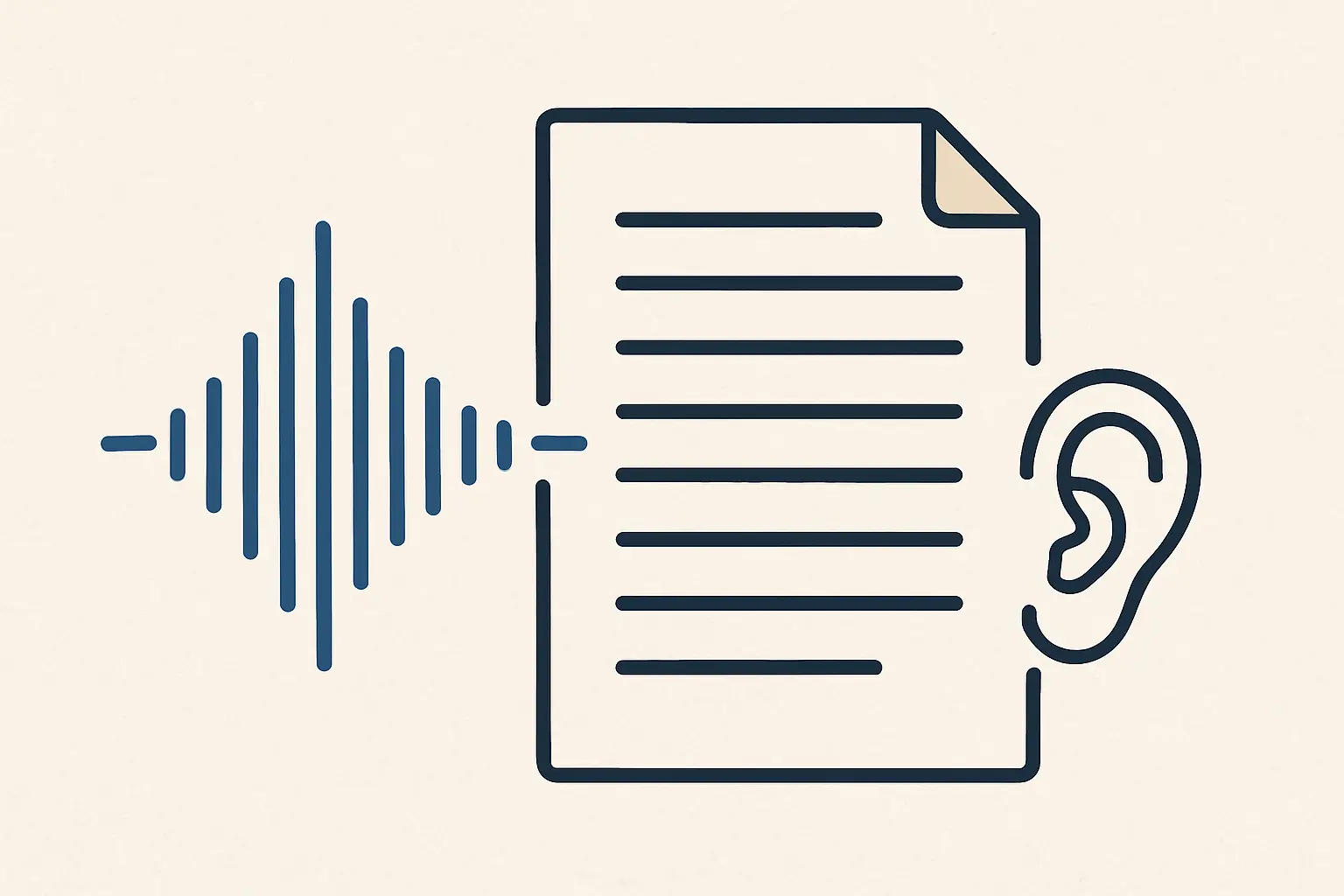
Combine tools by what each one is actually good at, in this order:
- Run a grammar and academic-tone check first (Tesify AI Editor or similar) to catch mechanical errors and register issues while you can still see the text on screen.
- Do a read-aloud pass second (Microsoft Read Aloud, Speechify, or NaturalReader) on the cleaned-up draft, chapter by chapter, to catch flow and repetition issues your eyes have gone blind to.
- Run an academic integrity check last, especially if you translated, paraphrased, or heavily revised sections — see our guide on the best AI proofreading tools for dissertations for a deeper breakdown of this final stage.
Doing the read-aloud pass first and the grammar check last wastes time, because you will re-hear the same mechanical errors a grammar checker would have caught in seconds. Budget roughly one listening pass per chapter rather than trying to sit through an entire 80-page thesis in one session — fatigue sets in for the listener just as it does for the reader, and errors near the end of a long session are easy to miss.
FAQ
Does listening to your thesis actually help you catch more errors?
Yes. Reading silently lets your brain autocorrect missing words, repeated words, and awkward phrasing because you already know what you meant to write. Hearing the text read aloud by a neutral voice removes that autocorrect effect, which is why writing centres and editors commonly recommend read-aloud proofreading as a final pass.
Is Microsoft Word’s Read Aloud feature free?
Yes, Read Aloud and Immersive Reader are built into Word, PowerPoint, and Outlook for free as part of Microsoft 365 or even the free web version of Word. It does not require a separate subscription or app.
Is Speechify or NaturalReader better for proofreading a thesis?
Speechify offers more natural-sounding voices and higher playback speeds, which suits students who listen to long chapters in one sitting. NaturalReader’s paid plans are generally cheaper for personal use and include a usable free tier with 20 minutes of listening per day, which may be enough for spot-checking individual sections.
Can text-to-speech catch grammar and citation mistakes?
Text-to-speech is good at surfacing awkward phrasing, missing words, and repetition because you hear the rhythm of the sentence. It does not check grammar rules, citation formatting, or flag potential plagiarism — for that you need a dedicated grammar checker or academic editor alongside your read-aloud pass.
Should I proofread by ear before or after using a grammar checker?
Most editors recommend running a grammar and academic-tone check first, then doing a read-aloud pass as your final step before submission, since listening is best at catching the errors that automated tools miss, like awkward flow and repeated words.
Catch What Your Ears Can’t: Grammar, Tone, and Citation Gaps
Pair your read-aloud pass with Tesify AI Editor to check formal academic tone and flag passages that may need stronger citation before you submit.
Write your thesis with AI
Structure, draft, cite, and format your thesis faster with Tesify’s AI writing tools, automatic bibliography, and plagiarism checker. Free to start, no credit card required.





Leave a Reply