
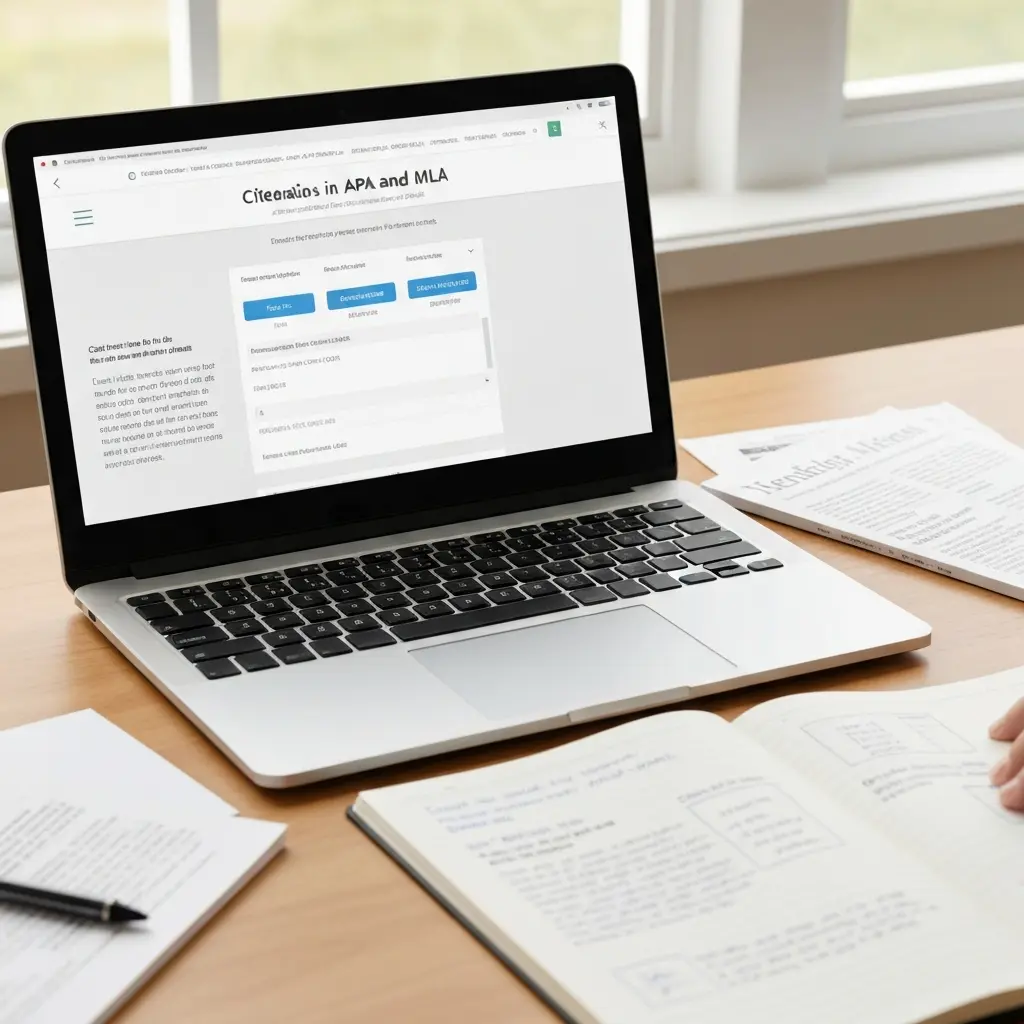
Best Free Citation Generator 2026: APA, MLA, and Chicago — Tested and Ranked
Every student reaches the point in their thesis or essay where they need to generate dozens of citations quickly and accurately. A reliable free citation generator makes this process near-instant — paste in a DOI, enter a URL, or search by title, and get a properly formatted citation in seconds. But not all citation generators are equal: some produce errors in author names, publication dates, or journal volumes; some have aggressive ad placements; and some are months behind on updated style editions.
This guide tests and ranks the best free citation generators available in 2026 for APA 7, MLA 9, and Chicago 17 — the three most commonly used styles in academia. We cover accuracy, ease of use, style coverage, and what each tool gets wrong so you know what to double-check.
What Makes a Good Citation Generator?
Before ranking tools, here are the criteria that matter for academic use:
- Style accuracy — Does it use the latest edition? APA 7 (2019), MLA 9 (2021), and Chicago 17th ed. are current. Tools still outputting APA 6 are outdated.
- Source type coverage — Can it handle journal articles, books, book chapters, websites, conference papers, theses, and datasets?
- DOI / URL lookup — The best tools auto-fill citation fields from a DOI, URL, or ISBN. Manual entry is slow and error-prone.
- Export options — Can you export to BibTeX, RIS, or Word for use with reference managers and word processors?
- No ads or paywalls on core function — Free means free for citation generation, not free for the first three citations.
1. Scribbr — Most Accurate Citation Generator
Best for: Students who prioritise citation accuracy above all else.
Styles: APA 7, MLA 9, Chicago 17, Harvard.
Cost: Free for basic citation generation.
Scribbr’s citation generator is developed by a team of academic editors who manually verify outputs against the official style manuals. It is consistently the most accurate free option — particularly for edge cases like translated works, edited volumes, and government reports. The interface is clean, free of ads, and does not require account creation for basic use.
Scribbr allows you to build a bibliography of multiple citations and copy it in one action. Its DOI lookup is highly reliable. The main limitation is that it is not a full reference manager — you cannot save libraries across sessions without creating an account.
Access at: scribbr.com/citation/generator
2. ZoteroBib — Best No-Frills Option
Best for: Quick bibliography generation; Zotero users who want a web companion.
Styles: APA 7, MLA 9, Chicago, Harvard, and 9,000+ more.
Cost: Completely free, no account required, no ads.
ZoteroBib (zbib.org) is the web-based companion to Zotero. It requires no account, has zero ads, and supports over 10,000 citation styles — the widest coverage of any free tool. Enter a URL, DOI, ISBN, PMID, or ArXiv ID and it auto-fills the citation instantly.
Bibliographies built in ZoteroBib can be exported directly to your Zotero library (one click) or copied as formatted text. This makes it the ideal companion tool for students already using Zotero as their primary reference manager.
Access at: zbib.org
3. QuillBot Citation Generator — Best Free All-Rounder
Best for: Students who also use QuillBot for paraphrasing and grammar checking.
Styles: APA, MLA, Chicago, Harvard, IEEE, and more.
Cost: Free.
QuillBot’s citation generator handles all major styles and integrates naturally with the rest of the QuillBot suite — if you are already using it to improve your writing, having citations in the same interface is convenient. It auto-generates from DOI, URL, or manual input. The interface is clean and the output is accurate for standard source types.
Access at: quillbot.com/citation-generator
4. MyBib — Best for Students on a Budget
Best for: Students wanting a completely free tool with a clean interface for APA and MLA.
Styles: APA 7, MLA 9, Harvard, Chicago, Vancouver, and more.
Cost: Free (with minimal, non-intrusive ads).
MyBib is specifically designed for students. It allows you to save citation projects across sessions (with a free account), export in multiple formats, and generates accurate output in the major styles. The interface is simpler and less cluttered than Citation Machine or EasyBib.
Access at: mybib.com
5. Grammarly Citations — Best for Existing Grammarly Users
Best for: Students already using Grammarly who want citations in the same workflow.
Styles: APA 7, MLA 9, Chicago 17.
Cost: Free (part of the free Grammarly account).
Grammarly’s citation tool, available at grammarly.com/citations, is accurate and ad-free. Its main strength is convenience for students already using Grammarly for writing assistance — you can switch between correcting your prose and generating citations in the same browser environment. The style coverage is limited to the three major styles, which covers most student needs.
Comparison Table
| Tool | APA 7 | MLA 9 | Chicago 17 | DOI Lookup | Export | Ads |
|---|---|---|---|---|---|---|
| Scribbr | Yes | Yes | Yes | Yes | Copy | None |
| ZoteroBib | Yes | Yes | Yes | Yes | RIS / Zotero | None |
| QuillBot | Yes | Yes | Yes | Yes | Copy | Minimal |
| MyBib | Yes | Yes | Yes | Yes | Word / Copy | Minimal |
| Grammarly | Yes | Yes | Yes | Yes | Copy | None |
How to Check Citation Accuracy
No citation generator is 100% accurate 100% of the time. Every auto-generated citation should be checked against a few key points:
- Author names — are they in the right order and format for the style? (APA: Last, F. M.; MLA: Last, First; Chicago: varies by note type)
- Publication year — does it match the edition or version you actually used?
- Journal name and volume/issue — is the journal name abbreviated or full? (APA uses full name; Vancouver abbreviates)
- Page numbers — are they included for direct quotes? Are they correctly formatted (pp. 12–15 vs 12-15)?
- DOI format — APA 7 requires DOIs as full URLs (https://doi.org/…), not just the number
Most Common Citation Generator Errors
- Using wrong edition of a style (APA 6 vs APA 7 formatting is significantly different)
- Missing volume/issue numbers for journal articles
- Incorrect capitalisation in article titles (APA uses sentence case; MLA uses title case)
- Missing “Retrieved from” or DOI for online sources
- Wrong author format for corporate or institutional authors
For deeper learning on citation styles, our guides on APA citation format and what citation style to use for your thesis cover every source type you will encounter. For managing large reference lists, see our comparison of reference management software.
Frequently Asked Questions
Are free citation generators accurate enough for a thesis?
Free citation generators like Scribbr and ZoteroBib are highly accurate for standard source types — journal articles, books, and websites. However, they are not perfect, and you should always review auto-generated citations against the official style guide before submitting. Edge cases (translated works, government documents, archival sources) are most likely to contain errors.
What is the difference between a citation generator and a reference manager?
A citation generator creates a single citation or bibliography on demand. A reference manager (like Zotero or Mendeley) stores your entire research library, integrates with your word processor to insert citations as you write, and manages your complete bibliography automatically. For a thesis with 50+ sources, a full reference manager is far more efficient than a citation generator.
Does Scribbr citation generator support Harvard style?
Yes. Scribbr supports APA 7, MLA 9, Chicago 17, and Harvard citation styles. Note that “Harvard” is not a single standardised format — it varies by institution. Scribbr uses the most widely accepted UK Harvard format (author-date). Always confirm with your department which specific Harvard variant they require.
What is the best citation generator for APA 7?
Scribbr produces the most consistently accurate APA 7 citations, particularly for unusual source types. ZoteroBib is equally reliable for standard sources and has the advantage of exporting directly to Zotero. Both are free and handle APA 7’s specific requirements — sentence case titles, DOI as full URL, 20-author rule — correctly.
Can I use a citation generator for journal articles found on JSTOR?
Yes. Copy the DOI from the JSTOR article page and paste it into any of the citation generators listed. The DOI will auto-fill all required fields. If a DOI is not available (older articles), copy the stable JSTOR URL or enter metadata manually. Check that the generated citation includes the correct journal volume, issue, and page numbers — JSTOR sometimes displays paginated print page numbers which differ from PDF page numbers.
Write and Cite Better with Tesify
Tesify helps you integrate sources naturally into your academic writing — with proper paraphrasing, accurate tone, and zero plagiarism risk.
Write your thesis with AI
Structure, draft, cite, and format your thesis faster with Tesify’s AI writing tools, automatic bibliography, and plagiarism checker. Free to start, no credit card required.





Leave a Reply