
Tesify vs SciSpace for Thesis Writing in 2026: Which AI Research Tool Actually Helps You Finish?
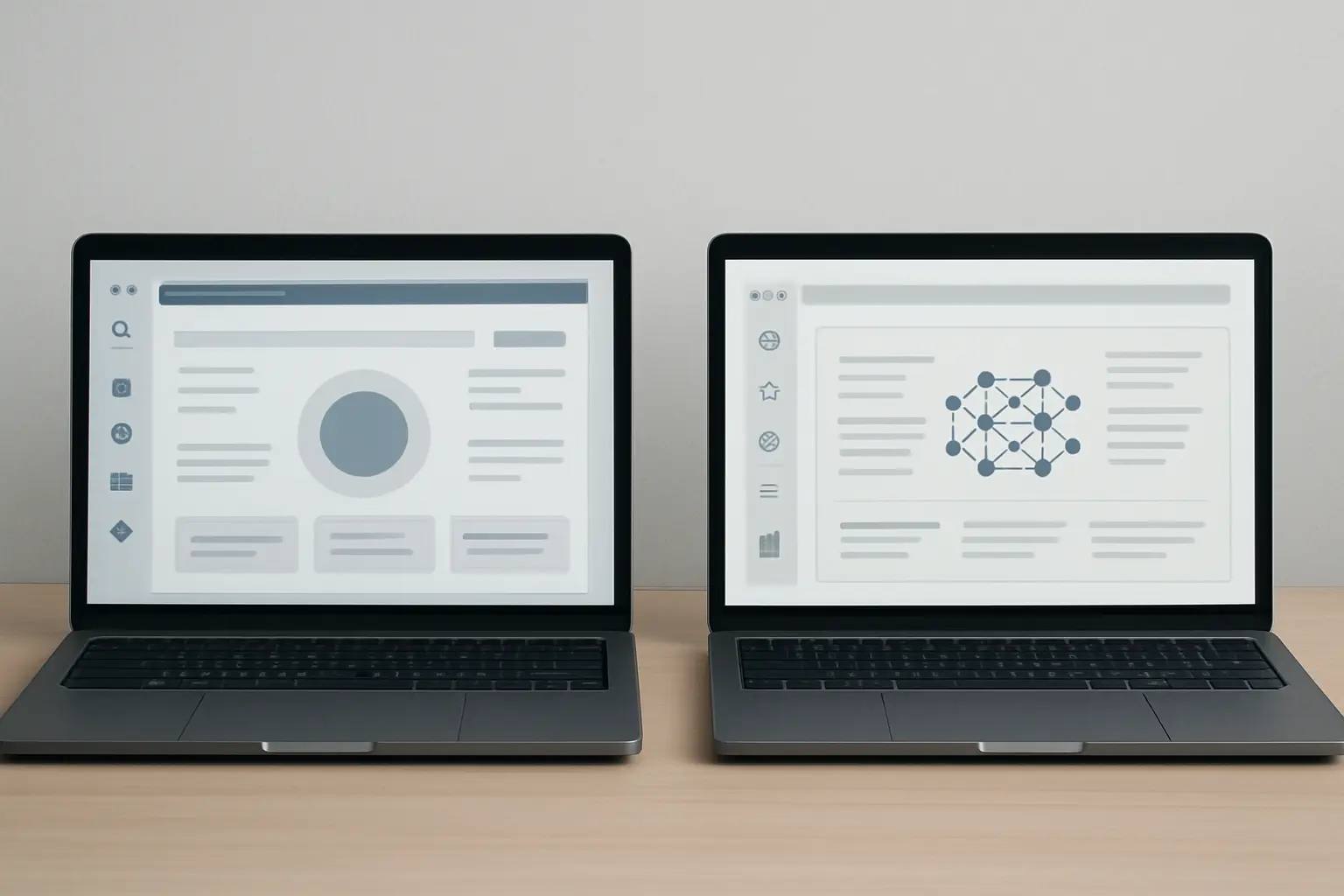
Both Tesify and SciSpace claim to help students work faster on their dissertations — but they solve completely different problems. SciSpace is built for reading and discovering research: upload a paper, ask it questions, map the literature. Tesify is built for writing the thesis itself: open a project, draft chapter by chapter, run a plagiarism check, and generate your bibliography without switching tabs. Confusing the two — expecting SciSpace to carry you to a submitted draft, or expecting Tesify to replace a literature database — is an expensive mistake when your deadline is close. This Tesify vs SciSpace comparison cuts through the positioning language and looks at what each tool actually does at the stages that matter.
The distinction matters because students often try SciSpace expecting a full writing assistant, or try Tesify expecting a research database, and end up frustrated either way. Understanding where each tool starts and stops is the fastest way to pick the right one for your actual stage of thesis work.
Tesify vs SciSpace: Feature Comparison at a Glance
The table below covers the six features that most directly determine whether a tool helps you finish a dissertation, not just research one.
| Feature | Tesify | SciSpace |
|---|---|---|
| Literature Search | Guided by your thesis topic; sources integrated into your draft | 280M+ paper index; automated literature review columns by methodology and findings |
| Drafting & Writing | Full chapter-by-chapter AI writing pipeline built around thesis structure | AI writer module present but separate from the research and discovery tools |
| Citation Accuracy | Auto bibliography generates structured references from cited sources in your draft | AI-suggested citations; independent reviews recommend manual verification before submission |
| Plagiarism / AI-Detection | Built-in plagiarism checker — no separate tool needed | No built-in plagiarism check; requires a separate subscription |
| Export & Formatting | Thesis-ready document export with bibliography included | 40,000+ journal and thesis templates (Premium plan); strong for journal submission formatting |
| Price | Free to start — no credit card required | Free tier (limited); $12/mo Premium; $100/mo Lab (5 users) |
What SciSpace Does Well
SciSpace is one of the most capable research discovery platforms available to students. Its core strength is helping you understand and organise the literature before you write. With an index of over 280 million papers and 50 million open-access PDFs, it covers a breadth of published research that generic search engines cannot approach.
Chat with PDF
The most widely used feature of SciSpace is Chat with PDF. You upload a journal article and the AI lets you ask questions about it — methodology, key findings, statistical details — with answers that reference specific passages in the source document. For students working through large volumes of papers at the literature review stage, this is a genuine time-saver. A dense 40-page methods paper becomes something you can interrogate in minutes rather than hours.
Automated Literature Review
The literature review tool accepts a research question and returns a table of relevant papers with customisable columns: methodology, findings, limitations, and publication year. This gives students a structured picture of the field before they commit to their own angle. The Premium plan at $12/month provides unlimited access to this feature alongside access to over 40,000 journal formatting templates — useful if you are writing toward a specific publication or your institution uses a non-standard citation style.
AI Research Agent
SciSpace also offers an AI Research Agent that coordinates more than 150 specialised sub-tools to handle complex tasks — systematic review screening, patent search, and journal identification among them. For PhD students designing a large-scale study and managing an extensive reference corpus, this automated discovery layer can compress weeks of scoping work into considerably less time.
Where SciSpace Falls Short for Thesis Writing
Despite its impressive research engine, SciSpace has a clearly documented gap once the goal shifts from reading the literature to actually writing a thesis.
- No built-in plagiarism checker. SciSpace’s writing module does not include plagiarism detection. Students must export their draft and pay for a separate tool before submission — an added step, an added cost, and a workflow break at the worst possible moment.
- Writing and research run as separate modules. The AI writer does not carry citations directly from your literature review into the draft. There is friction at the handoff that requires manual bridging — copying sources, reformatting references, checking that the inline citation matches the entry you actually reviewed.
- Citations require manual verification. SciSpace suggests citations based on context, but reviewers consistently note that students should verify each reference independently before submitting. The tool does not guarantee that every AI-suggested reference maps to a real, correctly formatted source.
- Free plan is tightly capped for serious drafting. The free tier limits users to five AI actions per document. Any chapter draft over 3,000 words will hit that ceiling before the section is complete, forcing an upgrade or an interruption.
These limitations are not fatal for a student using SciSpace strictly for literature discovery and paper comprehension. They become significant the moment that student expects SciSpace to carry them through to a submission-ready draft. For a broader view of how reading-focused tools compare against full writing platforms across ten tools, the best AI tools for academic writing compared 2026 ranks each option across the full writing lifecycle.
What Tesify Does Well
Tesify is built around a single outcome: getting you from blank page to a submitted, integrity-checked thesis. It does not position itself as a literature search engine — it is the pipeline that turns your research direction into a finished, formatted document.
AI Thesis Writing, Chapter by Chapter
Tesify’s core feature is AI-assisted writing structured around the actual anatomy of a thesis. Rather than a generic editor with autocomplete suggestions, it guides you chapter by chapter — introduction, literature review, methodology, results, discussion, conclusion — maintaining academic conventions and your topic context across the entire document. This is a meaningfully different outcome from asking a general-purpose AI to “write my methodology section” and getting output you cannot submit. For a detailed breakdown of exactly how Tesify differs from general AI, the Tesify vs ChatGPT comparison is the clearest reference.
Built-in Plagiarism Checker
Plagiarism checking is integrated into Tesify’s workflow rather than bolted on as a separate subscription. You do not need to copy your text into a third-party tool mid-draft. This matters operationally: students who check only at the end — after 15,000 words are written — often discover passages that require significant rewriting under deadline pressure. Running incremental checks as you draft catches problems when they are still small. The Tesify Plagiarism Checker is accessible directly from your thesis project.
Auto Bibliography
Tesify’s auto bibliography generates correctly formatted references from the sources cited within your draft. This eliminates one of the most error-prone parts of academic submission: manually formatting 40 to 80 references in APA, MLA, Chicago, or another required style. Incorrect or inconsistently formatted citations are a recurring source of revision requests from supervisors; automating them against a consistent standard reduces that risk substantially. For an alternative view of how AI can accelerate the literature review stage before you begin drafting, see how an AI literature review generator can synthesise sources faster before you move into Tesify’s writing pipeline.
AI Editor
The AI editor handles the revision pass: academic register, tone consistency, clarity, and sentence-level structure. This is the stage most students skip under deadline pressure — and the one where markers most frequently dock marks for “poor academic writing style.” Having the editor inside the same platform where the draft was written means no copy-pasting between tools and no loss of document context. For guidance on using the full writing pipeline ethically, the AI thesis writer guide covers each stage with worked examples and university policy notes.
Best For Each Tool
SciSpace is best for:
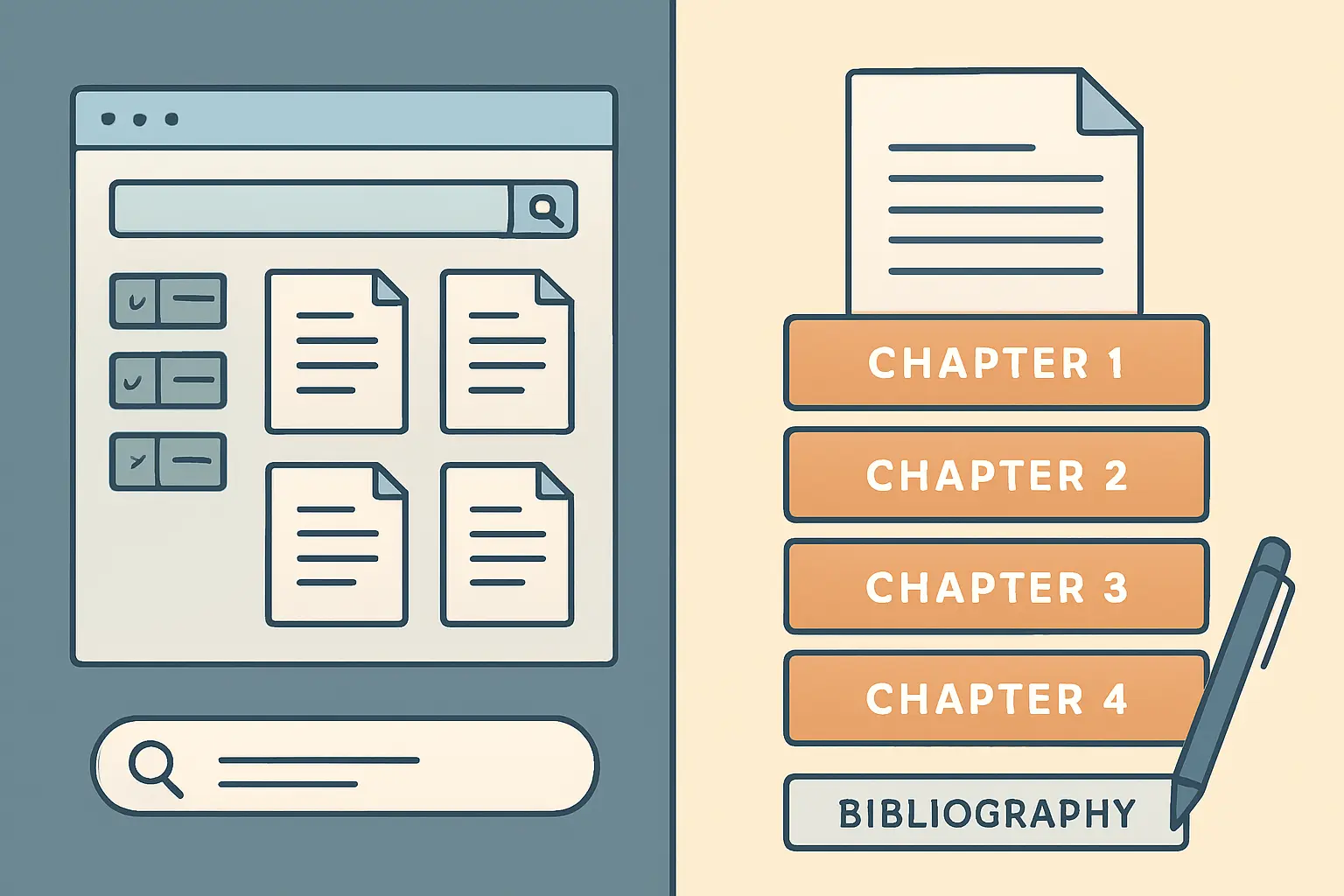
- Early-stage literature scoping and mapping
- Understanding dense technical papers quickly via Chat with PDF
- Systematic review screening across hundreds of papers
- PhD students managing a large, complex reference corpus
- Finding relevant papers by research question rather than keyword
- Structuring a literature review before writing begins
Tesify is best for:
- Drafting full thesis chapters with structured AI assistance
- Running plagiarism checks without a separate subscription
- Auto-generating a correctly formatted bibliography
- Polishing academic tone and clarity before submission
- Students who need one tool for the entire write → check → finalise pipeline
- Master’s students on a compressed timeline
Our Recommendation
The honest answer is that Tesify and SciSpace are not direct competitors — they serve different stages of the same thesis. SciSpace wins at discovery. Tesify wins at writing and finishing.
If you are still three or more months from submission and you need to find, read, and organise your sources, SciSpace is a sensible investment for that phase. Its literature review organiser and Chat with PDF genuinely accelerate the reading-heavy early stages. At $12/month for Premium, the price is reasonable for a semester of use.
If you are at the point of actually writing — or if you have limited time and need a single platform that takes your research direction and produces a compliant, formatted, plagiarism-checked draft — Tesify is the right choice. The pipeline from AI-assisted chapter writing to built-in plagiarism check to auto bibliography to AI editing happens in one place, which eliminates the errors and delays that accumulate at every tool-switching point.
For most students arriving at the Tesify vs SciSpace question, the deciding factor is simple: what stage are you at right now? If the answer is “I need to write and submit,” Tesify is purpose-built for that outcome and free to start. For broader context on how both tools fit into the wider academic AI landscape, the Tesify vs Jenni AI vs Paperpal comparison and the full ranked guide to AI thesis writing tools in 2026 cover the adjacent options worth knowing about.
Ready to Write Your Thesis?
Start with Tesify for free — no credit card required. Write your first chapter, run a plagiarism check, and generate your bibliography in one place.
Frequently Asked Questions
Can SciSpace write my thesis for me?
SciSpace includes an AI writing assistant, but it is designed to assist with individual passages rather than produce a structured, submission-ready thesis. It has no built-in plagiarism checker and its citation suggestions require manual verification. For a complete write-to-submit pipeline — including plagiarism checking, auto bibliography, and academic editing — a purpose-built tool like Tesify is better suited.
Does SciSpace check for plagiarism?
No. As of 2026, SciSpace does not include a built-in plagiarism detection tool. Students using SciSpace to draft need to export their text and run it through a separate plagiarism checker before submission. Tesify includes plagiarism checking as part of the platform, so you can check your work as you write without paying for an additional service.
Is SciSpace free?
SciSpace has a free plan that includes limited AI Copilot queries, basic literature review access, and a Chrome extension. The free plan caps users at five AI actions per document, which is restrictive for any serious drafting session. The Premium plan at $12 per month provides unlimited queries, unlimited paper summaries, advanced literature review tools, and access to over 40,000 journal formatting templates. A Lab plan at $100/month covers five users and adds collaborative workspaces.
Can I use both Tesify and SciSpace together?
Yes — they complement rather than duplicate each other. Use SciSpace in the early stages to discover papers, build your literature map, and understand your sources quickly. When you move into active writing, switch to Tesify: it takes your research direction and helps you draft chapters, check for plagiarism, auto-generate your bibliography, and refine your academic writing style in one platform. Using both is a reasonable approach if your timeline and budget allow.
Which tool is better for a master’s dissertation vs a PhD thesis?
For a master’s dissertation — where the writing timeline is compressed and the literature scope is narrower — Tesify’s all-in-one pipeline is usually the more practical choice. You can move quickly from research notes to a drafted, checked, formatted document without switching platforms. For a PhD thesis, where the literature review can span hundreds of papers across months of reading, SciSpace’s systematic review tools and Chat with PDF are particularly valuable during the pre-writing phase. Most PhD students benefit from using both tools at different stages of a multi-year project.
Write your thesis with AI
Structure, draft, cite, and format your thesis faster with Tesify’s AI writing tools, automatic bibliography, and plagiarism checker. Free to start, no credit card required.






Leave a Reply