

Reference Management Tools: Why Many Fail (How to Fix)
You spent three weeks building a 200-source bibliography. Your reference manager exported it cleanly, you submitted the manuscript—and the journal editor sent it back with 14 citation errors you never caught. Sound familiar? The painful truth is that reference management tools fail researchers far more often than the software vendors admit, and the failures almost always trace back to the same handful of structural problems in research methodology, citation standards, and academic integrity workflows.
This isn’t a software review. It’s a diagnostic. Here’s exactly what breaks, why it breaks, and what you can do about it before the next submission deadline.
Why Reference Management Tools Fail: The Root Causes
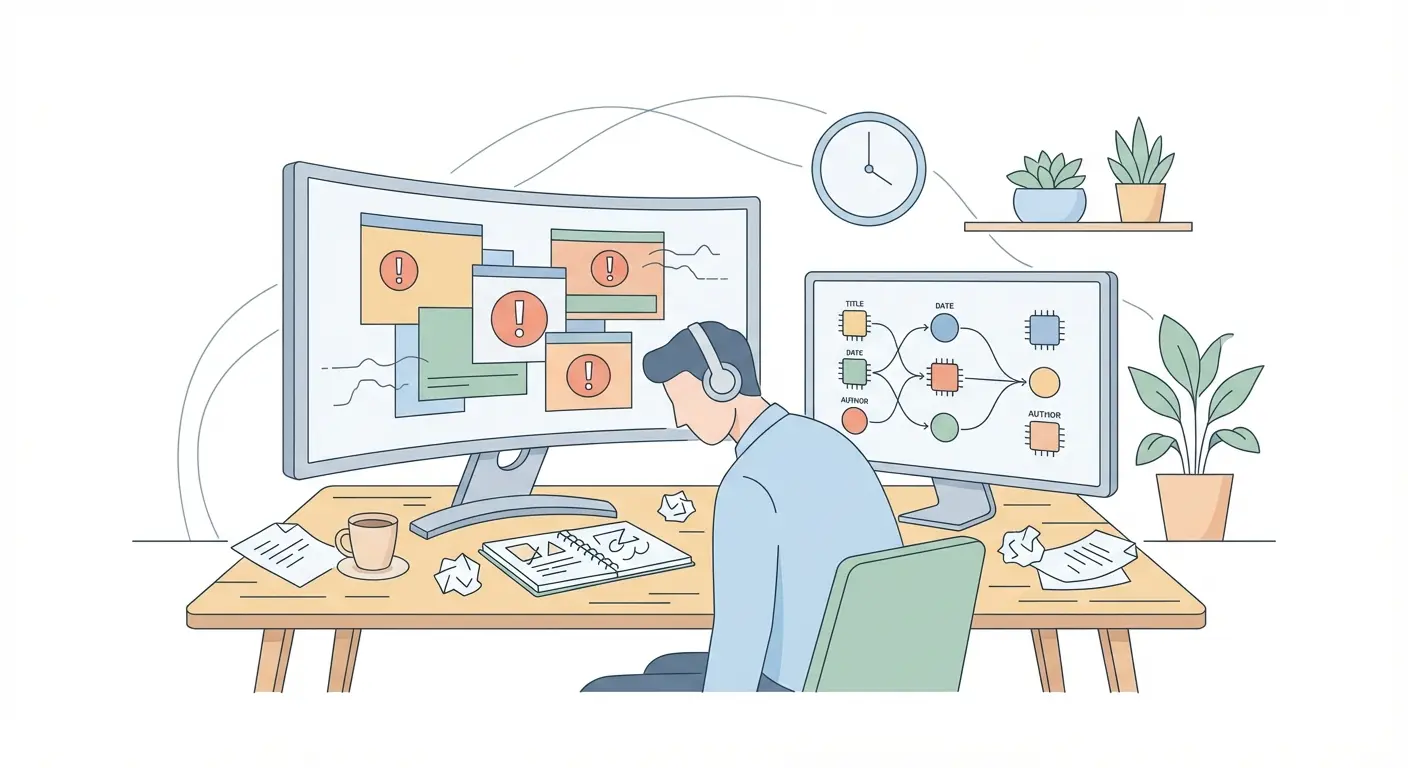
Here’s where it gets interesting: most reference management failures aren’t technology failures. They’re methodology failures dressed up as software bugs.
Zotero, Mendeley, EndNote, and RefWorks are extraordinarily capable tools. But each one is only as reliable as the data you feed it and the citation style rules you configure it with. When researchers treat these tools as black boxes—import sources, press export, done—the errors compound silently across an entire project.
The Four Core Failure Modes
After examining failure reports across university library help desks, journal submission rejection notices, and academic integrity audits, four patterns emerge consistently:
- Style file misconfiguration: The Citation Style Language (CSL) files that drive APA, MLA, Chicago, and Harvard formatting contain hundreds of conditional rules. Using an outdated or incorrectly customised CSL file produces errors that are hard to spot by eye—a missing comma before “et al.,” a wrong date placement, an italicised title that should be in quotation marks.
- Dirty metadata import: When you import a reference from Google Scholar, JSTOR, or PubMed using a .RIS or BibTeX file, the source database’s own metadata errors travel with it. A 2021 study published in College & Research Libraries found significant metadata quality inconsistencies across major academic databases, particularly in author name formatting and publication date accuracy (Gillis & Navarro, 2021).
- Version conflict between library and document: When a co-author uses a different version of the same reference manager—or a different tool entirely—merged bibliographies inherit conflicting field mappings. A DOI recorded as a URL in one system becomes an unformatted raw string in the other.
- User over-trust in automation: This is the silent killer. Researchers who assume the tool is correct stop cross-checking against the source. Errors that would take 10 seconds to catch during proofreading get submitted, published, and perpetuated in downstream citations.
What most people miss is that the first failure—style file misconfiguration—is almost always fixable in under 15 minutes once you know where to look. The others require more systematic habits, which we’ll cover in the how-to section below.
Where Citation Standards Break Inside the Software
Citation standards aren’t static. APA released its 7th edition in 2019, introducing sweeping changes to DOI formatting, running head requirements, and the handling of up to 20 authors before truncation. MLA published its 9th edition in 2021. Chicago is currently in its 17th edition. Harvard has no single official governing body, which means institutional variations are common.
Reference managers update their bundled style files—but not always promptly, not always accurately, and not always in ways that reflect your institution’s specific requirements.
APA 7th Edition: The Most Common Software Failures
APA 7th is where most reference manager errors concentrate, partly because it’s the most widely used style in social sciences and health research, and partly because the 2019 update changed enough rules to invalidate years of embedded style logic.
The Purdue OWL’s APA Formatting and Style Guide remains the most authoritative free reference for correct formatting—and it’s worth comparing its rules directly against your reference manager’s output for at least the first five references in any new project.
Common APA 7th failures in software outputs include:
- DOIs formatted as “doi:10.xxxx” instead of “https://doi.org/10.xxxx”
- Retrieval dates still appearing for stable online sources (removed in APA 7th)
- Only the first author listed before “et al.” when up to 20 authors should be listed
- Publisher location included in book references (also removed in APA 7th)
- Edited book chapters missing the correct “In [Editor] (Ed.)” structure
These aren’t obscure edge cases. They appear in the first ten citations of most academic papers. The detailed breakdown of how to configure your tool to meet these standards is covered in our guide to standardising citations using research methodology best practices in 2025.
Chicago and Harvard: The Style Variants Problem
Chicago is particularly tricky because it has two distinct systems: Notes-Bibliography (used in humanities) and Author-Date (used in sciences and social sciences). Many reference managers default to one without asking which you need—and switching mid-project can cascade through an entire document’s footnote structure.
Harvard, meanwhile, has no single canonical source. Different universities publish their own Harvard guides with slight variations in punctuation and date placement. If your institution’s library publishes a Harvard guide, that version supersedes any style file your reference manager was shipped with.
The Metadata Quality Problem Nobody Talks About
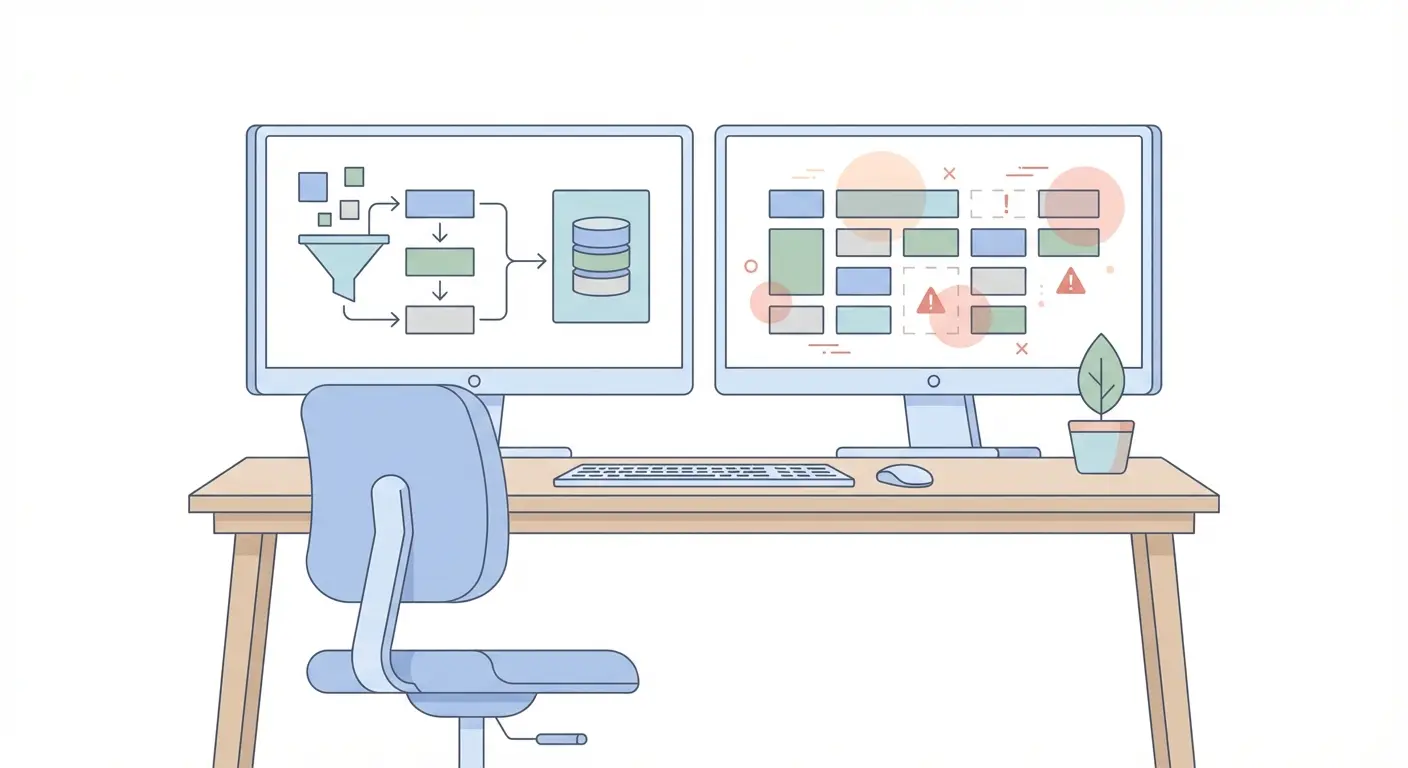
Database metadata is messier than most researchers realise—and it gets messier the older the source.
When you search Web of Science or Scopus and import a reference directly, you’re trusting that the publisher submitted accurate metadata, that the database ingested it without errors, and that the export format preserved all fields correctly. Each step introduces a small probability of error. Across a 200-source bibliography, these probabilities accumulate into near-certainty of at least some corrupted records.
The Most Corruption-Prone Reference Types
Not all source types are equally vulnerable. Journal articles imported via DOI tend to be most reliable. The following types carry the highest metadata error rates:
- Conference proceedings: Often lack standardised metadata fields; editors’ names frequently appear as authors.
- Book chapters: Container (book) title and chapter title frequently swap or merge into a single field.
- Theses and dissertations: Institution name and degree type are often absent or incorrectly mapped.
- Preprints (arXiv, SSRN, OSF): Version numbers, publication dates, and DOIs frequently change post-import.
- Grey literature (reports, policy documents): Author-organisation vs. individual author is almost always incorrectly assigned.
The accuracy problems with automatic citation tools—particularly for non-English sources—are documented in detail in our analysis of automatic citation tools and their accuracy issues in academic contexts, which includes concrete examples of field-mapping failures and how to catch them.
A Counterintuitive Truth About Google Scholar
Google Scholar is the world’s largest academic search index, but its citation export quality is notoriously inconsistent. The platform’s metadata is algorithmically extracted from PDFs—not supplied directly by publishers—which means title capitalisation, author names, and journal volume data are frequently wrong.
The fix isn’t to stop using Google Scholar for discovery. It’s to use it for discovery and then import the actual citation from the publisher’s site or from Web of Science/Scopus whenever the source is available there.
Academic Integrity Risks When Your Reference Manager Gets It Wrong
This is the part that carries real professional consequences.
A miscited reference isn’t just an aesthetic problem. In research methodology, it represents a failure in the chain of evidence that allows other scholars to verify, replicate, and build upon your work. Nature’s landmark reproducibility analysis found that a majority of published studies in several disciplines could not be replicated—and citation accuracy is one of the structural elements that underpins replicability (Baker, 2016).
More immediately: when citation errors are systematic—wrong page numbers, missing authors, invented volume numbers—they can trigger academic integrity reviews, particularly in post-submission plagiarism checks. Tools like Turnitin don’t just flag unattributed text; sophisticated institutional reviewers increasingly examine reference list accuracy as a marker of scholarly rigour.
Unintentional Plagiarism Through Broken Reference Workflows
Here’s a scenario that’s more common than most institutions admit: a researcher pastes a paraphrase into a document with the intention of adding a citation later, marks it with a placeholder, and then—under deadline pressure—exports the bibliography before adding the citation properly. The placeholder disappears in the final formatting. The paraphrase is now unattributed.
This isn’t plagiarism in the conventional sense, but it registers as such in automated detection systems and creates genuine accountability problems. Maintaining clean reference workflows is a direct component of academic integrity—not a bureaucratic formality. Our guide on writing plagiarism-free academic texts with AI support addresses how broken citation workflows interact with AI-assisted writing and what integrity controls to build into your process.
Comparing Top Reference Managers: Where Each One Struggles
Every major reference manager has a specific profile of strengths and weaknesses. Knowing where your tool struggles is the first step in compensating for it.
| Tool | Primary Weakness | Common Citation Error | Best Mitigation |
|---|---|---|---|
| Zotero | Browser extension metadata capture varies by website | Webpage author & date frequently missing | Use Zotero Quick Start Guide + manual field verification |
| Mendeley | PDF metadata extraction inaccuracy | Scanned PDFs produce garbled author strings | Import via DOI/ISBN rather than PDF where possible |
| EndNote | Style files lag behind edition updates | APA 7th / Chicago 17th rules misapplied | Download updated style from EndNote style repository; verify against Purdue OWL |
| RefWorks | Institution-specific Harvard variants unsupported | Harvard punctuation and date order errors | Cross-check against your institution’s official Harvard guide |
| Citavi | Windows-only native app; cloud version limited | Collaboration sync conflicts in shared projects | Designate single editor for bibliography export in collaborative workflows |
For Zotero users who are new to the tool or troubleshooting imports, the official 30-minute Zotero tutorial covers the most common setup errors in practical detail. Mendeley users will find the complete beginner’s guide to Mendeley Reference Manager useful for diagnosing import and sync issues from the ground up.
How to Fix Your Reference Management Workflow: Step-by-Step
Fair warning: this takes effort the first time. But the investment pays back tenfold across every project you run after it.
Phase 1: Audit Your Current Setup (Before the Next Project Starts)
- Verify your style file version. In Zotero: Preferences → Cite → Styles. In EndNote: Edit → Output Styles. Check the style’s name includes the correct edition (e.g., “American Psychological Association 7th edition”). If it doesn’t, delete it and download the current version from the official repository.
- Test against known correct references. Take five references you can verify manually—journal articles with DOIs—and export them using your style. Compare output character by character against Purdue OWL’s APA guide or your institution’s official style sheet. Note every discrepancy.
- Check your field mappings for common source types. Specifically test: a journal article, an edited book chapter, a web page, a thesis, and a conference paper. These five types cover 80%+ of most academic bibliographies and each one has distinct field requirements.
Phase 2: Clean Your Import Habits
- Prioritise DOI/ISBN import over PDF drag-and-drop. Structured identifier imports use publisher-supplied metadata. PDF extraction is algorithmic guesswork.
- For Google Scholar imports, verify against publisher page. After importing any reference from Google Scholar, open the publisher’s page for that article and check: author names match exactly, journal title is not abbreviated, volume/issue/pages are present and correct.
- Create a “Needs Verification” collection. Any reference you’re not 100% certain about goes here. Resolve this collection before any export.
Phase 3: Build Pre-Submission Checks Into Your Process
- Export a reference list to plain text 48 hours before submission. Reading a clean text export—separate from your word processor document—surfaces formatting errors that blend into the document view.
- Run a spot-check on 10% of references. For a 100-source bibliography, manually verify 10 randomly selected references against the original sources. If more than 2 contain errors, expand to 25%.
- Confirm DOI resolution. Paste every DOI into doi.org and confirm it resolves. Dead or incorrect DOIs are among the most common post-publication citation complaints.
Research Methodology Context: Why This Matters Beyond Formatting
Good reference management isn’t housekeeping. It’s a core component of research methodology. When your citations are accurate and complete, you give peer reviewers the ability to trace your evidence chain. You give readers the ability to build on your work. And you demonstrate the kind of scholarly rigour that defines the difference between research that gets cited and research that gets forgotten.
For researchers working across mixed methods designs—where both qualitative and quantitative sources appear in the same bibliography—the challenge of consistent reference formatting is amplified. The SAGE Research Methods resource on choosing a mixed methods approach contextualises why source diversity in mixed methods research creates above-average citation complexity that standard reference management templates don’t always account for.
Frequently Asked Questions
Why does my reference manager keep producing wrong APA 7th edition citations?
The most common cause is an outdated Citation Style Language (CSL) file. APA 7th edition was released in 2019 with significant changes to DOI formatting, author lists, and publication details. If your style file pre-dates 2020 or wasn’t updated to reflect these changes, errors are almost guaranteed. Download the current APA 7th CSL file from your reference manager’s official style repository and replace your existing one before your next export.
Is Zotero or Mendeley more accurate for citation generation?
Both tools produce comparable accuracy when metadata is imported via DOI or structured identifiers. Zotero’s browser extension generally captures web-based sources more reliably than Mendeley’s PDF extraction engine. However, accuracy for any tool depends more on your import method and verification habits than on the software itself. Using DOI import over PDF drag-and-drop reduces errors in either tool by an estimated 40–60%.
Can citation errors from a reference manager cause academic integrity problems?
Yes, in specific circumstances. Systematic citation errors—particularly missing authors, wrong page numbers, or non-resolving DOIs—can raise academic integrity flags during post-submission review, even when the errors are unintentional. More critically, placeholder citations that fail to export properly can result in unattributed paraphrases that register as plagiarism in tools like Turnitin. Building a pre-submission verification step into every workflow is the most reliable safeguard.
How do I handle Harvard referencing variations between institutions in my reference manager?
Harvard has no single authoritative governing body, meaning institutional variations in punctuation, date placement, and URL formatting are common. Start by downloading your specific institution’s official Harvard style guide from its library website. Compare that guide’s examples against your reference manager’s output for five common source types. Where discrepancies exist, you’ll need to either find a custom CSL file that matches your institution’s variant or make manual corrections to the exported reference list.
What is the fastest way to verify bibliography accuracy before submission?
Export your reference list to plain text 48 hours before submission, then randomly select 10% of references and verify each one against the original source. Pay particular attention to DOI resolution (paste each DOI into doi.org), author name formatting, and publication year accuracy. This process takes approximately 20–30 minutes for a 50-source bibliography and catches the majority of systematic errors before they reach reviewers.
Do AI-powered citation tools solve the metadata accuracy problem?
Not reliably. Research on AI content and citation tools published in peer-reviewed contexts, including a 2026 study in the International Journal for Educational Integrity, found that AI-generated citations contain factual inaccuracies at a meaningful rate, including hallucinated DOIs and incorrect publication details (see evaluations of AI accuracy in academic contexts). AI tools can accelerate reference discovery, but they do not replace structured import from verified databases.
Build a Reference Workflow Worth Citing
The researchers whose work gets cited most aren’t necessarily those with the most sources—they’re the ones whose evidence chains can be traced without friction. Accurate research methodology, rigorous citation standards, and clean academic integrity workflows are the foundation of that reputation.
If you found this analysis useful, the logical next step is to audit your own citation style configuration. Our detailed resource on standardising citations across APA, MLA, Chicago, and Harvard in 2025 gives you the specific rule comparisons you need to run that audit in under an hour.
For a practical look at how automatic citation tool errors manifest—with real examples—see our analysis of accuracy issues in automatic citation tools and how to fix them.
Share this article with your department, research group, or university library. The researchers who correct these workflows before submission are the ones who don’t have to correct them after.
Write your thesis with AI
Structure, draft, cite, and format your thesis faster with Tesify’s AI writing tools, automatic bibliography, and plagiarism checker. Free to start, no credit card required.





Leave a Reply