
How to Reference a Website in APA Format Step by Step (2026)
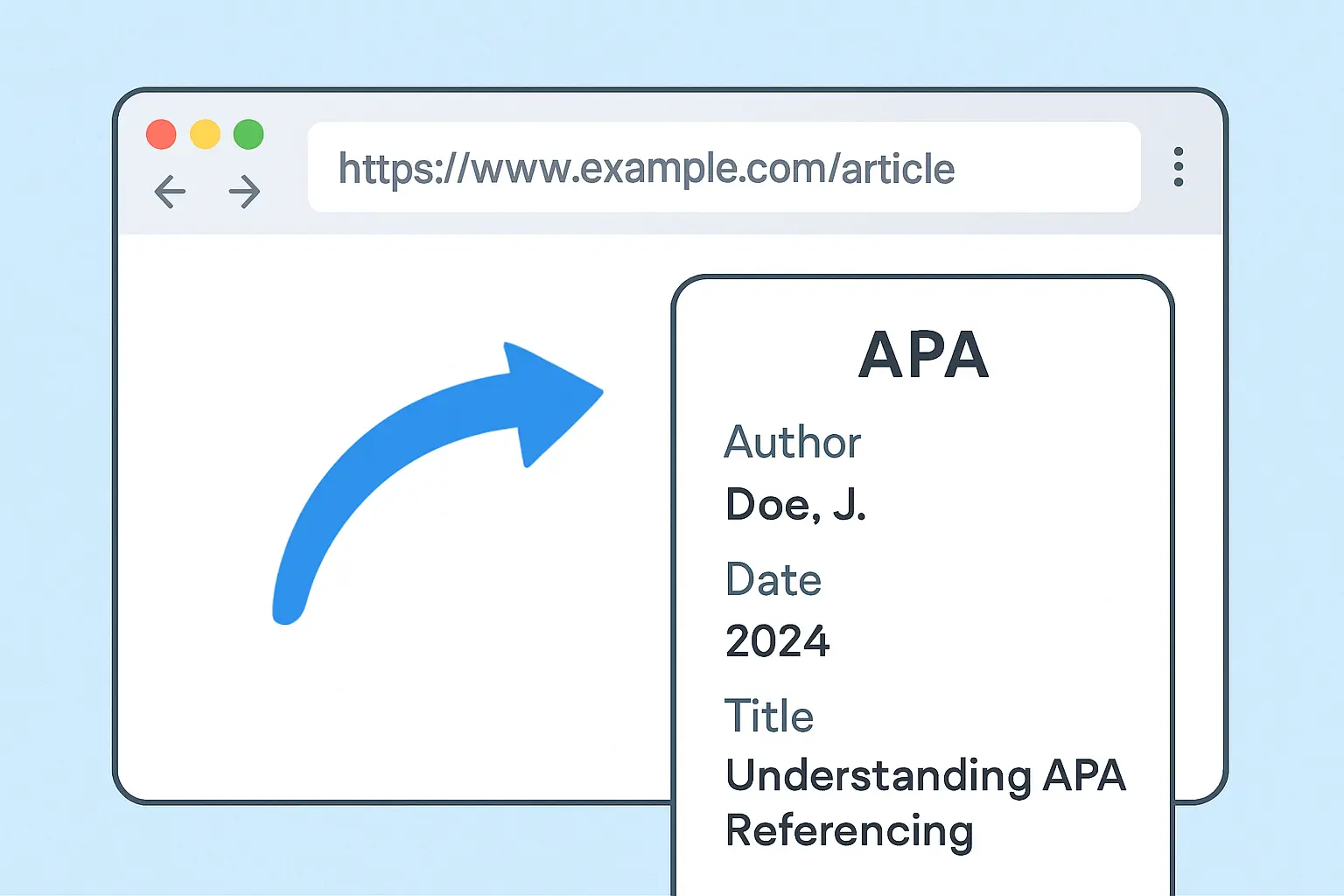
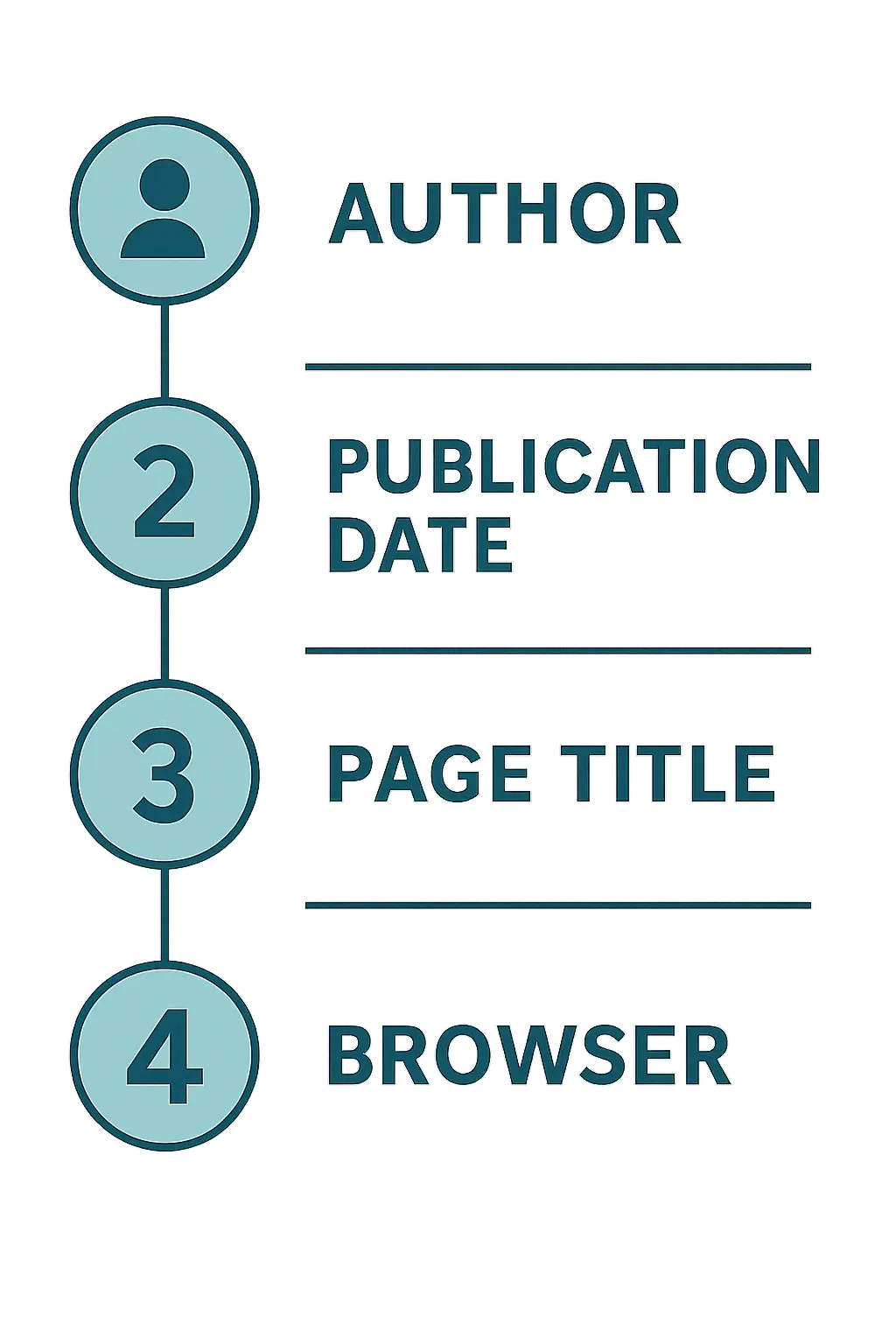
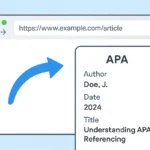
Referencing a website in APA format comes down to four elements in a fixed order: author, date, title, and source — but website citations trip students up more than any other source type because so many pages are missing an obvious author or date. This guide walks through exactly how to reference a website in APA format step by step, including the edge cases that generic citation guides skip: no author, no date, organizational authors, and whether you need a retrieval date at all.
Unlike a journal article, a webpage rarely hands you a clean citation on a silver platter. You have to go looking for the author, check the page footer for a date, and decide whether the “site name” and “author” are actually the same organization. Get this wrong across a 60-source reference list and you have created dozens of small formatting inconsistencies an examiner will notice.
Step 1: How Do You Identify the Author of a Webpage?
Look for a byline near the title, an “About the author” box, or a name in the page footer. If no individual is named but the content is clearly published by an organization — a government agency, a university, a company — APA style treats that organization as the author. For example, guidance published on the CDC’s website is cited as (Centers for Disease Control and Prevention, 2025), not left without an author.
Example: World Health Organization. (2025, March 12). Mental health at work.
Step 2: How Do You Find the Publication Date?
Check near the byline, in the page footer, or in a “last updated” notice. Use the most specific date available — year, month, and day if given, or just the year if that is all the page provides. If a page has been revised, some sites list both an original publish date and a “last updated” date; use whichever date is explicitly labelled as the publication or update date closest to the version you are citing.
Step 3: How Do You Format the Page Title?
Write the title of the specific page you are citing — not the whole website — in sentence case (capitalize only the first word, the first word after a colon, and proper nouns), and italicize it. This is different from APA’s treatment of article titles within a journal, which are not italicized; a standalone webpage title is treated more like a book title.
Example: Mental health at work
Step 4: When Do You Include the Site Name?
Include the site name after the title only if it differs from the author. If the author and the website publisher are the same organization — for example, a report published by the World Health Organization on who.int — omit the repeated site name to avoid redundancy. If a personal blogger writes for a larger platform, such as an article on Psychology Today, list the site name because it differs from the individual author.
Step 5: How Do You Format the URL?
Paste the full, direct URL to the specific page, not the homepage. APA 7 does not require “Retrieved from” before the URL — just the URL itself at the end of the reference. Do not add a period after the URL, since a trailing period could be mistaken for part of the link.
Full example reference:
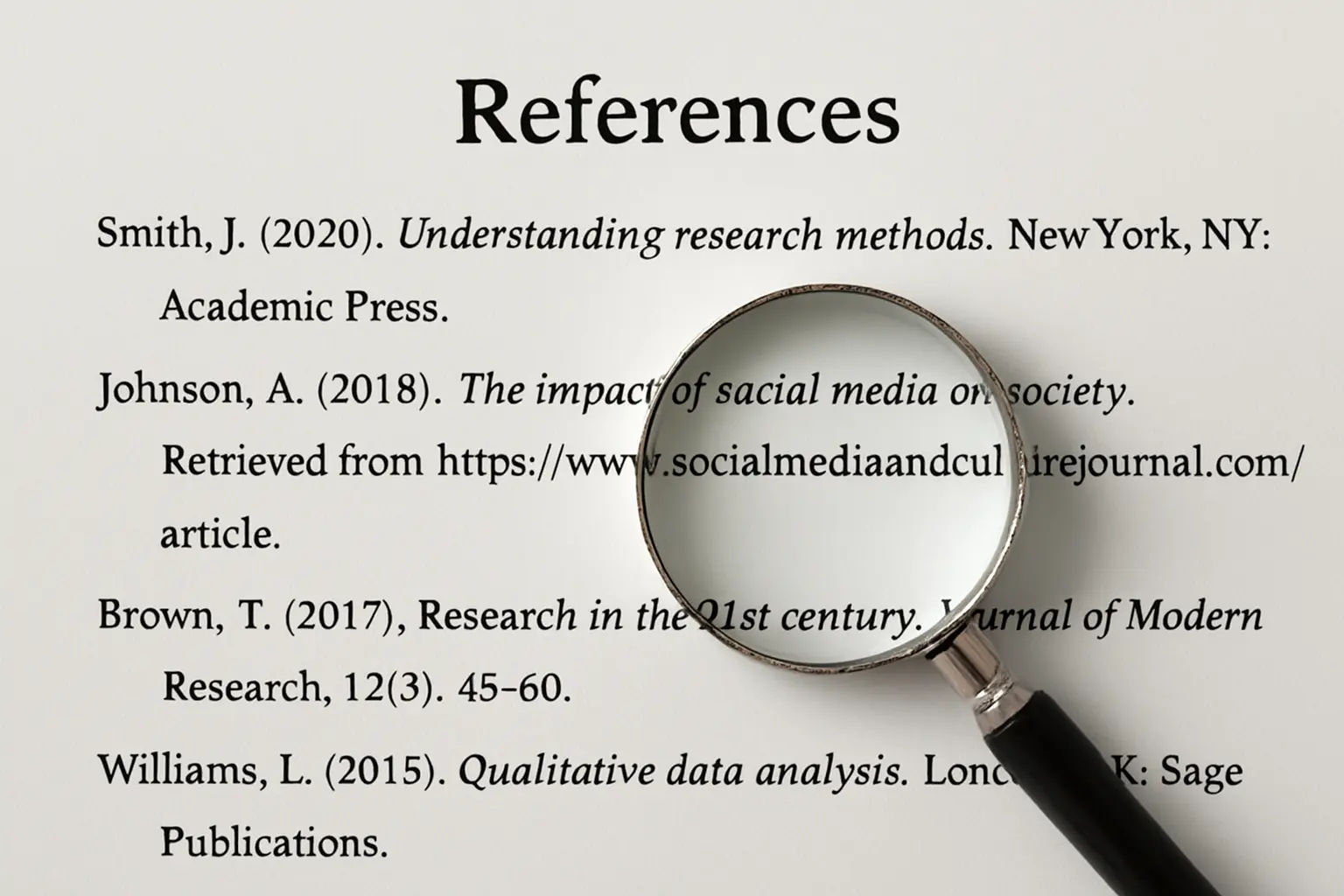
World Health Organization. (2025, March 12). Mental health at work. https://www.who.int/news-room/fact-sheets/detail/mental-health-at-work
Step 6: How Do You Write the In-Text Citation?
For a standard paraphrase, cite the author’s surname (or organization name) and the year: (World Health Organization, 2025). For a direct quotation from a webpage, APA recommends including a locator since web pages lack page numbers — use a paragraph number, for example (Smith, 2025, para. 4), or the name of the heading/section the quote came from, for example (CDC, 2025, “Prevention” section).
Step 7: How Do You Handle No-Author or No-Date Websites?
Two common gaps, two fixed solutions:
- No author at all: Move the page title into the author position of the reference list entry, and use a shortened version of the title in quotation marks for the in-text citation: (“Title of Page,” 2026).
- No date given: Use “n.d.” (no date) in place of the year, both in the reference entry and the in-text citation: (Smith, n.d.). Before concluding a page has no date, check the very bottom of the page and any linked “About” or archive page — many sites bury the date there.
If you are citing a whole website generally, rather than a specific page — for example, mentioning that “data for this study came from the UK Data Service website (https://ukdataservice.ac.uk)” — you can simply name the site in your text and add the URL in parentheses, without a formal reference list entry.
Step 8: How Do You Double-Check Your Website References?
Before submission, run through this checklist for every website source:
- Does every in-text citation have a matching entry in your reference list, and vice versa?
- Is the year consistent between the in-text citation and the reference list entry?
- Have you used “n.d.” consistently for genuinely undated sources, rather than guessing a year?
- Is the URL a direct, working link to the specific page, not a homepage or a broken redirect?
- Have you avoided a “Retrieved from” prefix, which is no longer required by APA 7 for most web sources?
Manually auditing this across 40–80 sources is tedious and error-prone. If you are managing a full reference list, Tesify Auto Bibliography accepts a URL, DOI, or ISBN and generates a correctly formatted APA (or MLA, Chicago, Harvard, IEEE, Vancouver) entry automatically, which removes most of the manual formatting risk described above. For a broader look at citing other source types correctly, see our full guide on how to cite sources in APA format step by step, or check the APA 7th edition changes if you learned APA 6 originally. Once your reference list is accurate, create your thesis table of contents so the headings and page numbers match the final structure of your document.
FAQ
What is the basic APA format for referencing a website?
The basic APA 7 format is: Author, A. A. (Year, Month Day). Title of the page. Site Name. URL. If the author and site name are the same organization, the site name is omitted from the reference to avoid repetition.
How do I cite a website with no author in APA format?
When no individual or organizational author is listed, move the title of the page into the author position of the reference list entry, and use the title in your in-text citation instead of an author name, for example (“Title of Page,” 2026).
How do I cite a website with no publication date in APA format?
Use “n.d.” in place of the year, both in the reference list entry and the in-text citation, for example (Smith, n.d.). Check the page footer or an archived version of the page before concluding no date exists.
Do I need to include the retrieval date when citing a website in APA?
Generally no. APA 7th edition only requires a retrieval date for sources likely to change over time, such as a live wiki page, social media profile, or dashboard, since the version you viewed may no longer exist later.
How do I cite a whole website in APA format, not just one page?
If you are referring to a website as a whole rather than a specific page, APA style says you can simply mention the site name in the text and include the URL in parentheses, without adding a formal reference list entry.
What goes in the in-text citation for a website with an organizational author?
Use the organization’s full name on first mention, for example (American Psychological Association, 2019), and you may use an accepted abbreviation on subsequent mentions if you introduce it the first time, for example (APA, 2019).
Stop Formatting References by Hand
Paste in a URL, DOI, or ISBN and Tesify Auto Bibliography generates a correctly formatted APA, MLA, Chicago, Harvard, IEEE, or Vancouver reference in seconds.
Write your thesis with AI
Structure, draft, cite, and format your thesis faster with Tesify’s AI writing tools, automatic bibliography, and plagiarism checker. Free to start, no credit card required.



Leave a Reply