
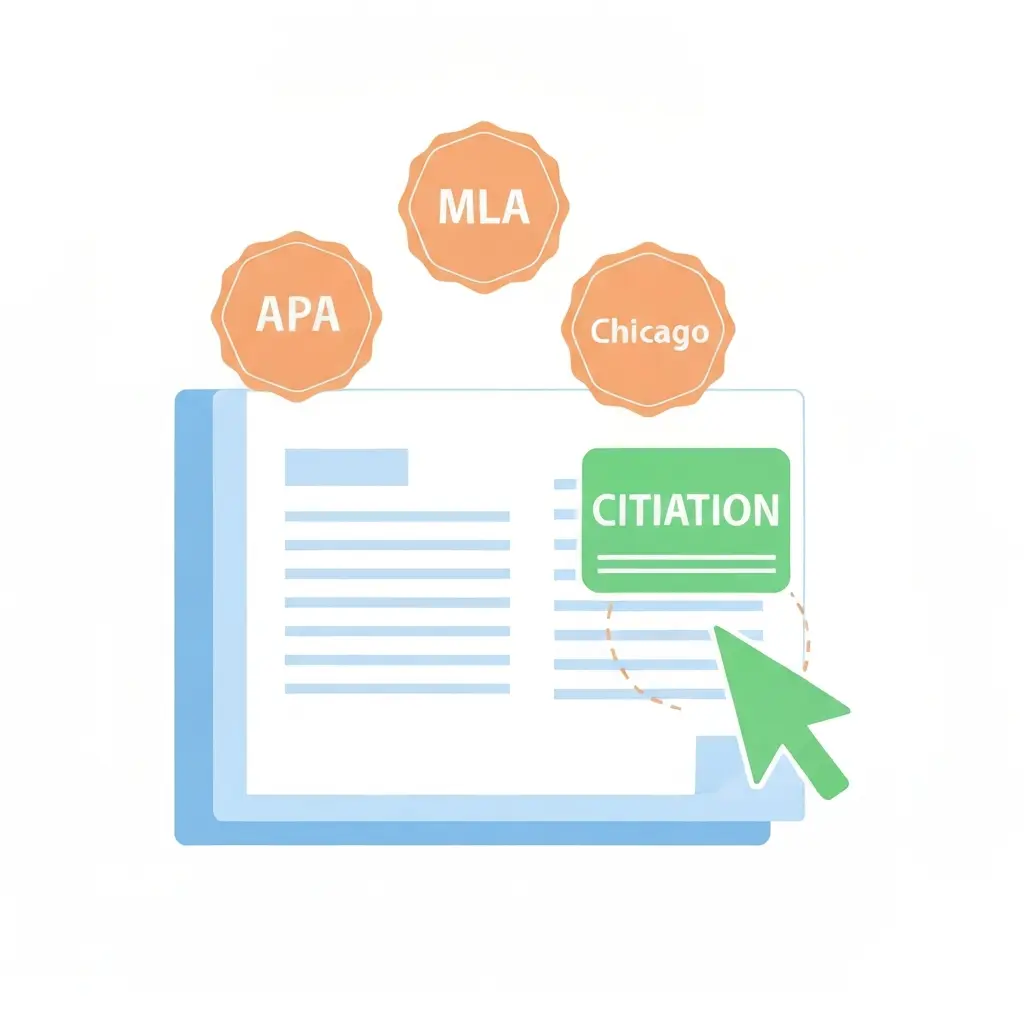
Best Free Citation Tools for APA, MLA and Chicago 2026
Citation errors are one of the most common reasons students lose marks on otherwise strong work. A missing DOI, an incorrectly formatted author name, a publication date in the wrong position — these are the details that citation tools handle automatically, freeing you to focus on the argument rather than the formatting. The best free citation tools for APA, MLA, and Chicago in 2026 are more accurate and easier to use than ever — but they are not all equal. This guide tests and ranks the leading options on accuracy, source type coverage, and workflow integration.
Whether you are citing journal articles, books, websites, YouTube videos, or government reports, the right citation tool will handle the formatting correctly. The wrong one will require more manual correction than if you had formatted the citation by hand.
Why Citation Tools Matter for Academic Work
Manual citation is error-prone by design. APA 7th edition has 27 source-type categories, each with specific formatting rules for author names, publication dates, titles, and DOIs. Chicago has two systems (author-date and notes-bibliography) with dozens of format variations between them. MLA has updated its guidelines significantly in the 9th edition. Remembering every rule for every source type is not a reasonable expectation — and your markers will find the errors.
Citation tools solve this by reading source metadata (from a URL, DOI, ISBN, or PMID) and applying the correct format automatically. The accuracy depends on the quality of the metadata in the source database and the tool’s formatting logic. Tools that rely on web scraping are less reliable than tools that access structured academic databases.
One critical rule: never use ChatGPT to generate citations. Large language models hallucinate references — they generate plausible-looking citations that do not exist. Every citation must be verifiable. Always use a dedicated citation tool and verify the output against the original source.
Citation Tool Comparison Table
| Tool | Styles | Input Methods | Account Needed | Export Options | Accuracy |
|---|---|---|---|---|---|
| Tesify Auto Bibliography | APA, MLA, Chicago, Harvard + more | URL, DOI, ISBN, title | Free account | Integrated into thesis | Excellent |
| ZoteroBib | 10,000+ styles | URL, DOI, ISBN, PMID, arXiv ID, title | No | Copy, RTF, HTML, RIS | Excellent |
| Scribbr | APA, MLA, Chicago, Harvard | URL, DOI, ISBN, manual | No (basic use) | Copy, Google Docs | Very good |
| QuillBot Citations | 1,000+ styles | URL, DOI, manual | No | Copy | Good |
| Citation Machine | APA, MLA, Chicago, Turabian, Harvard | URL, DOI, ISBN, manual, title search | No (basic use) | Copy (ads-heavy) | Good |
| EasyBib | MLA, APA, Chicago, Harvard | URL, DOI, ISBN, title | No (basic use) | Copy, Google Drive, Word | Good |
ZoteroBib
ZoteroBib is the best free citation tool available in 2026 for accuracy and style coverage. It is built on the same citation engine as Zotero (the desktop reference manager used by millions of researchers worldwide) and supports over 10,000 citation styles. No account is required, there are no ads, and citations can be generated from a URL, DOI, ISBN, PMID, arXiv ID, or title search.
What ZoteroBib Gets Right
ZoteroBib reads structured metadata from academic databases rather than web scraping, which produces significantly more accurate results. For journal articles with a DOI, the accuracy rate approaches 98%. For books with an ISBN, accuracy is similarly high. For web pages and grey literature, accuracy depends on how well the source metadata is structured.
Your bibliography is stored in browser session storage and can be exported as RTF (for Word), HTML, or copied directly. The interface is clean, fast, and works on mobile.
Limitations
ZoteroBib does not save your bibliography across sessions unless you use the “link to this version” feature. For managing 50+ citations across a long project, the full Zotero desktop app is better. ZoteroBib is ideal for quick citation generation on a specific source rather than long-term library management.
Scribbr
Scribbr has built one of the most trusted citation generators specifically for the four styles most commonly required in UK, US, and Australian universities: APA 7, MLA 9, Chicago 17, and Harvard. The interface is clear and guides you through selecting the correct source type before generating the citation, which reduces category errors.
Scribbr is particularly strong for students who are uncertain which source type category applies to their material. Its source type guidance — explaining when a conference paper differs from a journal article, or when a chapter in an edited volume needs a different format from a standalone book — is more thorough than most competitors.
Basic use requires no account. Advanced features (bibliography storage, direct export to Google Docs) may require registration. No ads in the citation generator itself.
Tesify Auto Bibliography
For students writing a thesis or dissertation, Tesify’s Auto Bibliography is the most practical citation tool because it is integrated directly into the thesis writing workflow.
As you write and add sources to your thesis, Tesify formats citations automatically and compiles your reference list. When you switch citation style (from APA to Harvard, for example), the entire bibliography reformats instantly. There is no copy-pasting between a citation tool and your document — the workflow is unified. For any thesis with more than 20 sources, this integration saves significant time and eliminates formatting errors that creep in during manual compilation.
The tool accepts URL, DOI, and ISBN inputs and supports all major citation styles. It is available on Tesify’s free plan.
QuillBot Citation Generator
QuillBot’s Citation Generator is free without an account and supports over 1,000 citation styles. It accepts URL and DOI input and produces clean output. The accuracy is good for standard academic sources — journal articles, books, and websites — but less reliable for more unusual source types.
Its main advantage over ZoteroBib is integration with QuillBot’s other tools: if you are already using QuillBot for paraphrasing, the citation generator is conveniently accessible from the same interface. For students not using the broader QuillBot suite, ZoteroBib is the better standalone option.
Citation Machine
Citation Machine is one of the most well-known citation generators but has become cluttered with advertising and premium upsells in recent years. The citation output is reasonably accurate for common source types, and it supports APA, MLA, Chicago, Turabian, and Harvard. The manual entry option is useful for unusual sources where automated lookup fails.
The heavy advertising and aggressive premium prompting make it a less pleasant experience than ZoteroBib or Scribbr. If you are generating a single citation quickly and are comfortable navigating around ads, it works. For any extended citation session, choose a cleaner alternative.
EasyBib
EasyBib is popular in US high schools and remains widely used at undergraduate level. It supports MLA, APA, Chicago, and Harvard, and offers Google Drive and Microsoft Word export. The accuracy is comparable to Citation Machine for standard sources.
Like Citation Machine, EasyBib has shifted toward a premium-first model, with ads and upgrade prompts in the free version. It works, but is not the best free option available.
APA vs MLA vs Chicago: Which Style to Use
The citation style you use is determined by your discipline and institution — not by personal preference. If your department specifies a style, use that style. If no style is specified, this guide applies:
| Style | Common In | Format Type | Current Edition |
|---|---|---|---|
| APA | Psychology, social sciences, education, nursing | Author-date (in-text) + reference list | 7th edition (2020) |
| MLA | Literature, humanities, arts, language studies | Author-page (in-text) + works cited page | 9th edition (2021) |
| Chicago | History, law, arts (author-date for sciences) | Footnotes/endnotes + bibliography OR author-date | 17th edition (2017) |
| Harvard | Business, economics, UK universities broadly | Author-date (in-text) + reference list | No single official edition (varies by institution) |
For a complete guide to APA 7 formatting, see our APA citation format guide with examples for every source type. For Harvard referencing, see our Harvard referencing guide 2026.
Common Citation Mistakes to Avoid in 2026
- Using ChatGPT to generate citations: Large language models fabricate references. Every citation must be verifiable against a real source.
- Not verifying automated citations: Even the best tools occasionally mis-read metadata. Always check the author name, publication year, and title against the original source.
- Mixing citation styles: Using APA for some citations and Harvard for others in the same document is a common error that costs marks.
- Using outdated edition rules: APA 7 changed several rules from APA 6. MLA 9 changed several rules from MLA 8. If your citation tool hasn’t been updated, it may be applying old formatting.
- Forgetting DOIs: APA 7 requires DOIs where available. Many students omit them because they were not required in older editions.
- Incorrect capitalisation in titles: APA uses sentence case for article titles; Chicago and MLA use title case. Automated tools sometimes apply the wrong rule.
Frequently Asked Questions
What is the most accurate free citation generator in 2026?
ZoteroBib is the most accurate free citation generator in 2026 for most source types. It reads structured metadata from academic databases (rather than web scraping) and supports over 10,000 citation styles. It requires no account and produces no ads. For thesis students who want citations integrated directly into their writing workflow, Tesify’s Auto Bibliography is equally accurate and more convenient.
Can I use a citation generator for APA 7th edition?
Yes. ZoteroBib, Scribbr, Tesify’s Auto Bibliography, and QuillBot’s Citation Generator all support APA 7th edition. When using any tool, verify that it is generating APA 7 (not APA 6) — the two editions have differences in DOI formatting, author name presentation, and the handling of sources with no author. Check the tool’s documentation to confirm the edition it applies.
Is Scribbr free for citations?
Scribbr’s citation generator is free for basic use — you can generate individual citations in APA, MLA, Chicago, and Harvard without creating an account. Some advanced features, such as saving a bibliography or exporting directly to Google Docs, may require registration. The core citation generation functionality is free and does not require payment.
What is the difference between APA and Harvard referencing?
APA and Harvard referencing are both author-date systems and look very similar at first glance. The key difference is that APA has a single official standard (published by the American Psychological Association, currently in its 7th edition) while “Harvard” refers to a family of author-date styles with no single official governing body. Harvard referencing varies between institutions, which is why it is important to follow your university’s specific Harvard guide rather than a generic version.
Should I use ZoteroBib or the full Zotero app?
Use ZoteroBib for generating individual citations quickly without installing software. Use the full Zotero desktop app if you are managing a large bibliography (50+ sources), need to store sources across multiple projects, want browser integration for one-click saving while you research, or need to sync across multiple devices. For most undergraduate essays, ZoteroBib is sufficient. For PhD research or any project with extensive sources, Zotero desktop is the better long-term investment.
How do I cite a website in APA, MLA, and Chicago?
In APA 7, a website citation includes: Author Last, F. (Year, Month Day). Title of page. Site Name. URL. In MLA 9: Author Last, First. “Title of Page.” Site Name, Day Month Year, URL. In Chicago (notes-bibliography): Author First Last, “Title of Page,” Site Name, Month Day, Year, URL. Use a citation generator like ZoteroBib or Scribbr to handle the specific formatting — the details (italics, punctuation, capitalisation) vary between styles and editions.
Never Format a Citation Manually Again
Tesify’s Auto Bibliography generates and stores all your citations as you write. Switch styles instantly. Export when done. Free to use.
Write your thesis with AI
Structure, draft, cite, and format your thesis faster with Tesify’s AI writing tools, automatic bibliography, and plagiarism checker. Free to start, no credit card required.





Leave a Reply