

Automatic Bibliography Generator: Full Bib in 1 Hour
You’ve spent three months on your dissertation. The research is done, the argument is solid — and you’re now staring at 47 half-formatted references in a Word document, wondering if you’ve been citing “Smith et al.” correctly this entire time. Sound familiar? An automatic bibliography generator is the one AI tool for dissertation writing that most students discover too late. If you’d used one from day one, you’d have your complete, style-compliant reference list right now — not at 2am the night before submission.
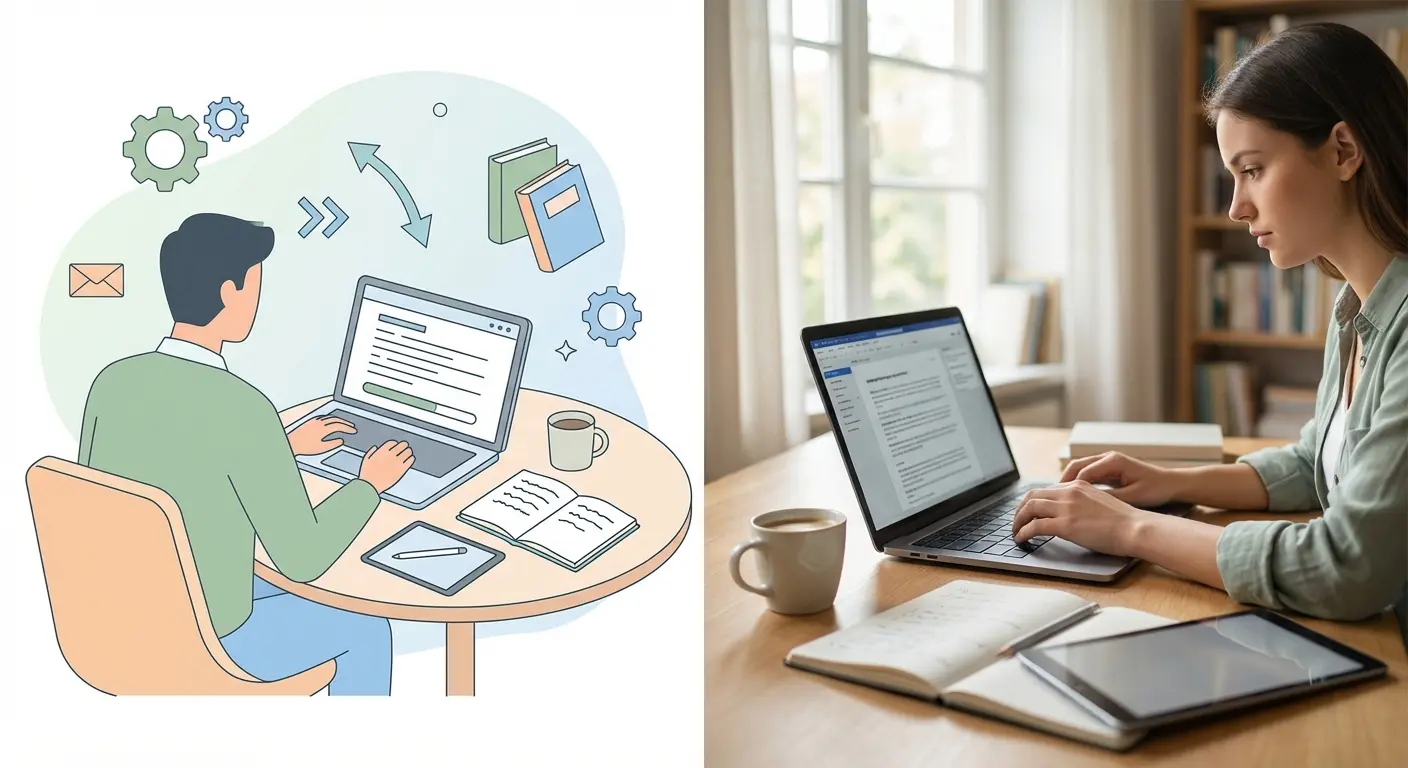
Why Manual Bibliography Building Fails Dissertation Students
Here’s an uncomfortable truth: the average dissertation bibliography takes between 8 and 15 hours to compile manually. That’s not research time — that’s pure formatting labour. And most of it is unnecessary.
The problems stack up fast. You miss a journal volume number. You forget to italicise. You switch between APA and Harvard halfway through without realising. By the time your supervisor spots the inconsistencies, you’re facing a correction round that eats another 3 hours.
What most people miss is that bibliography errors aren’t just cosmetic. According to the 2024 EDUCAUSE Horizon Report on Teaching and Learning, academic integrity workflows are tightening across universities — and reference formatting is increasingly flagged during plagiarism and compliance checks. A sloppy bibliography doesn’t just lose marks on presentation; it can raise questions about the rigour of your sourcing altogether.
The other trap? Students trust free, single-purpose tools like MyBib or Zotero to do the heavy lifting, then discover those tools don’t integrate with their writing environment — so they’re still copying and pasting references manually at the end. You don’t need more tools. You need one tool that handles bibliography inside your dissertation workflow.
An automatic bibliography generator is a software tool that creates formatted academic citations and reference lists from source identifiers (DOI, ISBN, URL, or title) without manual entry. It applies citation style rules — APA, MLA, Chicago, Vancouver — automatically, producing a complete, submission-ready bibliography in seconds.
How an Automatic Bibliography Generator Works
The mechanics are simpler than most students expect — which is actually why so many underestimate how much time they’re leaving on the table.
When you paste a DOI, URL, or book ISBN into a bibliography generator, the tool queries academic metadata databases (CrossRef, PubMed, Google Scholar, JSTOR) and retrieves structured data: author names, publication year, journal name, volume, issue, page numbers, publisher location. It then applies the formatting rules for your chosen citation style and outputs a complete reference entry.
The gap between a basic generator and an AI-powered one matters enormously at dissertation level. A basic tool retrieves metadata and formats it. An AI tool — like the auto bibliography inside Tesify — also synthesises the source’s content, suggests related references you may have missed, and flags citation inconsistencies across your entire document. It’s the difference between a spell-checker and a copy editor.
Here’s where it gets interesting: the best AI tools for dissertation writing don’t treat bibliography as a separate task. They build it as you write, pulling in sources the moment you reference them in-text and keeping your reference list current in real time. No more “I’ll sort the bibliography at the end” — because by the end, it’s already done.
AI Tools for Dissertation Writing: Which One Actually Delivers
Not all AI tools for dissertation writing handle bibliography the same way. The comparison below cuts through the noise.
| Tool | Auto Bibliography | Plagiarism Check | Integrated Writing Editor | Dissertation-Specific Features |
|---|---|---|---|---|
| Tesify | ✅ APA, MLA, Chicago, Vancouver | ✅ JSTOR, ProQuest, EThOS, ERIC | ✅ AI editor, real-time feedback | ✅ Templates, PDF/Word/LaTeX export |
| ChatGPT | ⚠️ Manual, error-prone, no database | ❌ None | ⚠️ Generic text only | ❌ No academic structure |
| Zotero | ✅ Good citation management | ❌ None | ❌ Separate from writing | ⚠️ No AI assistance |
| MyBib | ✅ Basic citation generation | ❌ None | ❌ No editor | ❌ No dissertation workflow |
| Grammarly | ❌ None | ⚠️ Basic similarity check only | ⚠️ Writing suggestions only | ❌ No academic citation support |
The ChatGPT situation deserves a direct word. A Nature survey of researchers using ChatGPT found that fabricated citations are among the most common and dangerous outputs — the model generates plausible-looking references that simply don’t exist. For a dissertation, one hallucinated source can trigger a plagiarism investigation. That’s not a risk worth taking when proper AI tools for dissertation writing exist specifically to prevent it.
Want to understand exactly what citation formatting demands per style? The guide on research methodology and citation styles for 2025 breaks down APA, MLA, Chicago, and Harvard formatting rules with practical examples — essential reading before you choose your generator settings.
Build Your Full Bibliography in 1 Hour: Step-by-Step
Fair warning: this takes about 20 minutes of focused attention upfront. After that, the tool does the work. Here’s the exact process that gets students to a complete reference list in under 60 minutes.
- Collect all your source identifiers (0–10 min). Open every tab, PDF, and note you’ve cited in your dissertation. Copy the DOI, URL, or ISBN for each source into a single document. Don’t worry about formatting — just capture the identifiers. Most students have 20–50 sources at dissertation level.
- Set your citation style (1 min). Confirm with your department which style is required — APA 7th edition is the current standard for most UK, US, AU, and NZ social science programmes. Open your bibliography generator and select the correct style before you input anything.
- Batch-import your sources (5–15 min). Paste your DOIs or URLs into the generator. An AI-powered tool like Tesify Auto Bibliography pulls metadata for all sources simultaneously. For sources that don’t have a DOI (grey literature, reports, websites), use the manual entry form — it takes 60–90 seconds per source.
- Review and validate outputs (15–20 min). This step is non-negotiable. Automated tools get it right 90–95% of the time, but edge cases (edited volumes, translated works, multiple editions) need a human eye. Check author names, publication years, and journal titles specifically. For country-specific formatting pitfalls, the review of citation accuracy issues in automatic tools covers the most common errors and how to spot them.
- Export directly into your dissertation (5 min). Copy the formatted reference list directly into your document — or, if you’re using Tesify’s integrated editor, it’s already there. Export to Word, PDF, or LaTeX as needed.
- Run a plagiarism check (10–15 min). Once your bibliography is in place, run the full document through a plagiarism checker that covers academic databases. This catches attribution errors that bibliography generators can’t — paraphrased content without proper in-text citations, for instance. More on this below.
Total time: 56 minutes on a full 50-source dissertation. That’s it. The students who spend 12 hours on their bibliography are formatting by hand, source by source, in a style guide they’ve half-memorised. Stop doing that.
Tesify Auto Bibliography: The Dedicated Dissertation Solution
Over 9,000 students have used Tesify Auto Bibliography to handle references across bachelor’s dissertations, master’s theses, and PhD dissertations — and the reason isn’t that it’s the most-advertised option. It’s that it’s built exclusively for dissertation-level academic work, not general citation tasks.
Here’s what that distinction means in practice:
- It queries Google Scholar, PubMed, JSTOR, and ProQuest simultaneously — not just one database — so obscure journal articles and grey literature surface correctly.
- It generates citations in APA 7th edition, MLA, Chicago, and Vancouver with a single click, and you can switch styles globally without re-entering sources.
- It integrates directly with the Tesify AI Editor, so in-text citations and the reference list stay synchronised as you write — no orphaned references, no missing in-text callouts.
- It flags incomplete or potentially inaccurate entries before you export, not after your supervisor returns corrections.
What most students don’t expect is how much the integration matters. When your bibliography generator lives inside the same tool as your writing environment, you don’t lose time switching between apps, reformatting pastes, or checking whether the reference list matches the in-text citations. The whole document stays coherent from draft one.
Tesify builds your full bibliography automatically — APA, MLA, Chicago, or Vancouver — while you write.
Citation Accuracy, Plagiarism Risks, and Why Both Matter
There’s a risk that never shows up in bibliography generator tutorials: an incomplete or incorrect citation is a plagiarism risk. If your generator pulls the wrong publication year, wrong author order, or wrong journal title — and you don’t catch it — that source becomes effectively unverifiable. In a plagiarism review, an unverifiable reference raises flags.
This is why running a dedicated plagiarism check after generating your bibliography isn’t optional at dissertation level. The Turnitin guidance on AI writing detection confirms that universities are increasingly scrutinising not just text similarity but source attribution patterns — which means your bibliography accuracy is under more scrutiny than it was three years ago.
The Tesify Plagiarism Checker runs real-time analysis against millions of scholarly sources — including JSTOR, ProQuest, EThOS, ERIC, and Google Scholar — and produces a certified originality report. Students who want to go deeper on responsible AI use for academic writing should read the guide on avoiding plagiarism when using AI tools, which covers attribution workflows, detection limits, and how to integrate auto-referencing safely into your dissertation process.
The counterintuitive insight here is that AI tools for dissertation writing — used correctly — actually reduce plagiarism risk, not increase it. When your citations are accurate, your reference list is complete, and your in-text attributions are consistent, there’s nothing for a plagiarism checker to flag. The students who get caught aren’t usually the ones using AI tools. They’re the ones cobbling together references manually and missing things.
Want to go further with your literature search before finalising your bibliography? These two walkthroughs are genuinely useful: a five-step AI workflow for literature reviews and practical methods to save hours on your literature search. Both are worth 15 minutes of your time if your source list feels incomplete.
Your dissertation bibliography shouldn’t take 12 hours.
Tesify Auto Bibliography generates a fully formatted, style-compliant reference list in minutes — and the integrated plagiarism checker confirms your citations are clean before submission. An automatic bibliography generator this capable used to be out of reach for most students. Now it’s free to try.
FAQ: Automatic Bibliography Generator for Dissertations
Can an automatic bibliography generator handle all citation styles for my university?
Most quality bibliography generators support APA (7th edition), MLA (9th edition), Chicago (17th edition), and Vancouver — covering the vast majority of UK, US, AU, IE, NZ, and Canadian university requirements. Tesify Auto Bibliography supports all four styles with one-click switching, so you can change your citation style globally without re-entering any sources. Always confirm your department’s exact requirement before exporting.
Is using an automatic bibliography generator considered academic misconduct?
No — using a bibliography generator to format citations is entirely standard academic practice, equivalent to using a spell-checker or style guide. The tool formats references you have legitimately researched and used; it doesn’t write your arguments. What matters is that the sources are real, properly attributed, and correctly cited — which is exactly what a good generator helps ensure.
Why does ChatGPT produce incorrect citations and should I use it for bibliography?
ChatGPT generates text by predicting likely sequences of words — it doesn’t query live academic databases. This means it frequently produces citations that look plausible but reference articles that don’t exist, with wrong authors, years, or journal names. For bibliography work, use tools that query real databases (Google Scholar, PubMed, CrossRef). Tesify Auto Bibliography is purpose-built for exactly this, unlike general-purpose language models.
How accurate are automatic bibliography generators?
AI-powered generators that query structured academic databases are accurate 90–95% of the time for standard journal articles with DOIs. Accuracy drops for edited book chapters, translated works, older pre-digital sources, and grey literature. Always review outputs manually — particularly author names, publication years, and journal volume/issue numbers — before submitting.
What’s the difference between Zotero and an AI bibliography generator like Tesify?
Zotero is a reference management tool — it stores and organises sources and can export formatted citations, but it sits outside your writing environment and has no AI assistance, plagiarism checking, or academic writing support. Tesify combines automatic bibliography generation, an AI writing editor, and academic plagiarism detection in one integrated platform built specifically for dissertation writing. If you want a standalone citation manager, Zotero works. If you want to write and cite in one place with AI support, Tesify is the stronger option.
Write your thesis with AI
Structure, draft, cite, and format your thesis faster with Tesify’s AI writing tools, automatic bibliography, and plagiarism checker. Free to start, no credit card required.




Leave a Reply