
Automatic Bibliography Generator: Create Citations in 5 Min
You’ve spent three weeks writing your dissertation. The research is solid, the argument is tight — and now you’re staring at 47 browser tabs trying to remember whether the journal volume number goes before or after the page range in APA 7th edition. Sound familiar?
Bibliography formatting is one of the most time-consuming, error-prone parts of academic writing — and it’s almost entirely avoidable. An automatic bibliography generator handles the formatting so you can focus on the thinking. The question is: which tool actually gets citations right, and which ones will quietly hand you a failing grade?
This guide breaks down exactly how automatic citation tools work, where they fall short, and how to generate a complete, plagiarism-safe reference list in under five minutes using the right AI dissertation tools.

Why Manual Citations Fail (And Cost You Marks)
Here’s a statistic that should make you pause: a 2021 study of undergraduate dissertations found citation errors in over 60% of submitted reference lists — and roughly a third of those errors were serious enough to affect the credibility of the sources being cited. That’s not a fringe problem. That’s the norm.
Manual citation is genuinely hard. APA 7th edition alone has over 100 reference category types. The rules for a chapter in an edited book differ from a journal article differ from a conference paper differ from a government report. Most students learn one format for one assignment and then wing it for everything else.
What most people miss is that citation errors aren’t just cosmetic. They signal to examiners that you haven’t engaged deeply with your sources — or worse, that you’re citing things you didn’t actually read. A reference list with inconsistent formatting across 60 sources tells a story you don’t want told.
The three most common manual citation failures are:
- Inconsistent formatting — switching between citation styles mid-document without realising
- Incomplete metadata — missing DOIs, incorrect page ranges, wrong publication years
- Phantom citations — sources mentioned in the text with no corresponding reference entry (and vice versa)
An automatic bibliography generator eliminates all three. Not because the AI is smarter than you — but because it’s pulling verified metadata directly from academic databases rather than reconstructing it from memory.
How Automatic Bibliography Generators Actually Work
The mechanics behind citation generation are more interesting — and more important — than most students realise. Understanding them helps you spot when a tool is giving you reliable output versus when it’s making educated guesses.
Metadata retrieval vs. AI generation
The best automatic bibliography generators work by querying academic databases (Google Scholar, PubMed, JSTOR, CrossRef) using a DOI, ISBN, URL, or title string. They retrieve structured metadata — author names, journal title, volume, issue, page numbers, publication date — and slot it into your chosen citation format. This is deterministic: the output matches the database record.
Generic AI tools like ChatGPT work differently. They generate citations by predicting what a plausible citation would look like based on training data. The formatting might look perfect. The source might not exist. This is the hallucination problem — and it’s not a minor edge case. Research published in Humanities and Social Sciences Communications has documented how AI-generated academic content routinely includes fabricated references that pass surface-level scrutiny.
What makes a citation tool reliable
Three things separate a trustworthy automatic bibliography generator from one that will get you in trouble:
- Database connectivity — Direct API access to CrossRef, PubMed, JSTOR, or Google Scholar ensures metadata accuracy
- Style verification — Active maintenance against current style guides (APA 7th edition was updated in 2019; tools using older templates produce wrong output)
- Disambiguation — The ability to handle author name collisions, multiple editions, and retracted papers
Tools like ZoteroBib offer solid free metadata retrieval for individual citations. For a full dissertation with 50–100 sources that need to stay organised, in-sync with your text, and formatted consistently throughout, you need something purpose-built for thesis writing.
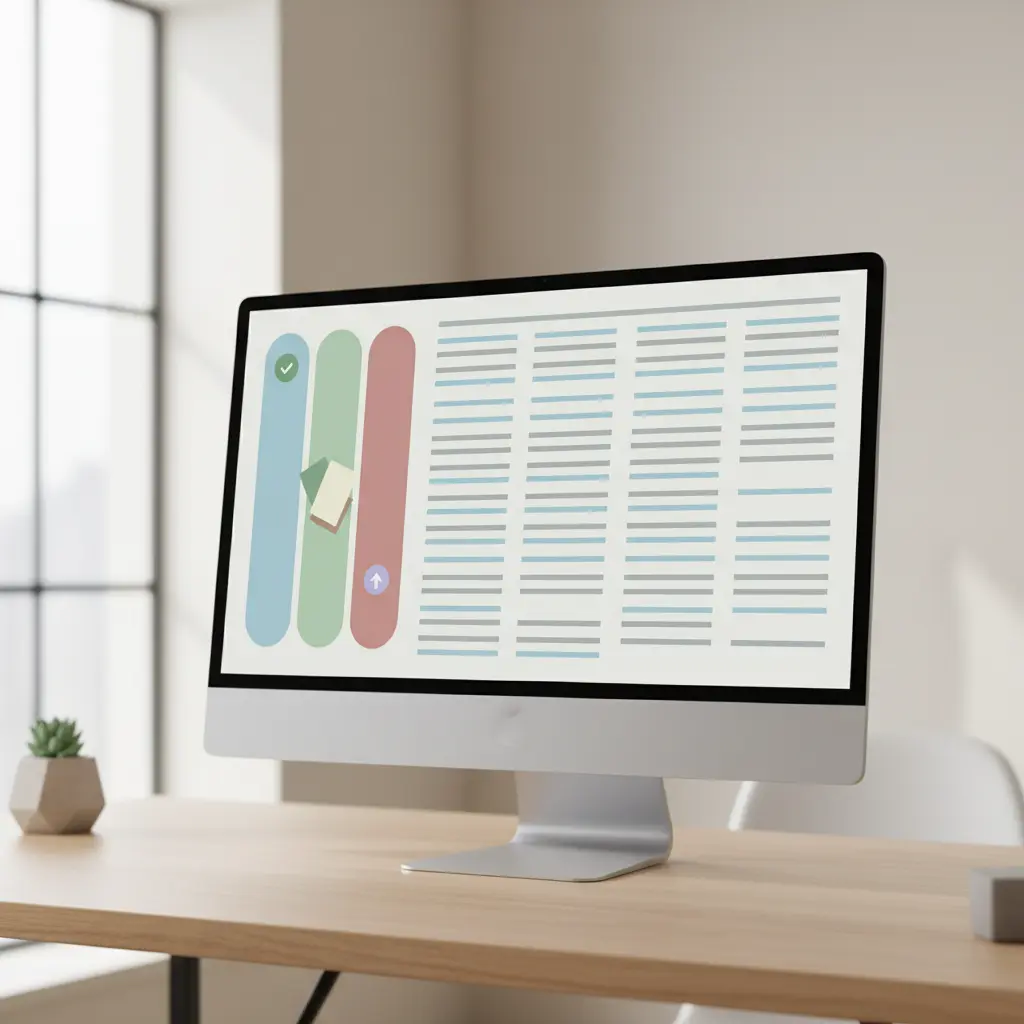
AI Dissertation Tools Compared: ChatGPT vs. Dedicated Citation Software
Students often ask whether ChatGPT can just handle citations. Short answer: it can try. Longer answer: you’ll spend more time verifying and correcting than you would have spent doing it manually.
Here’s how the main options stack up:
| Feature | ChatGPT | ZoteroBib (Free) | Tesify Auto Bibliography |
|---|---|---|---|
| Source verification | ❌ Generates plausible-looking citations, not verified | ✅ CrossRef/DOI lookup | ✅ Google Scholar, PubMed, JSTOR, ProQuest |
| Citation styles supported | Most (accuracy varies) | APA, MLA, Chicago + others | APA 7th, MLA, Chicago, Vancouver + others |
| In-text citation sync | ❌ Manual copy-paste | ❌ Standalone tool only | ✅ Integrated with AI editor |
| Plagiarism detection | ❌ None | ❌ None | ✅ Real-time across JSTOR, EThOS, ERIC |
| Export formats | Plain text only | Copy/paste or RIS | PDF, Word, LaTeX |
| Hallucination risk | 🔴 High | 🟡 Low (manual input errors) | 🟢 Very low (database-verified) |
The counterintuitive insight here: ChatGPT is actually one of the worst tools for citation generation, despite being one of the most-used. OpenAI’s own student writing guide advises users to verify all citations independently. That’s not a disclaimer — it’s an acknowledgment that the model generates reference-shaped text, not reference-accurate text.
Tesify Auto Bibliography: The Fastest Way to Cite Academic Sources
Here’s where it gets practical. Tesify Auto Bibliography was built specifically for the dissertation workflow — not as a bolt-on feature, but as a core part of how Tesify structures thesis writing from the first chapter to the final reference list.
What makes it different from standalone citation generators is the integration. When you cite a source inside the Tesify AI editor, it doesn’t just add a bibliography entry — it tracks the in-text citation, keeps your reference list alphabetically sorted, and flags any citations in your text that don’t have a corresponding reference entry. That kind of live error-checking has saved thousands of students from last-minute panics.
Database access that actually matters
Tesify pulls from Google Scholar, PubMed, JSTOR, and ProQuest — the four databases that cover the vast majority of academic literature across STEM, humanities, social sciences, and clinical research. Type in a DOI, paste a URL, or search by title and author. The system retrieves verified metadata and formats it according to whichever style your institution requires.
Over 9,000 students have already used Tesify to finish their thesis. The most consistent feedback? “I can’t believe I used to do this manually.”
One-click style switching
Changed your mind about citation style? Or your supervisor asked you to switch from Harvard to APA 7th two weeks before submission? With Tesify, that’s a single dropdown change — every citation in your document updates automatically. That’s not a feature you’ll appreciate until the moment you desperately need it.
Stop formatting citations by hand
Tesify Auto Bibliography generates verified APA, MLA, Chicago and Vancouver citations in one click — directly inside your thesis editor.
Step-by-Step: Generate Your Full Reference List in 5 Minutes
This is the practical part. Whether you’re using Tesify or any other database-connected citation tool, the workflow below gets you from scattered sources to a complete, formatted reference list faster than you’d think possible.
- Gather your DOIs first. Most journal articles published after 2000 have a DOI (Digital Object Identifier). Find them in your browser history, email alerts, or directly on the journal page. DOIs are the single most reliable input for any citation generator — more reliable than titles, which can have slight variations across databases.
- Set your citation style before you start. Check your university’s dissertation guidelines. If they specify “APA 7th edition,” make sure your tool is running the current version — not APA 6th, which has meaningfully different rules for online sources, DOI formatting, and author limit thresholds. For guidance on choosing and verifying citation formats, see our deep-dive on standardising citations for academic work in 2025.
- Import sources in batches. Don’t do this one at a time. In Tesify, you can paste multiple DOIs and the system processes them simultaneously. For books, use ISBN lookup. For websites or grey literature, use the URL parser and manually verify the author and date fields.
- Check for incomplete entries immediately. After import, scan for missing fields: publication year, volume/issue numbers, page ranges. These are the most common gaps in database metadata, especially for older sources or conference papers.
- Verify the auto-generated entries against 3–5 original sources. Spot-checking is non-negotiable. Pick five citations at random and compare the generated output to the original source. If your tool is making systematic errors (e.g., always dropping editors for book chapters), you’ll catch the pattern early. Fair warning: this takes effort, but it’s ten minutes that protects you from an examiner flagging your entire bibliography.
- Run a cross-check between in-text citations and your reference list. Every source cited in your text must appear in the reference list. Every entry in the reference list must be cited somewhere in the text. Tesify’s AI editor does this automatically — but if you’re using a different tool, do a manual find-and-replace audit.
- Export in the correct format. For most UK and Australian universities, this means a Word document. For LaTeX users, export as .bib. Never copy-paste from a citation generator into Word — it almost always introduces invisible formatting characters that corrupt your document’s styles.
Total time from 50 DOIs to a complete, verified reference list in APA 7th? Under five minutes using Tesify. The manual equivalent runs to multiple hours at minimum — and that’s assuming you don’t lose your place halfway through.
Citations and Plagiarism: What Most Students Get Wrong
There’s a misconception that plagiarism only happens when you copy text. Wrong. Plagiarism also happens when you:
- Cite a source incorrectly so the original author can’t be traced
- Paraphrase so closely that the original wording is reconstructed
- Use AI-generated text without disclosure (where your institution requires it)
- Cite sources you didn’t actually read (citing from an abstract or a secondary source without flagging it)
The relationship between citations and plagiarism is tighter than most students realise. A properly formatted, database-verified reference list is your first line of defence — it demonstrates that your sources are real, traceable, and attributed correctly.
But citations alone don’t make your writing plagiarism-free. That’s where the Tesify Plagiarism Checker comes in. It runs real-time analysis against millions of scholarly sources — JSTOR, ProQuest, EThOS, ERIC, Google Scholar, and international academic databases — and flags similarity scores at the paragraph level, not just the document level. That granularity matters: a section with 35% similarity is a very different problem depending on whether it’s concentrated in one paragraph or spread evenly across ten pages.
Research on AI text detection accuracy highlights that many institutional plagiarism tools carry significant false positive and false negative rates. Knowing your similarity score before submission — and understanding what’s driving it — puts you in control rather than hoping for the best.
For a deeper look at how to write AI-assisted thesis content that stays original, the guide on writing plagiarism-free academic text with AI support covers practical safeguards that work alongside automatic citation generation.
Know your plagiarism score before your examiner does
Tesify’s plagiarism checker compares your thesis against JSTOR, ProQuest, EThOS, ERIC and millions of scholarly sources in real time.
APA vs. MLA vs. Chicago vs. Harvard: Which Style Do You Need?
The most common citation question students ask isn’t “how do I format this?” — it’s “which style should I even be using?” Getting this wrong at the start means reformatting everything at the end. Here’s a quick orientation:
APA (American Psychological Association) 7th edition is the dominant citation style in psychology, social sciences, education, and nursing. It uses author-date in-text citations (Smith, 2022) and organises references alphabetically by author surname. The 7th edition updated DOI formatting and removed the “Retrieved from” prefix for most online sources.
| Style | Common disciplines | In-text format | Reference list name |
|---|---|---|---|
| APA 7th | Psychology, education, social sciences | (Author, Year) | References |
| MLA 9th | Literature, humanities, arts | (Author Page) | Works Cited |
| Chicago 17th | History, arts, social sciences | Footnotes or (Author, Year) | Bibliography or References |
| Harvard | UK/AU universities (broad) | (Author, Year) | Reference List |
| Vancouver | Medicine, biomedical sciences | Numbered [1] | References |
Here’s what most citation guides won’t tell you: “Harvard” isn’t a single standardised style. Different universities have slightly different Harvard variants — which is why an automatic bibliography generator verified against your specific institutional guidelines is worth its weight in gold. The full guide to standardising citations in 2025 covers institution-specific variations in detail.
The University of Queensland Library’s guidance on referencing AI tools is also worth bookmarking — particularly if you’ve used generative AI in your research process and need to know how to cite it correctly. This is a genuinely new area where institutional policies vary significantly.
For students who’ve been burned by citation tool inaccuracies before — particularly those writing for German-accredited programmes — the detailed analysis of automatic citation tool accuracy and regional expectations is essential reading before you trust any generator with your final submission.
The AI Dissertation Platform Built Around Getting Citations Right
Citation generation doesn’t exist in isolation. It’s one piece of a dissertation writing process that includes researching, drafting, editing, checking for plagiarism, and submitting in the right format. Most students cobble together four or five different tools to cover these bases — a citation generator here, a paraphrasing tool there, a separate plagiarism checker, a final export to Word.
That’s where Tesify changes the workflow entirely. It’s the #1 AI platform built specifically for bachelor’s dissertations, master’s theses, and PhD dissertations — with everything under one roof.
The Tesify AI Editor handles the writing side: it rewrites weak paragraphs, expands underdeveloped arguments, corrects academic register (the difference between “it shows” and “the data indicate”), and gives real-time coherence feedback. Meanwhile, your bibliography builds automatically in the background as you write.
The result? Students who use Tesify finish their thesis roughly twice as fast as those using traditional methods — without sacrificing academic quality or risking plagiarism issues at submission.
9,000+ students have already finished their thesis with Tesify
Automatic bibliography in APA, MLA, Chicago, Vancouver. Real-time plagiarism detection. AI writing assistance. PDF, Word and LaTeX export.
Free sign-up. No credit card required. Start writing in under 2 minutes.
Frequently Asked Questions
How accurate are automatic bibliography generators?
Accuracy depends entirely on how the tool retrieves data. Citation generators that pull verified metadata from CrossRef, PubMed, or JSTOR via DOI lookup are highly accurate — typically 95%+ for well-indexed journal articles. Tools that generate citations using AI language models (like ChatGPT) have a significant hallucination risk and should never be used without manual verification against the original source.
Can I use an automatic citation generator for my dissertation?
Yes — and you should. Using a database-connected citation generator is academically legitimate and widely recommended by university libraries. The University of Illinois Chicago’s library explicitly endorses AI tools for thesis literature reviews when used responsibly. The key is to verify the output against original sources, particularly for older publications or non-standard source types.
Does Tesify support Harvard referencing?
Yes. Tesify Auto Bibliography supports APA 7th edition, MLA, Chicago, Vancouver, and Harvard referencing, with one-click switching between styles. Because Harvard has institutional variants, Tesify outputs to the most widely accepted standard format — always worth cross-checking against your specific university’s style guide for edge cases.
Will an automatic bibliography generator help me avoid plagiarism?
Correct citations significantly reduce plagiarism risk by attributing sources properly — but they don’t guarantee a clean plagiarism report on their own. You still need to ensure that paraphrased content is sufficiently reworded and that direct quotes are clearly marked. Running a dedicated plagiarism checker like Tesify’s against academic databases (JSTOR, ProQuest, EThOS) before submission is the only way to confirm your originality score.
How do I cite AI tools like ChatGPT in my dissertation?
Citing AI tools varies by institution and citation style. In APA 7th, you’d cite ChatGPT similarly to software, including the version, organisation, and year. The University of Queensland Library’s AI referencing guide provides up-to-date, style-specific examples for APA, MLA, Chicago, and Harvard. Always check your institution’s current AI use policy before citing AI-generated content in assessed work.
What’s the difference between a bibliography and a reference list?
A reference list contains only the sources you’ve cited in your text. A bibliography includes everything you’ve consulted during your research, whether cited or not. APA, MLA, and Harvard typically require reference lists; Chicago-style often requires a full bibliography. Your university’s dissertation guidelines will specify which one is required — when in doubt, ask your supervisor before submission.
Stop Wasting Hours on Something That Takes 5 Minutes
Every hour you spend formatting citations manually is an hour you’re not spending on the argument, the analysis, or the writing that actually determines your grade. The AI dissertation tools exist to handle bibliography generation accurately, quickly, and in the exact format your examiner expects.
What separates students who submit with confidence from those still editing their reference list at midnight before the deadline? The right workflow — not more effort applied to the wrong tools.
Tesify was built by people who’ve been through the dissertation grind and decided the process could be genuinely better. Automatic bibliography generation, integrated plagiarism checking, AI editing assistance, and export to every format you need — all in one place, free to start.
Over 9,000 students have already found that out. You’re next.
Your reference list is one click away
Join 9,000+ students writing faster, citing accurately, and submitting with confidence.
Write your thesis with AI
Structure, draft, cite, and format your thesis faster with Tesify’s AI writing tools, automatic bibliography, and plagiarism checker. Free to start, no credit card required.




Leave a Reply