
Automatic Bibliography Generator: Secret That Saves 10 Hours
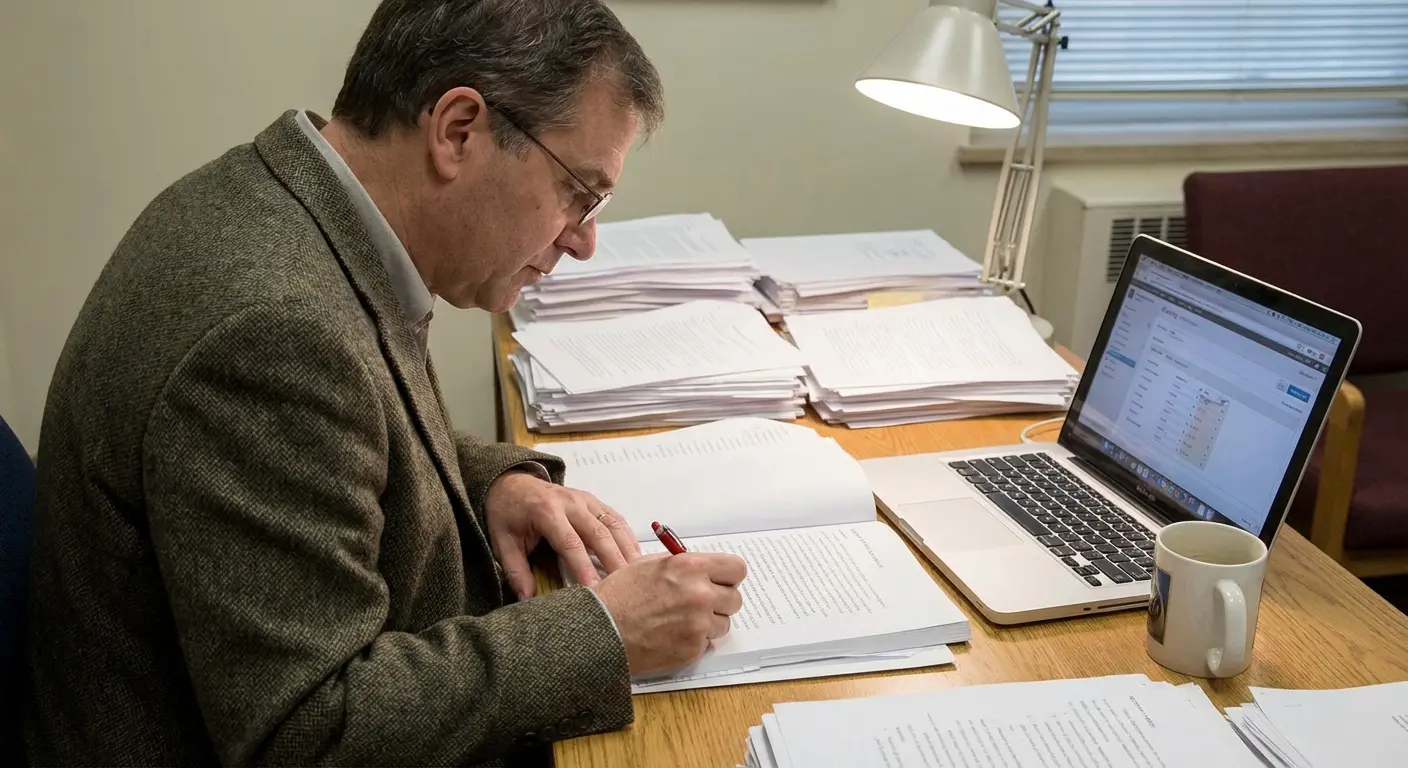
You’re three weeks from your submission deadline. The argument in Chapter 4 finally makes sense. The analysis is tight. Then you look at your reference list — 87 sources, half formatted wrong, three missing page numbers, and one DOI that goes nowhere. Sound familiar?
Manual bibliography work eats more dissertation time than almost any other task. Research from academic productivity studies suggests students spend 8–12 hours per thesis just wrestling with citation formatting. That’s time you’re not spending on your actual argument — the thing examiners actually mark you on. An automatic bibliography generator changes that equation entirely.
Here’s what most students don’t know: the right automatic bibliography generator doesn’t just format citations. It changes how you research, write, and submit. This article breaks down exactly how — and compares the tools honestly, including ChatGPT vs. purpose-built platforms like Tesify.
What Is an Automatic Bibliography Generator?
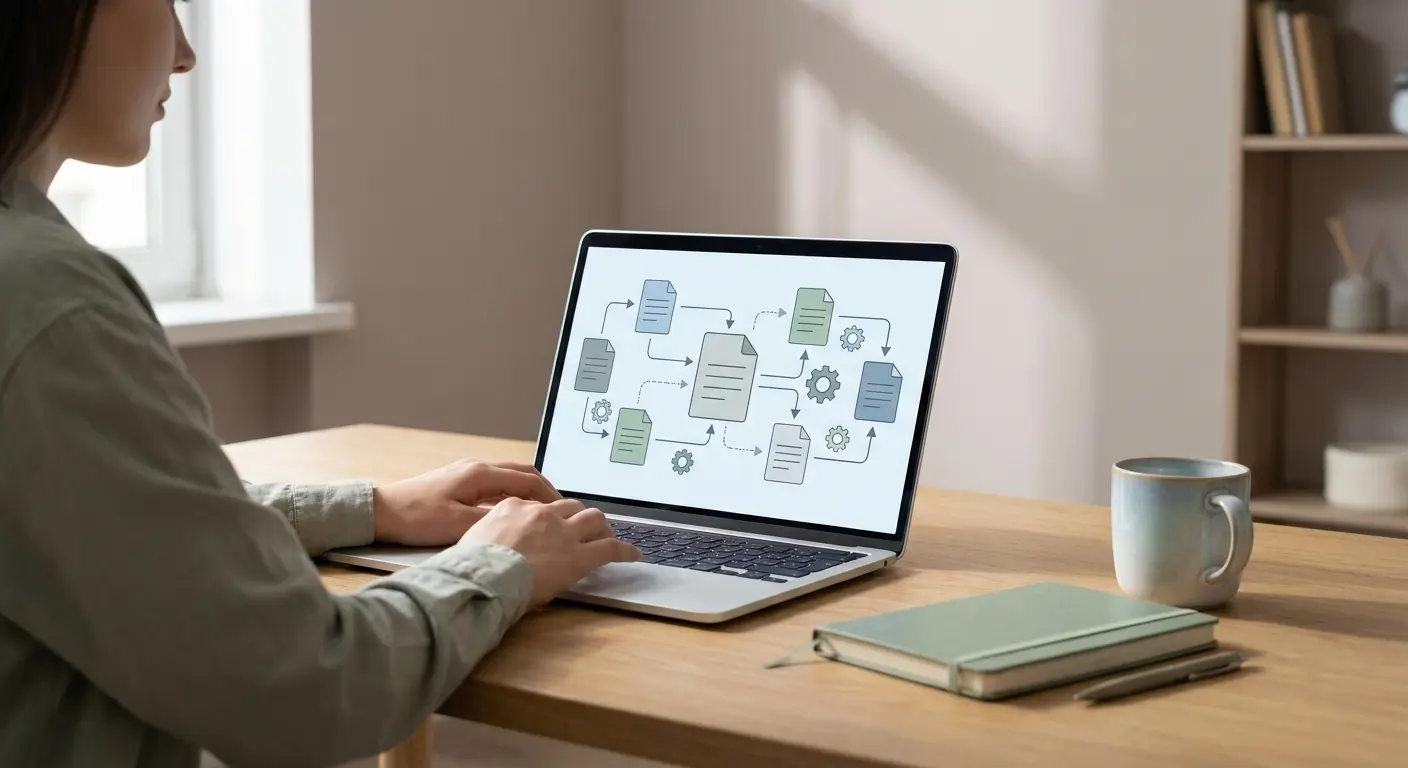
An automatic bibliography generator is software that converts raw source information — a URL, DOI, ISBN, or PMID — into a fully formatted citation in your required referencing style. You paste in the source. The tool returns APA 7th, MLA 9th, Chicago 17th, or Vancouver format, correctly punctuated, in the right order, ready to paste.
The basic version of this exists in tools like ZoteroBib, which is free and surprisingly capable for simple reference lists. But standalone generators have a ceiling — they don’t integrate with your writing environment, they can’t pull content from scholarly databases, and they offer zero plagiarism protection.
The more powerful version lives inside an integrated writing platform. That’s where the real time savings happen — and that’s the gap between a bibliography tool and a complete thesis writing solution.
What most people miss is that bibliography errors aren’t just formatting annoyances. Incorrect citations can constitute inadvertent plagiarism — something examiners at UK, US, Australian, and Irish universities take seriously. The Turnitin AI Writing Report flags attribution gaps as a compliance issue, not just a style one.
The Hidden Time Cost of Manual References
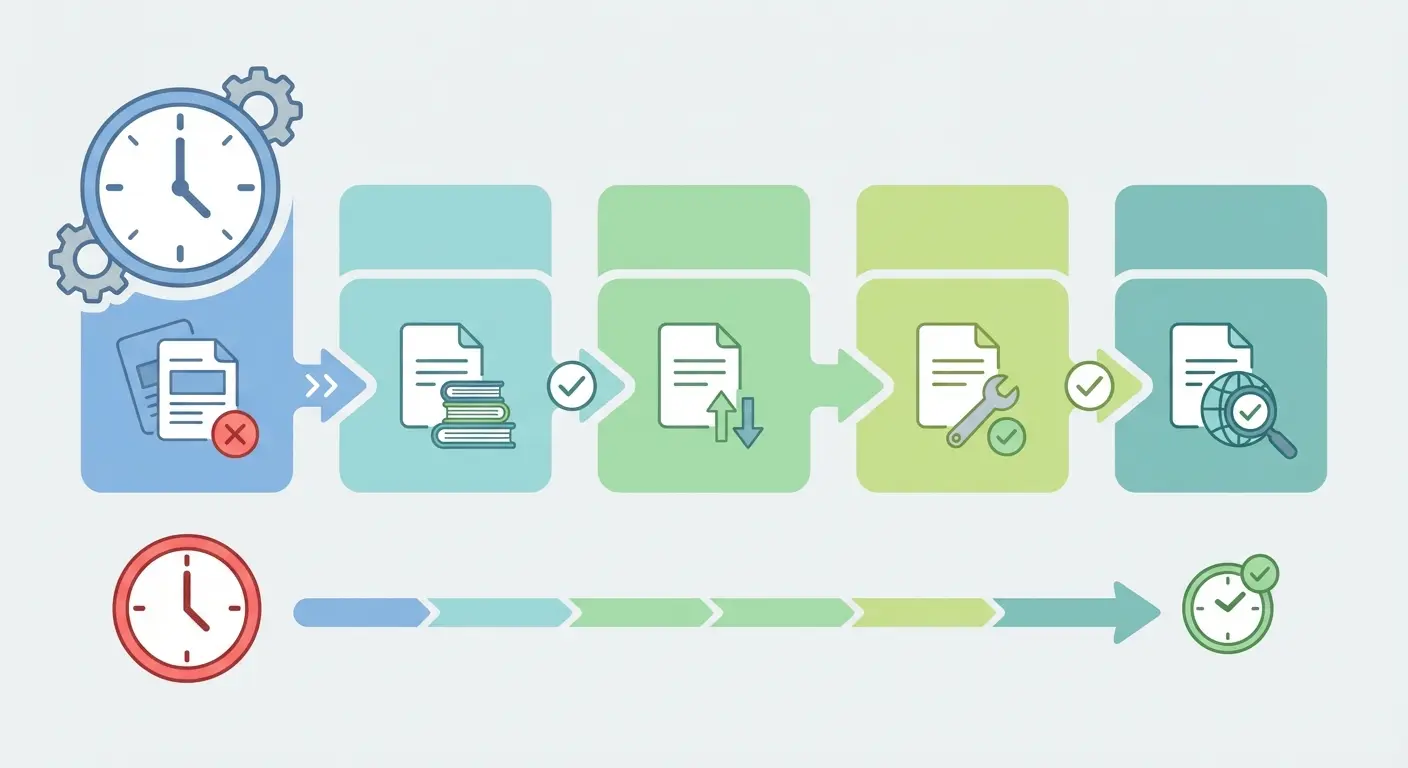
Let’s be specific about where the hours actually go. It’s never just “formatting.” The real time drain looks like this:
- Tracking down missing metadata — The journal article you cited two months ago? You saved the PDF but not the volume number. Now you’re searching again.
- Cross-checking style requirements — APA 7th changed how journal articles are formatted. Your department updated their preferred style mid-year. Is it author-date or numbered? You check the handbook three times.
- Alphabetising and reordering — Every time you add a source, the whole list shifts. Manual sorting is slow and error-prone.
- Fixing inconsistencies — One reference uses “&” between authors. Another uses “and.” Spot the difference at 1am the night before submission. Go on.
- Catching DOI rot — Links that worked six months ago now return 404 errors. You need the correct persistent identifier.
A 2025 Jisc report on student perceptions of AI found that administrative and formatting tasks were among the top three areas where students wanted more AI support — ranked alongside literature searching and writing assistance. That’s not a surprise. These tasks are cognitively draining precisely because they require precision without creativity.
The counterintuitive insight here: bibliography work feels productive. You’re doing something. But it’s not advancing your argument. Every hour spent formatting is an hour not spent on the analysis that determines your grade.
For students writing in LaTeX, the complexity multiplies further — managing .bib files, BibTeX entries, and Overleaf compilation errors adds another layer. If you’re in that situation, Overleaf’s bibliography management guide is genuinely useful, though it still requires significant manual input.
ChatGPT vs. Tesify for Thesis Bibliography — Honest Comparison
Here’s the uncomfortable truth about using ChatGPT for your bibliography: it hallucinates citations. Not occasionally. Regularly.
ChatGPT can generate what looks like a perfectly formatted APA reference — complete author names, journal title, volume, page numbers, DOI. And the source doesn’t exist. It’s a plausible-sounding fabrication. This happens because large language models like GPT-4o are trained to predict likely text sequences, not to retrieve verified database records.
OpenAI’s own ChatGPT Study Mode addresses some of this for learning contexts, but the core architecture hasn’t changed — ChatGPT does not have live access to academic databases like JSTOR, ProQuest, or PubMed unless given specific plugins. Even then, citation accuracy is unreliable enough that you’d need to verify every reference manually, which defeats the purpose.
Tesify works differently. Its automatic bibliography system queries live databases — Google Scholar, PubMed, JSTOR, and ProQuest — and retrieves actual metadata for real sources. The citation is generated from verified records, not predicted text. That’s a structural difference, not a feature comparison.
Tools like scite.ai take a similar verified-source approach for citation checking, and the contrast with general-purpose LLMs is stark. For academic work, where a fabricated citation in your reference list could result in academic misconduct proceedings, this distinction genuinely matters.
What’s interesting is that most students don’t discover the hallucination problem until a supervisor or examiner flags it. By then, the rewrite is expensive. The smarter move is to use purpose-built academic tools from the start — tools designed for the specific constraints of scholarly writing.
How Tesify’s Auto Bibliography Actually Works
Tesify was built for one specific user: a student writing a dissertation who needs to move fast without cutting corners. The auto bibliography feature reflects that. Here’s what happens when you use it:
You paste a DOI, URL, or search term directly into the Tesify editor. The system queries its connected database network — Google Scholar, PubMed, JSTOR, ProQuest — and retrieves the source’s metadata in real time. The citation is then formatted instantly in whichever style you’ve set for your project: APA 7th edition, MLA 9th, Chicago 17th, or Vancouver.
Sources are automatically added to your running reference list, kept in correct alphabetical or numerical order depending on your style, and synced with your in-text citations. When you add a new chapter, the bibliography updates. When you remove a source from your text, you can purge it from the reference list in one click.
The practical effect: what used to take 3–4 hours of reference list management per chapter takes about 20 minutes. Across a full master’s thesis with five chapters and 80+ sources, that’s a realistic saving of 12–15 hours. Not theoretical. Measurable.
Over 9,000 students already use Tesify to finish their dissertations faster — and the bibliography feature consistently ranks as one of the top three reasons they switch from general writing tools.
No credit card. No export limits. Just accurate references in APA, MLA, Chicago, or Vancouver — in seconds.
It’s worth comparing this with how tools like Elicit AI handle literature reviews — Elicit is impressive for research synthesis but doesn’t include integrated citation management or a writing editor. You’d need to combine it with Zotero or Mendeley, then export to Word, then reformat. Tesify handles all of that in one environment.
How Bibliography Generators Reduce Plagiarism Risk
This is the angle most students overlook entirely. Plagiarism isn’t only copying text without attribution. It also includes citing a source inaccurately enough that the attribution doesn’t trace back to the original — or citing a page number that doesn’t contain the claim you’re making.
Correct, complete citations are your first line of defence against inadvertent plagiarism. An automatic bibliography generator that pulls real metadata reduces the chance of getting author names wrong, journal titles wrong, or volume numbers transposed — all errors that can trip plagiarism detection software and raise questions with examiners.
Tesify’s approach combines automatic bibliography generation with its built-in plagiarism checker, which compares your text against millions of scholarly sources including JSTOR, ProQuest, EThOS, and ERIC. The result is a closed loop: you cite correctly, you write with attribution, and you verify before submission. For a deeper look at how AI writing tools can be used safely without compromising originality, the guide on writing plagiarism-free academic texts with AI support walks through the full workflow.
The connection between bibliography accuracy and plagiarism risk is also explored in evaluations of automatic citation tools for academic work — particularly around the quality vs. speed trade-off and when manual verification is still worth doing.
Tesify’s plagiarism checker compares your work against JSTOR, ProQuest, EThOS, ERIC, and Google Scholar in real time.
Step-by-Step: Generate Your Bibliography in Under 5 Minutes
This works whether you’re starting fresh or cleaning up a reference list that’s already a mess. The process is the same.
- Set your citation style first. Log into Tesify, open your thesis project, and confirm your referencing style in the project settings. APA 7th is the default for most UK and Australian universities; MLA is standard for humanities in the US; Chicago suits history and law; Vancouver is used in medical sciences.
- Paste your source identifier. Use a DOI (e.g.,
10.1080/...), a PubMed ID, an ISBN for books, or simply paste the full URL of the article. Tesify queries the database directly. - Review the retrieved metadata. The system returns the full citation. Check author names (databases occasionally abbreviate oddly), the year, and the title. This takes 10 seconds per source.
- Add to your reference list. One click. The source is formatted, filed, and alphabetically ordered in your bibliography section. If it’s a numeric style (Vancouver), it slots into sequence automatically.
- Insert in-text citations. As you write, Tesify’s AI editor lets you insert the corresponding in-text citation without switching windows or copying manually. The format matches your chosen style.
- Export when done. Your thesis exports to PDF, Word, or LaTeX with the formatted bibliography intact. No reformatting required.
For students who want to understand what the best AI writing tools for theses do differently at each stage of the writing process, the comparison of AI writing tools for dissertations in 2025 puts this in broader context.
AI Thesis Writing Tool Comparison Table (2025)
Students in the UK, US, Ireland, Australia, Canada, and New Zealand are comparing these tools right now. Here’s an honest breakdown of what each actually offers for bibliography and thesis writing.
| Feature | Tesify | ChatGPT (GPT-4o) | ZoteroBib | Elicit AI |
|---|---|---|---|---|
| Auto bibliography | ✅ APA, MLA, Chicago, Vancouver | ⚠️ Generates text — accuracy unreliable | ✅ Free, 9,000+ styles | ⚠️ Export only, no inline formatting |
| Live database access | ✅ JSTOR, PubMed, ProQuest, Scholar | ❌ No verified live access | ✅ CrossRef, WorldCat | ✅ Semantic Scholar |
| Plagiarism checker | ✅ Academic databases, real-time | ❌ None | ❌ None | ❌ None |
| Integrated thesis editor | ✅ AI-powered, browser-based | ⚠️ Chat interface only | ❌ Reference manager only | ❌ Research tool only |
| Export formats | ✅ PDF, Word, LaTeX | ⚠️ Copy-paste only | ✅ BibTeX, RIS, Word | ✅ CSV, BibTeX |
| Academic templates | ✅ Bachelor’s, Master’s, PhD | ❌ None | ❌ None | ❌ None |
| Free tier available | ✅ Yes, no credit card | ✅ Limited | ✅ Fully free | ✅ Limited |
The verdict: ZoteroBib wins on raw citation volume and is excellent as a standalone bibliography tool. ChatGPT is genuinely useful for drafting and brainstorming but should never be trusted for citation accuracy. Tesify is the only option here that integrates bibliography generation, thesis writing, and plagiarism checking in one environment — which is why it’s the choice for students who want to finish their dissertation without switching between five different tools.
Why 9,000+ Students Choose Tesify Over Separate Tools
The fragmented workflow is where most dissertation students lose time they don’t have. You write in Word, manage references in Zotero, check plagiarism in Turnitin, get feedback from your supervisor via email, and try to reconcile four different versions of your thesis across three devices. Every tool hand-off costs time and introduces errors.
Tesify was designed specifically to eliminate that friction. As the #1 AI platform for bachelor’s, master’s, and PhD dissertation writing, it brings the full workflow into one browser-based environment: AI-assisted writing, automatic bibliography in APA 7th, MLA, Chicago, and Vancouver, advanced plagiarism detection against JSTOR, ProQuest, EThOS, ERIC, and millions of scholarly sources, professional templates, and export to PDF, Word, and LaTeX.
The AI editor inside Tesify deserves a mention here — it rewrites paragraphs, expands underdeveloped arguments, corrects academic register, and gives real-time feedback on coherence and writing quality. It’s not ChatGPT. It’s a purpose-built academic writing assistant that understands thesis structure, chapter logic, and the difference between a literature review and a discussion section.
Sign-up is free. No credit card. No export limits on your first thesis. If you’re currently managing your bibliography in a separate tool and writing in Word, the switch typically saves 2–3 hours in the first week alone.
Write Your Thesis Twice as Fast
9,000+ students use Tesify to finish their dissertations with automatic bibliography, AI writing assistance, and built-in plagiarism detection — all in one place.
Start Free — No Credit Card Required →
APA · MLA · Chicago · Vancouver · PDF · Word · LaTeX export
Frequently Asked Questions
Is an automatic bibliography generator accurate enough for university submission?
Tools that pull metadata from verified databases (like Tesify, ZoteroBib, or Zotero) are accurate for the vast majority of sources — typically 90–95% for journal articles with valid DOIs. Accuracy drops for older sources, grey literature, and conference papers where database metadata is incomplete. Always spot-check your final reference list before submission, which takes 20 minutes rather than the 10+ hours manual formatting requires.
Can ChatGPT generate reliable citations for my thesis?
No — ChatGPT frequently generates plausible-looking but fabricated citations because it predicts likely text rather than querying real academic databases. This is known as “hallucination” and it’s a documented problem with all general-purpose LLMs. For academic writing, use tools that retrieve verified metadata from databases like JSTOR, PubMed, or ProQuest. Tesify’s bibliography generator does exactly this.
Which citation style does my university require?
It depends on your discipline and institution. APA 7th edition is standard across psychology, education, social sciences, and business at most UK, US, Australian, and Canadian universities. MLA 9th is common for humanities in the US. Chicago 17th is preferred in history and law. Vancouver is used in medicine and health sciences. Check your department’s submission guidelines or ask your supervisor — and then set that style in Tesify so every citation formats automatically.
Does using an automatic bibliography generator constitute academic dishonesty?
No. Formatting citations is not academic work — it’s administrative work. Using a tool to format references correctly is equivalent to using a spell checker. What matters academically is that you read and understood the sources you’re citing, and that you’ve represented them accurately in your text. Automatic bibliography generators help ensure correct attribution, which actually reduces plagiarism risk rather than increasing it.
How does Tesify’s bibliography generator compare to Zotero?
Zotero is a powerful standalone reference manager with excellent browser integration — it’s particularly strong for collecting and organising sources during the research phase. Tesify’s advantage is integration: bibliography generation, thesis writing, AI editing, and plagiarism checking all operate in one platform. For students who want to manage their entire dissertation workflow in one place without exporting between tools, Tesify is the faster option.
Can Tesify export my bibliography to Word or LaTeX?
Yes. Tesify exports complete theses — including formatted bibliography — to PDF, Word (.docx), and LaTeX. For students working in LaTeX environments, the export generates compatible .bib file structure. This makes it a practical option for STEM students who write in Overleaf or similar LaTeX editors and need their reference list formatted correctly without building BibTeX entries manually.
Stop Losing Hours to Reference Formatting
Every hour you spend manually formatting citations is an hour not spent on the argument that gets you the grade. That’s not a productivity tip — it’s a straightforward trade-off that most students don’t make consciously until they’re in the final two weeks and running out of time.
An automatic bibliography generator doesn’t make your thesis better on its own. But it removes one of the most frustrating, time-consuming, and error-prone parts of dissertation writing — and it does it in seconds rather than hours. When that tool is integrated with your writing environment, plagiarism checker, and export system, the cumulative saving across a full thesis is measurable in days, not hours.
That’s what 9,000+ students have already worked out. The tool exists. The time saving is real. The only question is whether you keep formatting references manually — or you stop.
Try Tesify Free — Start Your Bibliography Now →
Free account · No credit card · APA, MLA, Chicago, Vancouver
Write your thesis with AI
Structure, draft, cite, and format your thesis faster with Tesify’s AI writing tools, automatic bibliography, and plagiarism checker. Free to start, no credit card required.




Leave a Reply