
Best PDF Annotation Tools for Researchers Compared (2026)
The best PDF annotation tool for most researchers in 2026 is Zotero 7, because its built-in reader keeps every highlight and note attached to the reference record at no cost. Adobe Acrobat remains the most powerful standalone annotator, while MarginNote and LiquidText suit researchers who want to restructure ideas visually across dozens of papers. The right choice depends on whether annotation lives inside your reference manager or in a separate app.
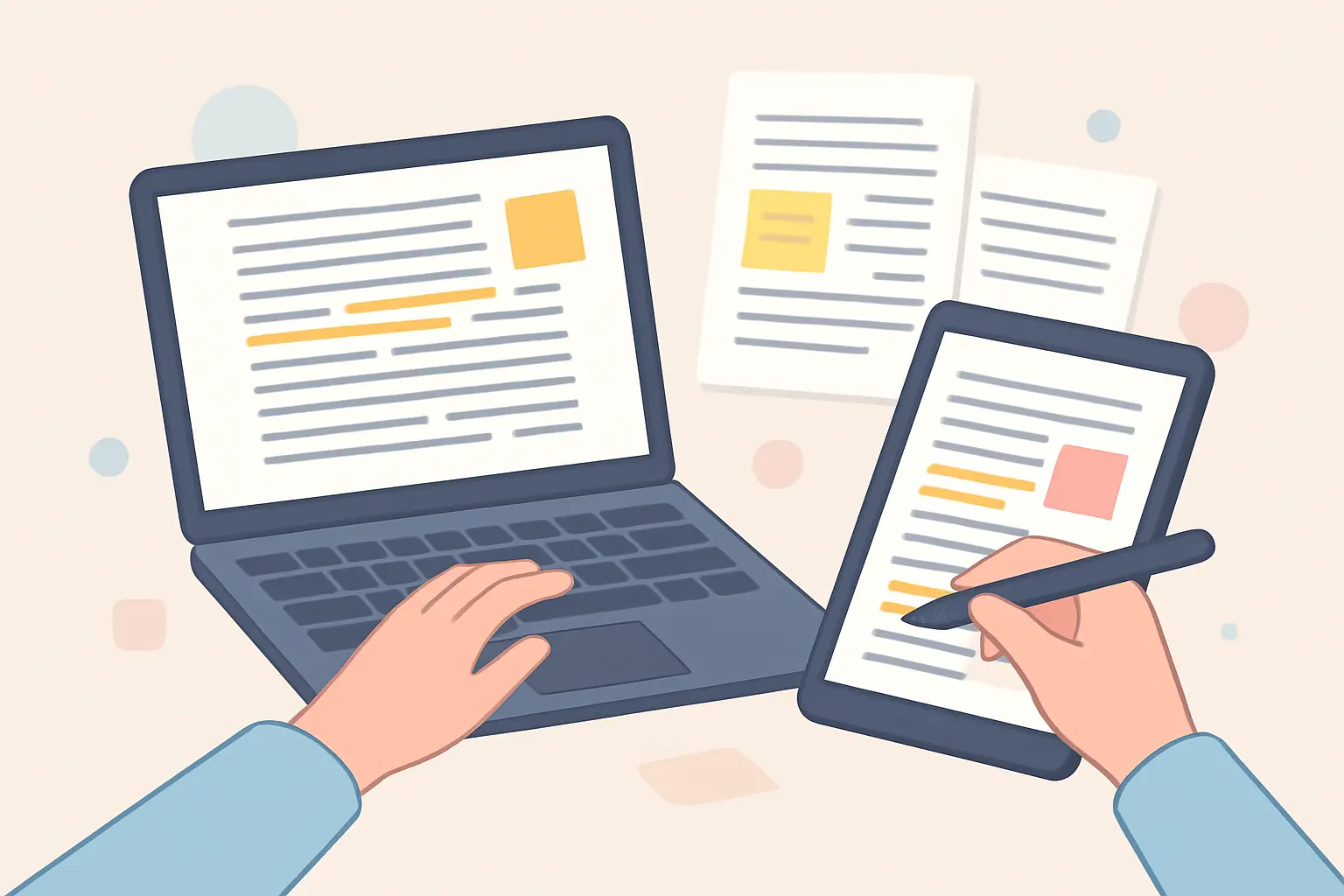
Reading and marking up papers is where a literature review actually happens, yet most tool round-ups focus on reference managers or note apps and skip the annotation layer. This comparison ranks the tools researchers actually use to highlight, comment on, and organise PDFs, and shows which ones feed your annotations straight back into your writing workflow.
Which PDF Annotation Tools Rank Highest in 2026?
| Tool | Best for | Platform | Price (2026) | Standout feature |
|---|---|---|---|---|
| Zotero 7 | Annotations tied to references | Win, Mac, Linux | Free | Built-in reader, notes export per source |
| Adobe Acrobat Pro | Power editing & OCR | Win, Mac, web, mobile | ~£19.97/mo | Full editing, comment tools, e-sign |
| PDF Expert | iPad & Apple Pencil | Mac, iOS | ~£69.99/yr | Fast handwriting & markup |
| MarginNote 4 | Turning PDFs into study notes | Mac, iOS | ~$74.99 one-off | Mind-map from highlights |
| LiquidText | Connecting excerpts across papers | iOS, Win | Free tier; ~£25/yr Pro | Drag-to-link across documents |
| Hypothesis | Collaborative web annotation | Browser | Free | Shared, threaded annotations |
| Xodo | Simple free annotation | Win, web, mobile | Free | Clean, no-friction markup |
Prices are approximate 2026 list prices and vary by region, student discount, and plan; confirm on each vendor’s site before purchasing.
Why Is Zotero 7 the Best All-Round Choice?
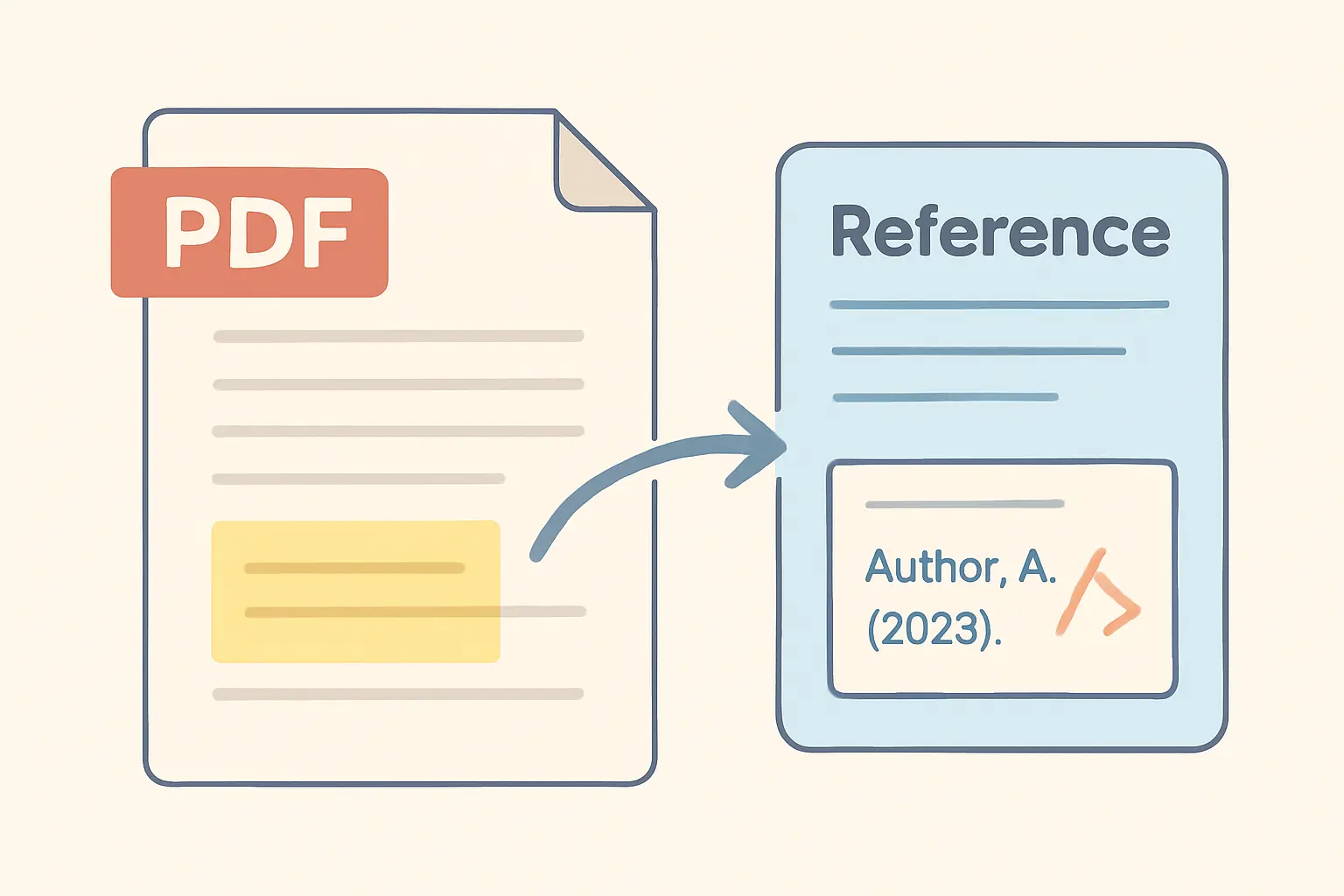
Zotero’s version 7 release turned it into a genuine PDF annotation environment, not just a citation store. You open a paper inside Zotero, highlight and add sticky notes, and those annotations stay bound to the reference — so when you later export notes for a source, your highlights come with it. For anyone building a literature review, this closes the gap between reading and writing that separate annotation apps leave open.
It is also free and open-source, which matters over a multi-year project. If you are already choosing a reference manager, our comparison of Zotero vs Mendeley vs EndNote covers how each one handles annotation alongside citation management.
When Do You Actually Need Adobe Acrobat?
Adobe Acrobat Pro is the most capable standalone tool, but most of its power — editing text inside a PDF, OCR on scanned documents, redaction, form handling, e-signatures — goes beyond what annotating research papers requires. If you frequently work with scanned archival material that needs OCR before you can highlight it, Acrobat earns its subscription. If you mainly highlight born-digital journal PDFs, a free reader does the same annotation job.
What Are the Best Options for iPad and Apple Pencil?
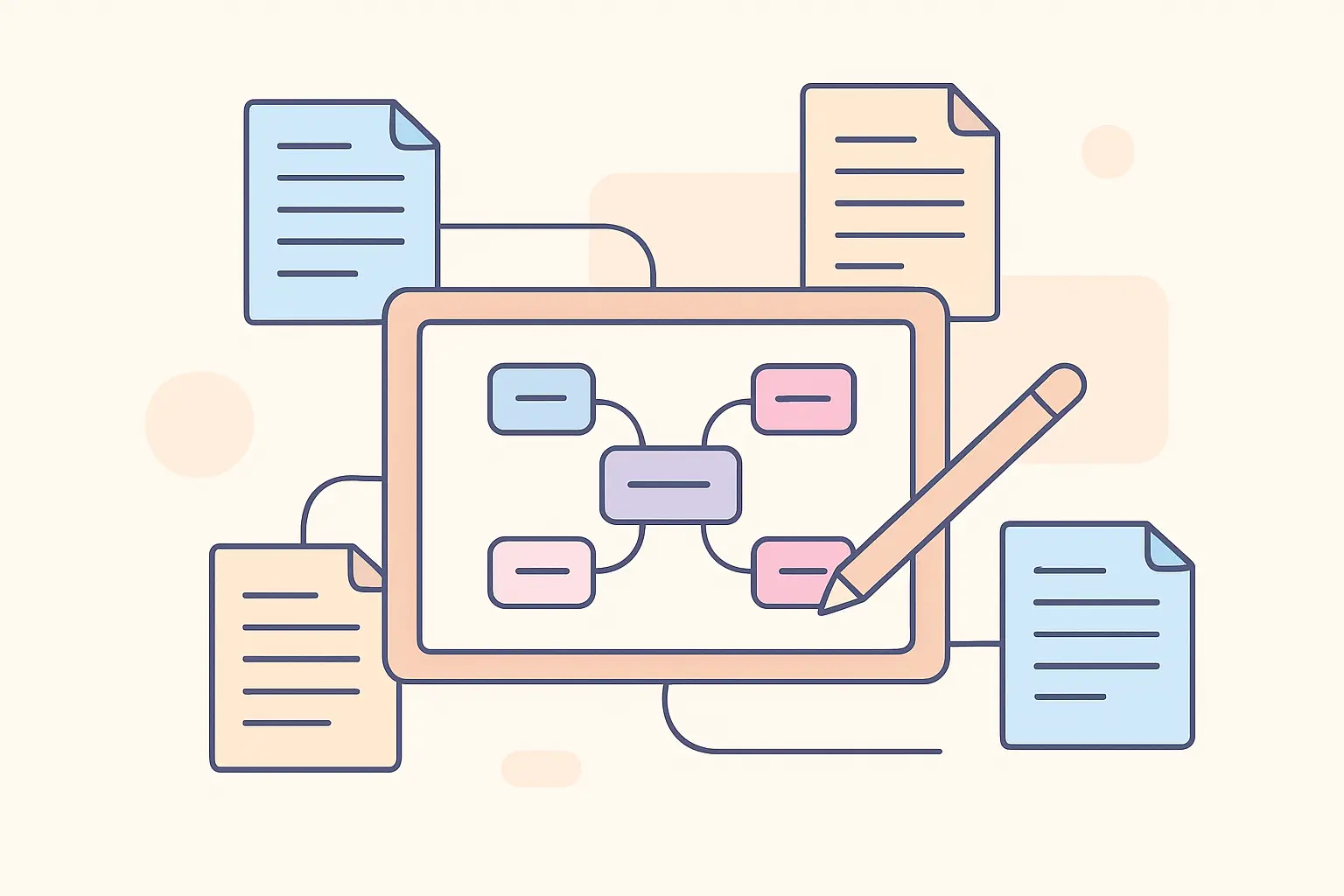
Handwritten annotation on a tablet is a genuinely different workflow, and two tools dominate it. PDF Expert offers the smoothest pen experience for highlighting and margin notes. MarginNote 4 goes further, letting you pull highlights out of a PDF and arrange them into mind-maps or outlines — useful when you are trying to synthesise a theme across several papers rather than annotate one. Pairing tablet annotation with the three-pass method for reading academic papers is an efficient way to get through a large reading list.
Which Tool Is Best for Collaborative Annotation?
For supervisors, reading groups, or co-authors, Hypothesis is the standout. It layers threaded annotations directly onto web pages and PDFs, so a group can discuss a paper in the margins without emailing files back and forth. It is free and web-based, which lowers the barrier for everyone to participate. LiquidText takes a different collaborative-adjacent angle: its strength is letting a single researcher visually connect excerpts across many documents, which is powerful for the synthesis stage of a review.
How Should Annotation Fit Your Writing Workflow?
The tool matters less than whether your annotations survive the jump into your draft. Highlights trapped inside a PDF you never reopen are wasted effort. The most efficient setups export annotations into your notes automatically — which is why reference-manager-native readers like Zotero and Mendeley tend to beat standalone editors for thesis work. For organising the notes that come out of annotation, our comparison of the best note-taking apps for thesis research pairs naturally with whatever annotator you choose.
Once your papers are highlighted and your notes are organised, Tesify helps you turn that reading into structured, properly cited draft chapters — keeping every source attached as you write. Try Tesify.
FAQ
What is the best PDF annotation tool for researchers?
For most researchers, Zotero 7 is the best all-round choice because its built-in PDF reader keeps highlights, notes, and annotations attached directly to the reference record, at no cost. Adobe Acrobat is the most powerful standalone annotator, and MarginNote or LiquidText suit people who want to restructure ideas across many PDFs.
Can I annotate PDFs directly inside my reference manager?
Yes. Zotero 7 and Mendeley both include built-in PDF readers that let you highlight and add sticky notes without leaving the app, so annotations stay linked to the citation and can be pulled into a notes export. This is usually more efficient than annotating in a separate PDF editor.
Are free PDF annotation tools good enough for a thesis?
For most students, yes. Zotero, the browser-based Hypothesis, and Xodo all offer capable free annotation. Paid tools like Adobe Acrobat or PDF Expert mainly add advanced editing, OCR, and polish rather than annotation features you strictly need for a literature review.
What is the best PDF annotation app for iPad?
PDF Expert and MarginNote are the most popular choices for iPad and Apple Pencil users, offering smooth handwriting, highlighting, and document organisation. LiquidText is also strong on iPad for visually connecting excerpts across multiple papers.
Do PDF annotations export into my notes?
In tools like Zotero and Mendeley, yes — you can export highlights and notes as a formatted summary attached to each reference. Standalone editors such as Adobe Acrobat keep annotations in the PDF itself, which you then have to copy into your notes manually.
Related Reading
Write your thesis with AI
Structure, draft, cite, and format your thesis faster with Tesify’s AI writing tools, automatic bibliography, and plagiarism checker. Free to start, no credit card required.






Leave a Reply