
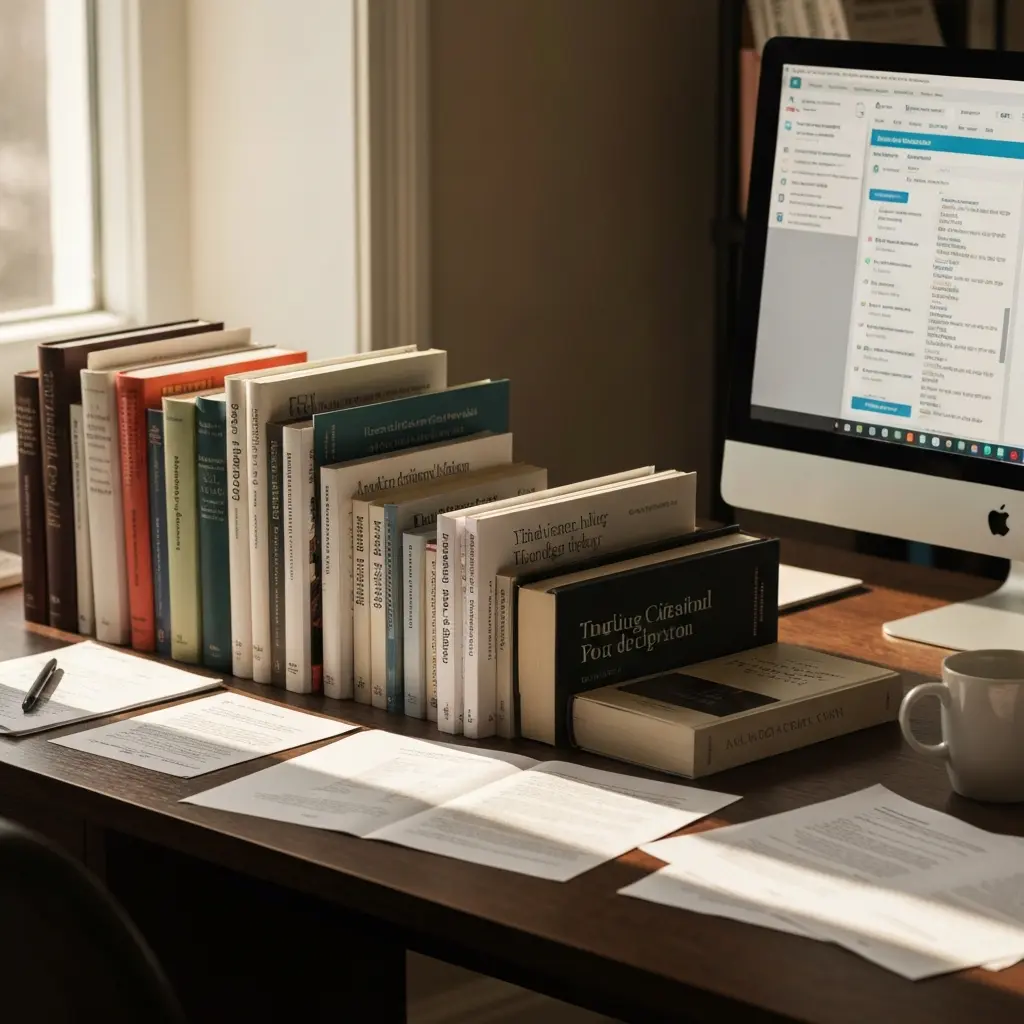
Automatic Bibliography Generator: Save Hours on Your References 2026
A dissertation bibliography is one of the most thankless tasks in academic writing. You have done the reading, constructed the argument, and survived the analysis — and now you have to spend hours ensuring every reference is formatted to the exact standard of APA 7th, Harvard, or Chicago 17th edition. A single missed comma, an italic that should be regular, or an edition number in the wrong position can cost you marks. An automatic bibliography generator eliminates this problem entirely — if you use the right one.
This guide covers the best bibliography generation tools available to students in 2026, how they differ, which citation styles they support, and critically — how to avoid the most dangerous trap: using a tool that generates citations rather than formats them, opening the door to fabricated references and academic misconduct.
The Real Time Cost of Manual Bibliography
The average postgraduate dissertation cites 80–150 sources. Formatting a single citation manually takes between 3–8 minutes depending on source type and style complexity. A 120-source bibliography at 5 minutes per citation is 10 hours of pure formatting work — before you account for the revision cycles when you add sources during the writing process, reformat everything because your supervisor requests a different citation style, or discover inconsistencies in your reference list during the final proof.
Students consistently rank bibliography formatting among the top three most time-consuming and frustrating elements of dissertation writing. It is also the element most directly solvable by the right tool. This is not a productivity tip — it is a question of reclaiming significant time for the work that actually develops your thinking.
How Automatic Bibliography Generators Work
There are two fundamentally different types of bibliography generators, and confusing them is dangerous:
Formatters (What You Want)
You input source information — DOI, ISBN, URL, or manual metadata — and the tool formats it correctly in your chosen citation style. The output is entirely determined by the source information you provide. These tools cannot fabricate references because they have nothing to fabricate from. Your bibliography is only as accurate as the sources you have entered.
AI Generators (What to Avoid)
You tell the tool your topic and it produces a reference list. The references look real but are frequently invented: plausible author names, journals that exist, years that are plausible, but volume/issue/page combinations that do not correspond to any real article. Using these outputs in academic submissions is academic misconduct — and supervisors check sources.
Every tool recommended in this guide is a formatter, not a fabricator.
Best Automatic Bibliography Generators 2026
1. Tesify Auto Bibliography
The best option for dissertation students because it is built directly into the dissertation writing platform. As you write, you add your sources to the reference manager. Tesify formats your bibliography in your chosen style automatically and keeps it updated as you add or remove sources. In-text citation insertion is handled within the same environment. No exporting, no separate tool, no inconsistencies between your in-text citations and reference list.
Supports: APA 7th, Harvard, MLA 9th, Chicago 17th, Vancouver, and more
Free plan: Yes
Try Tesify Auto Bibliography free
2. Zotero
The gold standard free, open-source reference manager. Captures source metadata automatically via browser extension when you are reading online. Organises your library. Generates formatted citations in 9,000+ styles. Word and Google Docs plugins mean you can insert in-text citations and auto-generate your reference list without leaving your document. The main limitation: you need to capture sources as you find them, which requires building the habit. An excellent choice for students starting a new dissertation.
Supports: 9,000+ styles including all major academic formats
Free: Yes, completely free and open-source
3. Citation Machine
Web-based bibliography generator popular among students. Supports APA, MLA, Chicago, and others. You input source information via a form and receive formatted citations. Does not require creating an account for basic use. Limitations: manual entry only (no browser integration), less suitable for managing large reference libraries.
4. EasyBib
Similar to Citation Machine. Web-based, form-driven, broad format support. Free tier produces citations with ads; paid tier removes ads and adds more style options. Useful for occasional formatting questions.
5. Mendeley
Academic reference manager owned by Elsevier. Combines reference management with a PDF annotation tool and a social network for researchers. Word plugin for in-text citation insertion. Good choice if you are managing a large research library; slightly heavier weight than Zotero for a single dissertation project.
Citation Style Support: APA, Harvard, MLA, Chicago
Different disciplines and institutions use different citation styles. Here is what each major style requires:
| Style | Common Disciplines | Format | Complexity |
|---|---|---|---|
| APA 7th Edition | Psychology, Education, Social Science | Author-date in-text | High — many edge cases |
| Harvard | Business, Economics, Humanities (UK) | Author-date in-text | Medium — many variants |
| MLA 9th Edition | Literature, Languages, Humanities (US) | Author-page in-text | Medium |
| Chicago 17th | History, Arts, Humanities | Footnote or author-date | High — two systems |
| Vancouver | Medicine, Life Sciences | Numbered superscript | Low — consistent format |
For a complete guide to citation styles and how to choose the right one, see: What Citation Style Should I Use for My Thesis?
The Danger Zone: AI-Generated References
The most serious mistake dissertation students make with AI and references in 2026 is asking ChatGPT or similar tools to “generate a bibliography on [topic].” The output looks real. It is not.
Research has consistently found that AI language models fabricate between 40–60% of academic references when asked to produce bibliography lists without a source basis. The fabricated references have several consistent features: real-sounding author names (sometimes real authors who did not write those specific papers), journal titles that exist, plausible years, and specific volume/issue/page numbers — but no actual corresponding article.
Supervisors check sources. Reference librarians check sources. Turnitin is now being used to verify that cited papers actually exist and are correctly attributed. Submitting fabricated references, regardless of how you came to have them, is academic misconduct. The consequences are severe.
The rule is absolute: every reference in your dissertation must correspond to a source you have actually read and verified. Use a bibliography formatter from your own captured sources, not an AI generator from nothing.
Tesify Auto Bibliography: Built for Dissertations
Tesify’s Auto Bibliography feature is specifically designed around the requirements of dissertation reference management:
- Integrated workflow: Sources are added as you write, keeping your reference list current without manual maintenance
- In-text citation insertion: Insert correctly formatted in-text citations directly in your document without leaving the writing environment
- Multi-style support: Switch between citation styles with one click — no manual reformatting needed when your supervisor requests a different format
- Source verification: Cross-checks your source metadata against databases to flag potential errors before you submit
- No fabrication: Works entirely from sources you have added — cannot generate references that do not exist
Stop wasting 10 hours on bibliography formatting
Tesify’s Auto Bibliography generates your complete reference list automatically from your real sources — in APA, Harvard, MLA, Chicago, or any other style. Free to start.
A Reliable Bibliography Workflow From Start to Submission
- Capture sources as you read: Use Zotero’s browser extension or add sources to Tesify as you find them. Do not wait until you are writing to build your reference list.
- Add full metadata: Ensure author names, publication year, title, journal, volume, issue, pages, and DOI are all captured. Missing metadata creates formatting errors that are time-consuming to trace later.
- Insert in-text citations as you write: Do not write [SOURCE] as a placeholder. Insert the actual citation immediately using your reference management tool. Placeholder substitution at the end is error-prone.
- Let the tool generate your reference list: Do not manually format a single entry. Use your bibliography generator to produce the list from your reference library.
- Proof the output: Even the best tools make errors on unusual source types (government reports, personal communications, archived documents). Review the generated list against the original sources for completeness.
- Verify before submission: Spot-check several sources by looking up the DOI or title to confirm the metadata is correct. This is also your check against any inadvertent errors in your captured source data.
Also see: Best Free Citation Tools for APA, MLA and Chicago 2026 and How to Cite Sources in APA Format Step by Step 2026.
Frequently Asked Questions
What is the best free automatic bibliography generator for students?
Tesify’s Auto Bibliography (free plan available) and Zotero (completely free, open-source) are the top options for students in 2026. Both format citations from sources you have actually captured, support all major citation styles, and integrate with writing environments. Zotero is the better standalone reference manager; Tesify is better if you are using it as your dissertation writing platform.
Is it safe to use an AI tool to generate my bibliography?
No — if the AI tool generates references without being given the actual source information. AI tools like ChatGPT fabricate references at a rate of 40–60% when asked to produce bibliography lists. Submitting fabricated references is academic misconduct. Safe use means using a bibliography formatter (Tesify, Zotero, Citation Machine) that formats citations from sources you have actually read and captured.
How many hours does a bibliography generator save?
For a dissertation citing 80–150 sources, a bibliography generator typically saves 10–20 hours compared to manual formatting. The saving is greatest when the tool is integrated with your writing environment (so citations are inserted and formatted as you write) rather than used only at the end. Multiple format revisions — which are common when supervisors request style changes — are also eliminated.
Does Tesify support Harvard referencing?
Yes. Tesify’s Auto Bibliography supports Harvard referencing along with APA 7th, MLA 9th, Chicago 17th, Vancouver, and numerous other academic citation styles. You can switch between styles with one click, which is particularly useful when different supervisors or institutional requirements specify different formats.
Can I use Zotero and Tesify together?
Yes. Many students use Zotero to capture and organise their research library, then add selected sources to Tesify for the dissertation writing workflow. Zotero’s export functionality allows you to transfer reference data between tools. The combination gives you the best of both: Zotero’s excellent browser-based source capture and Tesify’s integrated dissertation writing environment.




Leave a Reply