
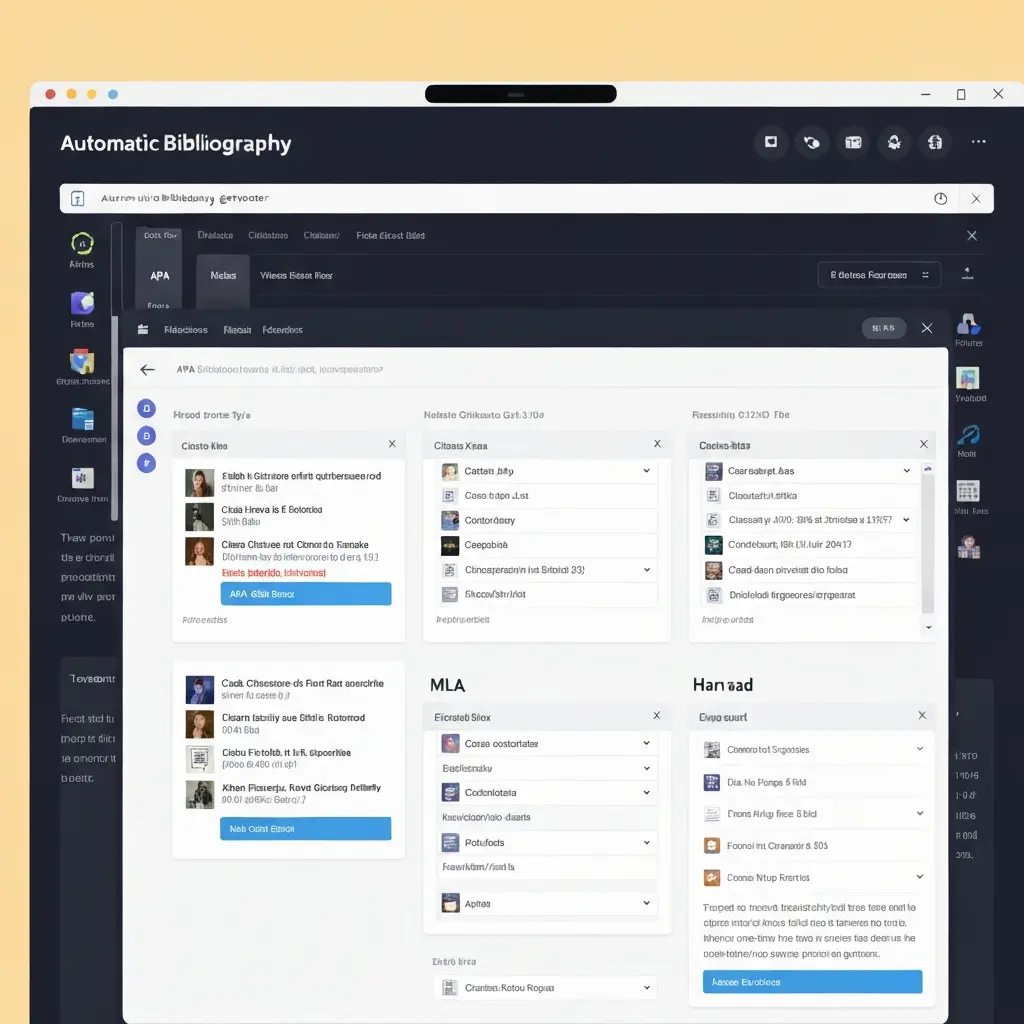
Automatic Bibliography Generator: How to Format Every Citation Style Without Errors
Most students discover the hard way that an automatic bibliography generator only works as well as the information you feed it. Use a good tool with accurate metadata and you save hours of formatting. Use a poor tool or give it incomplete source information, and you end up with a reference list full of subtle errors that cost marks — or worse, trigger a citation integrity flag.
This guide explains how automatic bibliography generators work, which citation styles they handle reliably, where they go wrong, and how to use them as part of an airtight pre-submission workflow. Whether you’re formatting APA 7th edition, MLA 9th edition, Harvard, or Chicago, the principles are the same.
How Automatic Bibliography Generators Actually Work
When you paste a DOI, ISBN, or URL into a bibliography generator, here’s what happens behind the scenes:
- Metadata retrieval: The tool queries academic metadata APIs — CrossRef (for DOIs), Open Library (for ISBNs), or the source website — to retrieve author names, publication dates, titles, journal information, volume, issue, and page numbers.
- Style template application: The retrieved metadata is inserted into a pre-defined citation template for your chosen style (e.g., APA 7th edition’s format for journal articles: Author, A. A. (Year). Title. Journal Name, Volume(Issue), pages. DOI).
- Output formatting: The formatted citation is returned as text, often with options to copy to clipboard, export to Word, or save to a reference library.
The quality gap between tools lies in step 1 — metadata retrieval accuracy — and step 2 — how precisely the style template matches the actual style guide rules. Generic tools use outdated or approximate style rules. Academic-focused tools like Tesify use the current official style guides and update them when editions change.
Major Citation Styles: What Generators Need to Format Correctly
APA 7th Edition
APA format has specific requirements that many generators get wrong:
- Authors: Last name, First initial. Middle initial. — not full first names
- Multiple authors: all listed up to 20; 21+ use first 19, ellipsis, last author
- DOI format: must use https://doi.org/ prefix, not just the DOI number
- Article titles: sentence case (only first word and proper nouns capitalised)
- Journal names: title case (all major words capitalised)
For a complete breakdown see our APA citation format complete guide and the cross-language comparison at Tesify IO’s APA 7 guide for German students.
MLA 9th Edition
MLA uses a “container” system that many generators implement incorrectly. The generator must distinguish between works that are self-contained (books, websites) and works that are part of larger containers (journal articles, book chapters, anthology entries). Incorrect container nesting is the most common MLA error.
Harvard Referencing
Harvard is not a single standardised style — it’s a family of styles with institutional variations. A generator claiming “Harvard” may produce output that matches UK university A but not university B. Always check your institution’s specific Harvard guide. For a comprehensive reference, see our Harvard referencing guide.
Chicago (Author-Date and Notes-Bibliography)
Chicago has two distinct systems and many generators mix them up. Notes-Bibliography uses numbered footnotes with a separate bibliography; Author-Date uses in-text citations similar to APA. Confirm which your institution or discipline requires before selecting a template.
7 Common Errors Bibliography Generators Make (and How to Catch Them)
| Error Type | Example | How to Catch It |
|---|---|---|
| Wrong author name format | Smith, John → should be Smith, J. | Compare against style guide author format rules |
| Outdated style version | APA 6th rules applied to APA 7th format | Check tool’s style version explicitly |
| Missing DOI | Journal article listed without DOI when one exists | Cross-check on CrossRef.org |
| Wrong capitalisation | Title case used in APA (should be sentence case) | Review all article and chapter titles manually |
| Incorrect page number format | “pp. 45-67” vs “45–67” (em dash required in APA) | Check punctuation details against style guide |
| Incomplete online source info | URL without access date (required by some styles) | Note the date you accessed each online source |
| Incorrect italicisation | Journal name not italicised; article title italicised instead | Run a visual check on all journal and book titles |
How to Get Accurate Output: DOI, ISBN, and URL Inputs Compared
DOI (Best Input)
A DOI (Digital Object Identifier) is the most reliable input for a bibliography generator. It links directly to authoritative metadata registered with CrossRef. When you have a DOI, always use it over a URL or manual entry. Find DOIs on journal article pages, in your library database, or via CrossRef.org.
ISBN (For Books)
ISBN lookup works well for published books — most library metadata APIs return accurate author, publisher, edition, and year information. Use the ISBN-13 when possible. One caveat: secondary sources cited within the book (e.g., a quote you found in someone else’s paper) still require manual citation of the original source.
URL (Least Reliable)
URL-based lookup depends entirely on the metadata embedded in the target webpage. Academic institution pages, government reports, and major publishers typically have good metadata. News sites, blogs, and personal websites often have missing or inaccurate metadata. When using URL input, always verify the generated citation manually against the source page.
Integrating Your Bibliography with Word, Google Docs, and LaTeX
Once your bibliography is generated, the export method matters:
- Microsoft Word: Most citation managers (Zotero, Mendeley) have Word plugins that insert citations and auto-generate bibliographies. Tesify exports in Word-compatible format with correct formatting preserved.
- Google Docs: The Zotero Connector and Paperpile integrate with Google Docs. For manual formatting, copy citations from your generator and use “Paste without formatting” to avoid style conflicts.
- LaTeX/Overleaf: Export your references as BibTeX (.bib) files for use with biblatex. Most academic-grade bibliography generators support BibTeX export. Overleaf has its own bibliography management tools built in.
Tesify’s Auto-Bibliography: End-to-End Citation Without Manual Entry
Tesify‘s automatic bibliography generator works differently from standalone citation tools. Because Tesify is an integrated dissertation writing platform, bibliography generation happens in context:
- As you write, paste DOIs or ISBNs and Tesify formats inline citations automatically in your chosen style
- The reference list builds dynamically as you add sources — no separate bibliography management step
- Style rules are version-specific (APA 7th, MLA 9th, etc.) and updated with official style guide changes
- Exported documents include a correctly formatted reference list without any manual formatting
This eliminates the copy-paste workflow and the formatting errors it introduces. For students balancing dozens of sources across a 20,000-word dissertation, the time savings are substantial — estimated at 6-12 hours of manual formatting work per dissertation. Compare this with standalone tools in our AI thesis writer comparison.
Frequently Asked Questions
Are automatic bibliography generators accurate?
Academic-grade bibliography generators with DOI or ISBN input are highly accurate — typically 90-95% correct for standard source types (journal articles, books). Errors occur most often with non-standard sources (theses, conference papers, websites, social media) and with obscure citation style rules. Always verify generated citations against your institution’s official style guide, especially for edge cases.
What is the best free automatic bibliography generator?
Zotero is widely considered the best free bibliography generator for academic work — it’s a full reference manager with Word and Google Docs integration. Citation Machine, EasyBib, and BibMe offer simpler free tools for basic formatting. For dissertation-level work, Tesify’s integrated auto-bibliography provides better accuracy and workflow integration than standalone free tools.
Can I use a bibliography generator for APA 7th edition?
Yes, most modern bibliography generators support APA 7th edition specifically. Confirm the tool specifies “7th edition” (or “APA 7”) rather than just “APA” — some tools still default to APA 6th edition rules, which differ significantly in author formatting and DOI presentation. Tesify’s auto-bibliography uses APA 7th edition by default for all journal article and book citations.

Latest Articles
- APA Citation Format: Every Rule You Need With Examples for Every Source Type (2026)
- AI Grammar Checker Academic: Top Tools Compared 2026

- AI Paraphrasing Tool Academic: Rewrite Without Plagiarism

- Dissertation Help Online: AI Tools vs Traditional Services
- Student Mental Health and Thesis Writing: What the Data Shows (2026)

Leave a Reply