
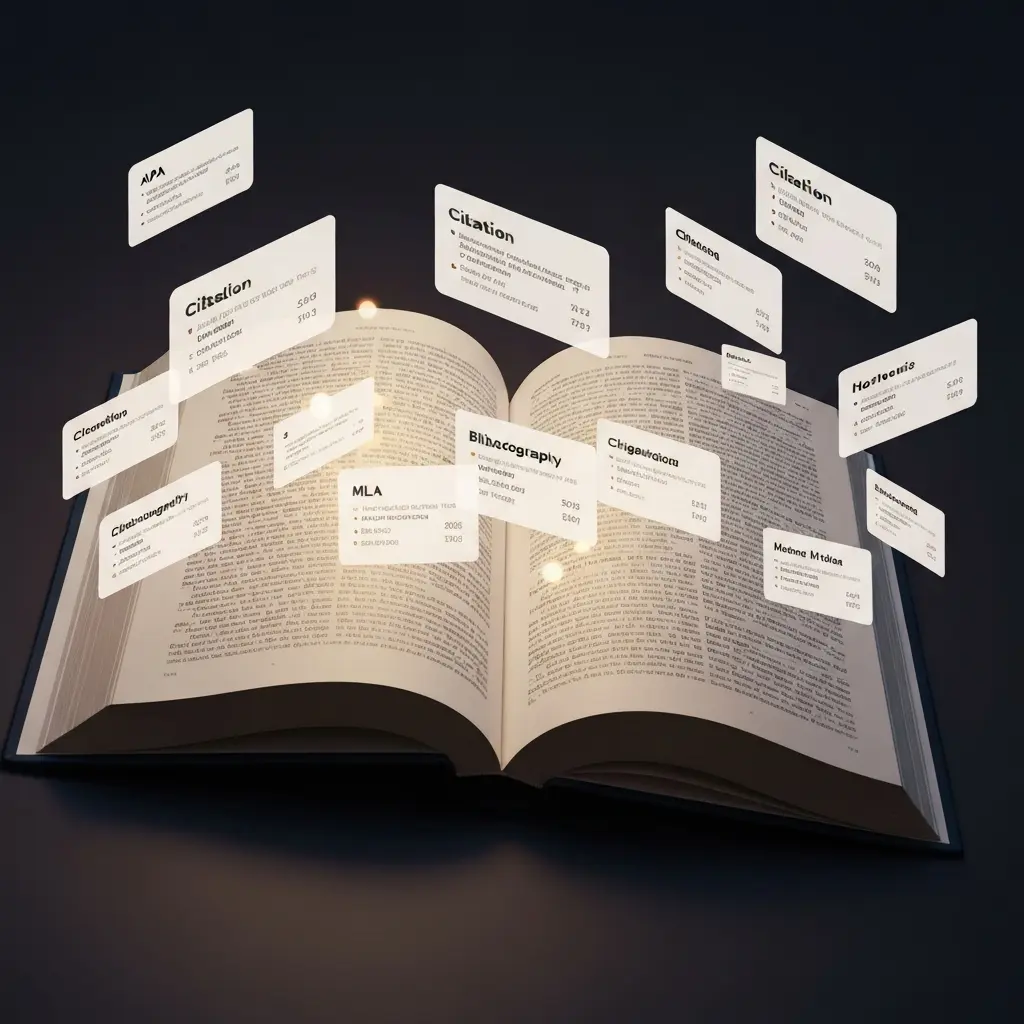
Best Citation Generators Compared 2026: Which One Is Right for Your Thesis?
Getting citations right is one of the most tedious and error-prone aspects of academic writing — and the best citation generators of 2026 have made it far less painful. Whether you are formatting 50 references for a master’s dissertation or 300 for a doctoral thesis, a reliable citation generator can save hours of manual formatting work and dramatically reduce the risk of citation errors that can cost you marks.
This comparison evaluates the leading citation generators for students across five criteria: citation accuracy, format coverage (APA, MLA, Chicago, Harvard), source type handling, workflow integration, and pricing. We have tested each tool with the types of sources students most commonly cite in academic work: journal articles, books, websites, conference papers, and government reports.
Full Comparison Table
| Tool | APA 7th | MLA 9th | Chicago 17th | Harvard | Word Integration | Price | Score |
|---|---|---|---|---|---|---|---|
| Tesify | Yes | Yes | Yes | Yes | Within platform | Included | 9.5/10 |
| Zotero | Yes | Yes | Yes | Yes | Word plugin | Free | 9.0/10 |
| EndNote | Yes | Yes | Yes | Yes | Word plugin | $249.95 (basic) | 8.5/10 |
| Cite This For Me | Yes | Yes | Yes | Yes | No | Free / $9.99/mo | 7.0/10 |
| MyBib | Yes | Yes | Yes | Yes | No | Free | 6.8/10 |
1. Tesify Auto Bibliography — Best for Thesis Writers
Tesify Auto Bibliography generates correctly formatted citations and complete reference lists directly within the Tesify thesis writing platform. Unlike standalone citation tools, it is integrated into your writing workflow — meaning you can add sources, generate citations, and check your bibliography without ever leaving the platform where you are writing your thesis chapters.
Why It Leads the Comparison
- Workflow integration: Citations are generated in context — when you add a source to a chapter, the bibliography updates automatically
- Verified source input: Tesify generates citations from sources you verify and input, not from AI-hallucinated references — eliminating the most common citation error in AI-assisted academic writing
- All major formats: APA 7th edition, MLA 9th edition, Chicago 17th edition, and Harvard referencing all supported
- No extra cost: Included in Tesify plans — no separate subscription needed alongside your thesis writing tool
Best for: Students writing theses and dissertations in Tesify who want seamlessly integrated citation management.
Score: 9.5/10
2. Zotero — Best Free Reference Manager
Zotero is the most widely used free reference manager among researchers and is genuinely excellent. It captures sources directly from your browser, stores them in an organised library, generates citations in over 10,000 citation styles, and integrates with Microsoft Word and Google Docs via a plugin.
Strengths
- Browser extension for one-click source capture from journal databases, library catalogues, and websites
- Over 10,000 citation styles including every major academic format
- Word and Google Docs integration for in-text citation insertion
- Cloud sync across devices
- Completely free for up to 300MB storage; paid plans for more
- Group libraries for collaborative research projects
Weaknesses
- Not integrated with AI writing tools — requires manual exporting of bibliographies
- Browser extension occasionally captures incomplete metadata requiring manual correction
- Learning curve for initial setup and configuration
Best for: Any student who wants professional reference management for free. Ideal as a companion tool to Tesify for students who want to manage large source libraries.
Score: 9.0/10
3. EndNote — Most Powerful Professional Reference Manager
EndNote is the reference management software of choice for most professional researchers and is widely used in institutional research departments. Its capability is exceptional — but its price point makes it less accessible to most students.
Strengths
- Direct integration with major academic databases (Web of Science, PubMed, Scopus)
- Advanced duplicate detection and reference deduplication
- Cite While You Write Word plugin is the most stable in the industry
- PDF annotation and management built-in
- Thousands of citation styles including discipline-specific formats
Weaknesses
- Price is prohibitive for most students: $249.95 for the basic version; institutions provide access via site licences
- Steep learning curve compared to Zotero or Tesify
- No integration with AI writing platforms
Best for: PhD students and researchers with institutional access, particularly those publishing in journals.
Score: 8.5/10 (reduced from 10 due to accessibility)
4. Cite This For Me — Most Popular for Quick Citations
Cite This For Me is one of the most visited citation tools on the web and is popular among undergraduate students for its simplicity. Enter a URL, ISBN, or DOI, and it generates a formatted citation in the style you select.
Strengths
- Extremely simple interface — no learning curve
- Supports all major citation formats
- Free tier for basic use
- Browser extension for quick web source capture
Weaknesses
- Accuracy issues — automatically populated citations frequently contain errors requiring manual correction
- No Word or Google Docs integration
- Free tier has limitations and ads
- Not designed for managing large libraries (100+ sources)
Best for: Undergraduate students needing quick citations for shorter papers. Not recommended as the primary citation tool for a thesis or dissertation.
Score: 7.0/10
5. MyBib — Best Free Quick Citation Tool
MyBib is a completely free, ad-light citation generator that produces cleaner results than Cite This For Me’s free tier. It supports all major citation formats and allows you to export your bibliography as plain text, Microsoft Word, or Google Docs format.
Strengths
- Completely free — no premium tier
- Clean, minimal interface
- DOI lookup and ISBN lookup for quick journal and book citations
- Export to Word, Google Docs, and plain text
Weaknesses
- No reference library management — you cannot build a persistent source library across multiple sessions
- Accuracy issues with complex source types (government reports, edited volumes, conference proceedings)
- No Word or Google Docs live integration
Best for: Students needing a free, quick citation generator for shorter papers or for checking individual citations.
Score: 6.8/10
Which Citation Generator Should You Use?
The right choice depends on where you are in your academic journey:
- Writing a thesis or dissertation: Tesify Auto Bibliography — integrated with your writing tool, verified citations, all major formats
- Managing a large research library alongside writing: Zotero — the best free research management tool available
- Working in a research institution or lab: EndNote — if provided by your institution
- Quick citations for shorter papers: MyBib (free) or Cite This For Me
No matter which tool you use, always verify every citation independently before submission. Citation generators can and do make errors — particularly with edge case source types like unpublished manuscripts, social media posts, and government reports.
Tesify’s citation tools are available to students across Europe through localised platforms: France, Germany, Spain, and Portugal/Brazil.
Frequently Asked Questions
What is the best citation generator for students in 2026?
For thesis and dissertation writing, Tesify Auto Bibliography is the best citation generator, offering APA, MLA, Chicago, and Harvard formatting integrated into the thesis writing workflow. For free standalone reference management, Zotero is the strongest option. For quick individual citations, MyBib is the best free tool.
Is Zotero better than EndNote?
For most students, Zotero is the better choice: it is free, open-source, and provides essentially the same core functionality as EndNote. EndNote’s advantages — deeper database integration, more robust long-term library management, PDF handling — are primarily relevant to professional researchers and PhD students with institutional access to EndNote.
How accurate are citation generators?
Citation generator accuracy varies significantly. Tools that retrieve metadata directly from DOI or ISBN databases (like Zotero and Tesify) are more accurate than tools that scrape web page metadata. Common errors include missing volume/issue numbers, incorrect capitalisation, wrong author name formatting, and missing DOIs. Always verify every generated citation before including it in your thesis.
Does Zotero work with Microsoft Word?
Yes. Zotero has a plugin for Microsoft Word (and LibreOffice) that allows you to insert in-text citations and generate bibliographies directly in your document as you write. The plugin updates your bibliography automatically when you add or remove sources. A Google Docs integration is also available but has more limited functionality than the Word plugin.
Can citation generators create APA 7th edition references?
Yes — all major citation generators support APA 7th edition. Tesify Auto Bibliography, Zotero, EndNote, Cite This For Me, and MyBib all offer APA 7th edition formatting. However, accuracy varies: always verify that DOIs are formatted as full hyperlinks, that all authors are listed (up to 20), and that publisher location has been omitted — common errors in APA 6th/7th edition transitions.
Is it academic misconduct to use a citation generator?
No. Using citation generators for reference formatting is universally accepted at all universities. Citation management tools like Zotero, EndNote, and Tesify Auto Bibliography have been standard academic tools for decades. The only citation-related misconduct involves citing sources you have not read, including fabricated citations, or misrepresenting what sources say.
What is the difference between Cite This For Me and MyBib?
Both are free web-based citation generators with similar functionality. MyBib is fully free with no premium tier or advertising-heavy interface. Cite This For Me has a free tier with ads and a premium tier ($9.99/mo) with unlimited citations and Google Docs integration. For most students, MyBib’s clean free experience is preferable to Cite This For Me’s ad-supported free tier.
Can I use Zotero for Harvard referencing?
Yes. Zotero supports Harvard referencing, but because “Harvard” is a family of loosely related styles without a single governing manual, there are many Harvard variants. Zotero’s style repository includes multiple Harvard variants. Check which specific Harvard format your institution requires before selecting the Zotero style — your department’s handbook should specify which variant to use.
How do I cite a website in APA 7th edition?
Website citation format: Author, A. A. (Year, Month Day). Title of page. Site Name. URL. If there is no individual author, use the organisation name. If the author and site name are the same organisation, omit one. Retrieved from dates are generally not needed for stable web content. Example: World Health Organization. (2024). Mental health statistics. https://www.who.int/mental-health
Should I use Zotero or Tesify for my thesis bibliography?
If you are writing your thesis in Tesify, use Tesify Auto Bibliography for seamless integration — your citations are generated in the same environment where you write. If you prefer to write in Microsoft Word or Google Docs, Zotero’s Word plugin provides the most robust standalone reference management. Many students use both: Zotero to manage and organise their source library, and Tesify to generate the final formatted bibliography for their thesis document.
Generate Perfect Citations for Your Thesis
Tesify Auto Bibliography formats your references in APA, MLA, Chicago, and Harvard — integrated directly into your thesis writing workflow. No separate tools needed.





Leave a Reply